Quick Summary
- Cost has four parts: audit, remediation, validation and upkeep.
- Published ranges for a small site run from about $1,500 to $7,500 for the whole project.
- Remediation is the swing factor, and your own developer can often do it at normal rates.
- Template count drives price more than page count, so count templates before you ask for quotes.
Nobody publishes one price for accessibility work, because it depends on how many page types you have, how complex they are and who fixes the findings. When a client asks me what it costs, I split the answer into four parts: audit, remediation, validation and upkeep. A fair ADA compliance consulting quote shows all four.
This article gives you the formula I use, published price ranges from accessibility firms, a worked example and the factors that move a budget. Figures come from vendor pages and will vary, so use them to judge quotes, not to replace them.
The Formula I Use
First-year cost = audit + remediation + validation + tools, plus a 15 to 20% buffer for findings that surface late.
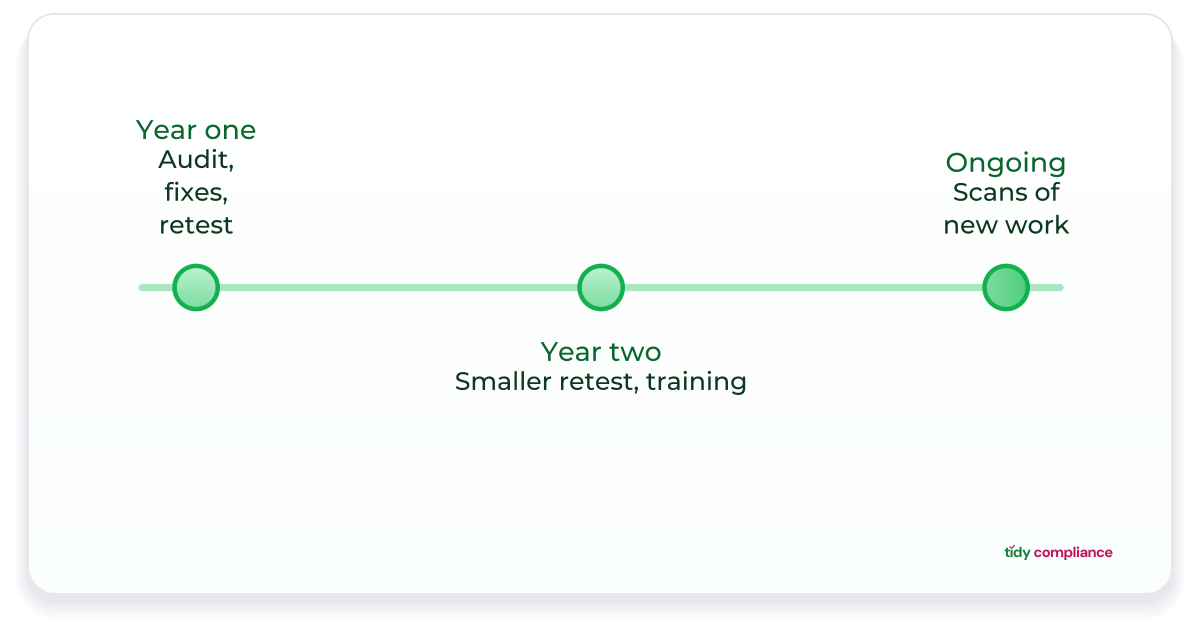
After the first year, the formula shrinks to scans, retests of new work, training and a small allowance for fixes. Sites that ship changes often, such as stores with weekly promotions, spend more on upkeep than brochure sites that change twice a year.
What Each Part Costs
These ranges come from published guides by accessibility vendors, including Accessible.org and AudioEye. The two do not agree on every number, which shows how much pricing depends on scope.
| Cost item | Published range | What drives it |
|---|---|---|
| Expert audit, small site | $1,250 to $5,000 | Templates, flows, WCAG version |
| Expert audit, mid-size site | $5,000 to $20,000 | Number of unique templates, forms, apps |
| Expert audit, enterprise | $20,000 and up | Many properties, logins, complex apps |
| Remediation by outside developers | $100 to $200 an hour, often 15 to 40 hours | Issue count, code quality, platform |
| Document fixes (PDFs, slides) | From about $7 a page | Page count, tagging, tables |
| Validation and retest | Often a few hundred dollars | Size of the fix list |
| Monitoring tools | From about $19 a month to $15,000 a year for enterprise packages | Pages scanned, features, support |
Remediation is the line that surprises people. An audit tells you what is wrong, and somebody still has to change code, templates and content. If your quote does not say who does that, ask before you sign.
A Worked Example: Small Online Shop
Here is how the formula looks for an illustrative shop with 40 product pages, five page templates, a cart and a checkout. The numbers are mid-range assumptions, not a client result.
| Item | Assumption | Amount |
|---|---|---|
| Expert audit | Five templates, cart, checkout | $3,000 |
| Remediation | 25 developer hours at $125 | $3,125 |
| PDF and document fixes | 20 pages at $7 | $140 |
| Validation | Retest of fixed items | $400 |
| Monitoring tool | Monthly scanner, 12 months | $300 |
| Buffer | About 15% | $1,000 |
| First-year total | $7,965 |
In year two the same shop pays for a smaller retest, training and the tool, which often lands at a quarter to a third of year one if the site does not change much. A redesign resets part of the work.
Six Factors That Move Your Budget
Every quote I review is shaped by the same six things. Know where you stand on each and you can predict which end of the range you will fall into.
- Template count: audits price by unique page types more than by total URLs.
- Interactive features: checkout, booking, filters, maps and dashboards take longer to test.
- Platform: a standard theme is easier to fix than hand-written code or an old builder.
- Content volume: many PDFs, videos and images raise content remediation.
- Who fixes: in-house developers cost less in cash than an outside team.
- Standard: WCAG 2.2 level AA covers a bit more than 2.1 level AA.
Project, Retainer or Hourly
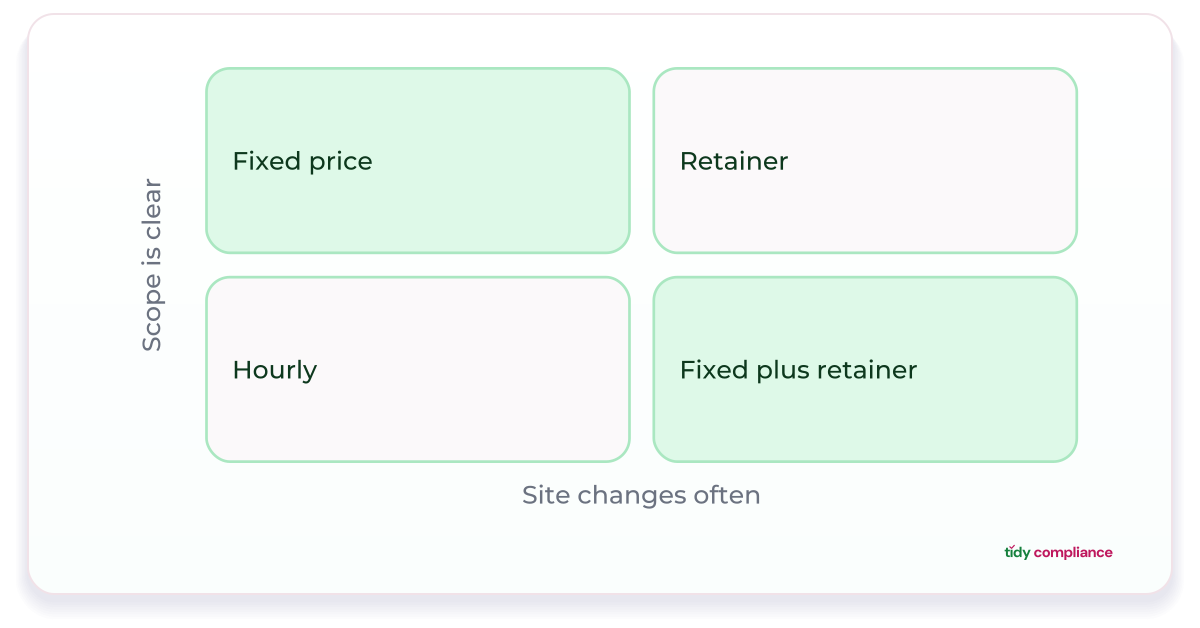
A fixed-price audit works when the scope is clear. A retainer fits sites that change often and need a standing contact for questions, new page reviews and quarterly retests. Hourly work suits small tasks, such as checking one form, but it is hard to budget for a full program.
I usually advise a fixed price for the first project and a small retainer afterward. Ask what happens when retainer hours run out, and whether hours carry over.
| Model | Best for | Watch for |
|---|---|---|
| Fixed-price audit | First review of a defined site | Scope that excludes checkout or PDFs |
| Monthly retainer | Sites that change often | Unused hours that expire |
| Hourly | One-off checks and second opinions | Open-ended totals |
What Tools Cost, and What They Do Not Cover
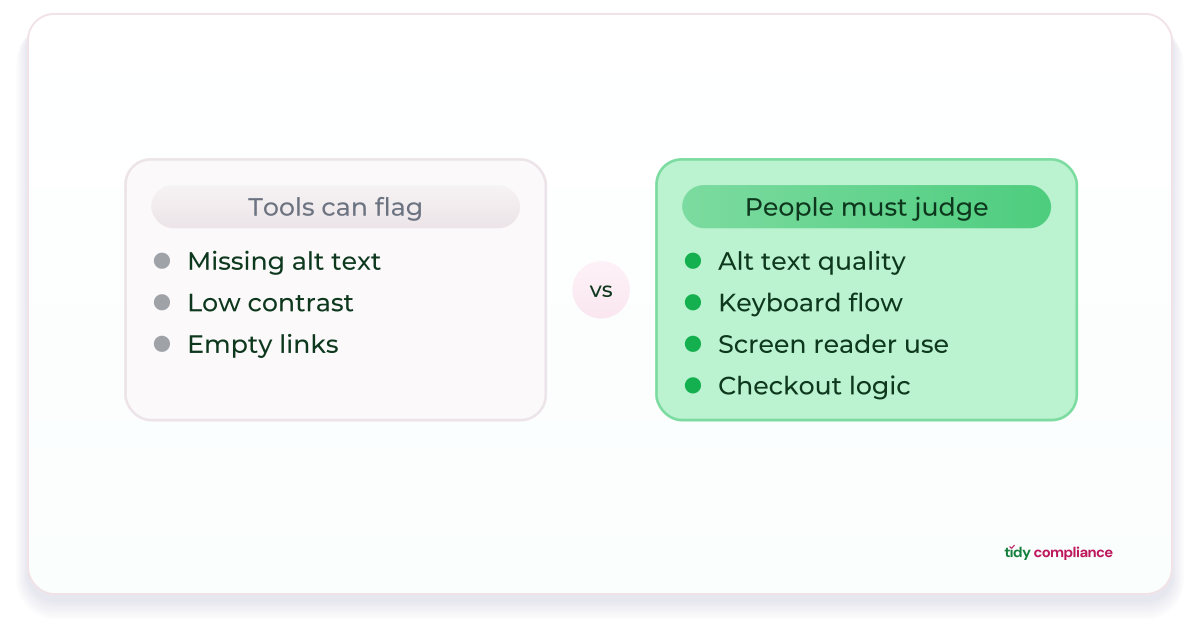
Scanners and monitoring platforms start at a low monthly price for one project and reach five-figure yearly packages for enterprises. They help you spot regressions between audits. They do not replace human testing, and they do not repair your code. Compare options in my ranking of ADA compliance tools.
Overlay widgets sit at the bottom of the price range, around $50 a month in one published guide, and the same guide calls them insufficient. I agree. If budget is tight, spend it on fixing your templates and your checkout, which helps real customers.
Costs Nobody Puts in the Quote
Staff time is the largest hidden cost. Someone has to answer auditor questions, approve content changes and test fixes. For a small team, that can be several hours a week for a few weeks. Plan for coverage, or the project drags.
Retesting is a second hidden item. Fixes sometimes create new problems, and a quote without a recheck leaves you with unverified work. Ask for retest hours in writing.
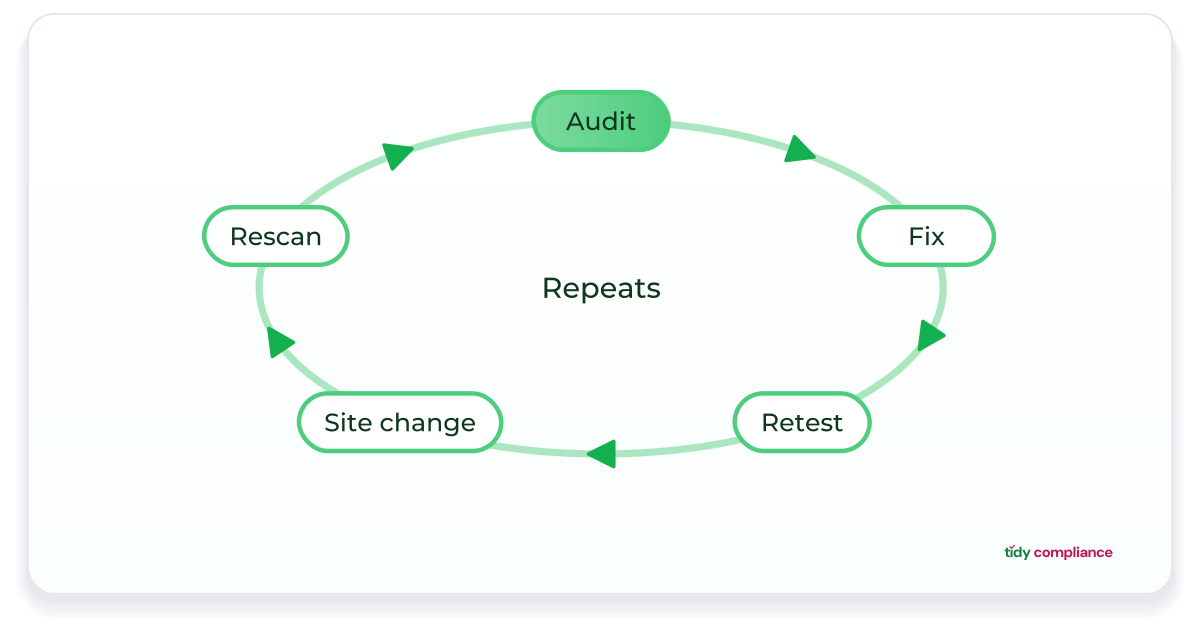
The third is change. A redesign, new theme or new booking tool can reset your results. Build a short accessibility check into your website change process so you pay for small checks instead of another full audit. The method in ADA compliance audit shows what a review looks at, which helps you judge what a quote covers.
What Doing Nothing Can Cost
One vendor guide estimates that typical accessibility lawsuit settlements run from $25,000 to $50,000, with around $20,000 in legal fees on top. That figure comes from a vendor with an interest in the topic, so use it as a rough scale. Your own risk depends on your industry, your site and where you operate, and your attorney can speak to it.
Beyond legal costs, an inaccessible checkout loses customers who cannot finish a purchase. People with disabilities are a large group of customers, and a site that blocks them is turning away revenue.
Ways to Spend Less Without Cutting Corners
Fix the simple wins yourself: alt text, labels, link text and contrast. The list in ADA compliance for small business shows eight. Buy an expert audit only for the flows that matter most. Bring your developer into the audit kickoff so fixes start immediately. Follow the habits in ADA compliance best practices so that you do not pay to clean up the same issues again next year.
Before you commit, get a readiness view with the ADA compliance assessment guide. Knowing your template count and your key flows will make every quote easier to compare.
Reading a Quote Line by Line
A good quote turns the formula into line items. Look for the standard and version, such as WCAG 2.2 level AA, the number of templates and flows covered, the testing methods used and the format of the report. Check whether the price includes a walkthrough call with your developers, since the call often saves hours of misunderstanding during fixes.
Then look at what is missing. Many quotes leave out PDFs, embedded third-party tools such as booking widgets, and mobile apps. They may also leave out the retest, which is where you learn whether a fix worked. If an item is missing, ask for a price or an explicit exclusion in writing, so you can plan the budget.
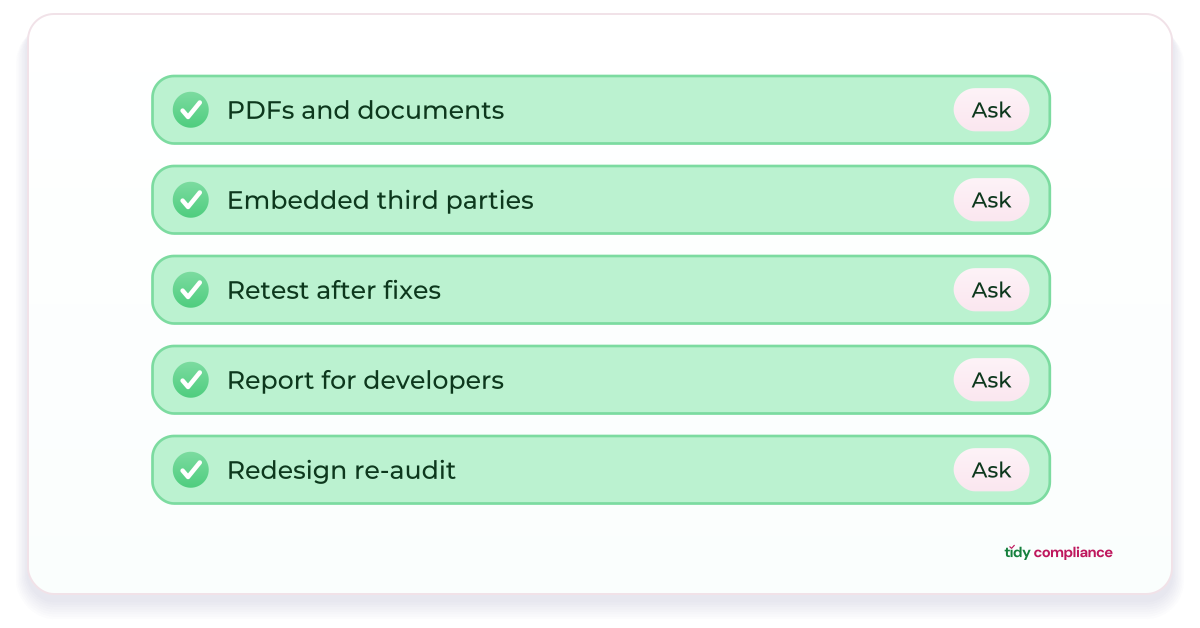
Finally, compare the effort estimate with your own team's capacity. A report with 200 findings is useless if your developer has two hours a week. Ask the provider to group findings by template and to mark which ones can be fixed in your theme settings, which in code and which in content. That grouping is often worth more than the audit's page count.
A last practical tip is to ask for the audit report in a form your developers can use. A spreadsheet or tracker export with one row per issue, the affected template, the failing criterion, a screenshot and a suggested fix lets your team assign work immediately. A long PDF forces someone to retype every finding, which adds hours and mistakes, and those hours show up on your invoice as remediation time.
If you manage several sites, ask whether a shared component library or theme is involved. Fixing a button, menu or form once in a shared component repairs every site that uses it, and a good provider will price the work that way. Without that structure, you may pay for the same fix on each property, so say how your sites are built when you request quotes.
How to Compare Quotes
Ask each provider to list deliverables, standard, scope, retest and who does the work. Put the quotes side by side on the same four parts.
- A named standard, such as WCAG 2.2 level AA
- A list of the templates and flows covered
- Manual and screen reader testing, not only a scan
- A retest after your fixes
- No promise that you will avoid complaints, since nobody controls that
Sources
Accessible.org: cost guide, AudioEye: what digital accessibility costs.
Questions About ADA Compliance Costs
How Much Does ADA Website Compliance Cost?
Published figures from accessibility firms range from roughly $1,500 to $7,500 for a typical small website, covering an audit, fixes and a recheck. Mid-size and enterprise sites cost more, with audits alone often running from several thousand dollars into five figures. Your quote depends on template count, features and who makes the fixes.
How Much Does an Accessibility Audit Cost?
Vendors list expert audits for small sites at about $1,250 to $5,000, mid-size sites at $5,000 to $20,000 and large sites above that. Per-page pricing of about $100 to $250 for complex pages appears in one published guide. Always ask what the audit covers and whether a recheck is included.
Is ADA Compliance a One-Time Cost?
No. A site changes every week, so new content, plugins and redesigns bring new issues. Plan for a first project and then a smaller yearly budget for scans, retests and training.
Are Accessibility Overlays a Cheaper Option?
Overlay widgets are priced around $50 a month at the low end, but accessibility specialists warn that they do not fix underlying code. Plan to fix templates and content, and use a widget, if at all, as an extra.
What Does It Cost If I Ignore It?
One vendor guide estimates typical accessibility lawsuit settlements at $25,000 to $50,000, plus legal fees and staff time. That figure comes from a vendor, so treat it as an indication, and ask your attorney about your own exposure.
Can My Current Developer Do the Fixes?
Often yes. With a clear audit report, many developers can fix issues at their normal rates, commonly 15 to 40 hours for a small site in published guides. A specialist can verify the work afterward.
Do I Need to Pay for VPAT or User Testing?
Only if your customers ask for them. Larger buyers and public sector clients often request a conformance report, and user testing with assistive technology adds confidence for key flows. Published prices for a VPAT start around a few hundred dollars from some firms.
Disclaimer: This article is for general information only and isn’t legal, financial or tax advice. Treat figures as estimates from typical work and confirm details with your providers before you act.
Was this guide helpful?
Thanks for your feedback.
Odessa Whitfield
Odessa leads the Tidy editorial team and works with the compliance consultants to turn real client projects into practical guides on regulations, frameworks, policies and audit preparation. Before joining Tidy, she worked in compliance and risk roles, writing and maintaining policy sets for regulated organizations. Every article goes through a consultant who has done the work in practice, and she updates guides when a rule, framework or tool changes. She works remotely from the United States.