Quick Summary
- Free and low-cost consent tools fix the visible duties on a small site.
- Enterprise suites such as OneTrust and TrustArc suit programs with many owners and regions.
- Software organizes the work and does not replace a data map or vendor agreements.
- Large platforms publish no prices, so get written quotes and check current plans.
The Best GDPR Compliance Tools at a Glance
| Tool | Type | Best for |
|---|---|---|
| 1. CookieYes | Consent banner | Small sites that want a free or low-cost banner |
| 2. iubenda | Policies and consent | Sites that need legal texts and consent from one vendor |
| 3. Termly | Policies and consent | Very small budgets that want a free plan |
| 4. Cookiebot | Consent management | Larger sites with a long-tested scanner |
| 5. Enzuzo | Consent and requests | Small teams that also need request handling |
| 6. Osano | Privacy platform | Mid-sized teams that want consent, requests and vendor monitoring |
| 7. Didomi | Consent and preferences | Brands and publishers with several sites and apps |
| 8. OneTrust | Enterprise privacy suite | Programs with many owners, regions and vendors |
| 9. TrustArc | Enterprise privacy suite | Teams that need assessments and program reporting |
The 9 Best GDPR Compliance Tools, Ranked
I start with free and low-cost tools that fix the visible duties on a small site, then move to platforms for larger programs. Software only covers part of GDPR. In my GDPR compliance consulting work, the data map, vendor agreements and request owner matter more than the logo on the dashboard, and my guide to a GDPR compliance audit shows how to check them.
CookieYes
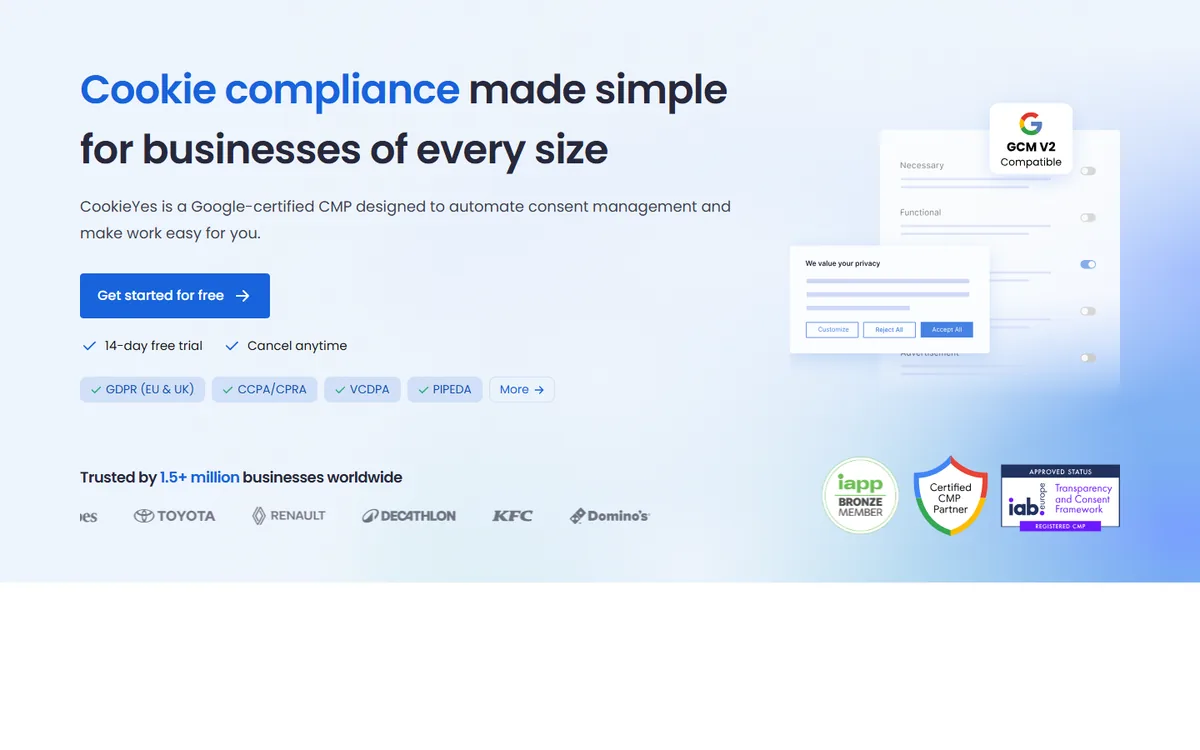
The Easiest Starting Point for a Small Site That Needs a Compliant Cookie Banner Today
CookieYes is a consent management tool that scans your site, shows a cookie banner and keeps consent records, with a free plan for small sites.
CookieYes does one job well: it finds the cookies on your site, sorts them into categories and shows visitors a banner with real choices. For a small business that only needs consent handled, setup takes under an hour, and a free plan lets you test it before you pay anything.
It does not replace a data map, vendor agreements or a request process. I recommend it when consent on the website is the gap, and I still check in a private window that tags wait for the visitor's choice.
What I Like About CookieYes
- Free plan and low-priced paid tiers
- Quick setup with automatic cookie scanning
- Simple dashboard a non-technical owner can manage
What I Don’t Like About CookieYes
- Covers consent and cookies, not the wider GDPR program
- Prices rise per domain as traffic grows
CookieYes Pricing
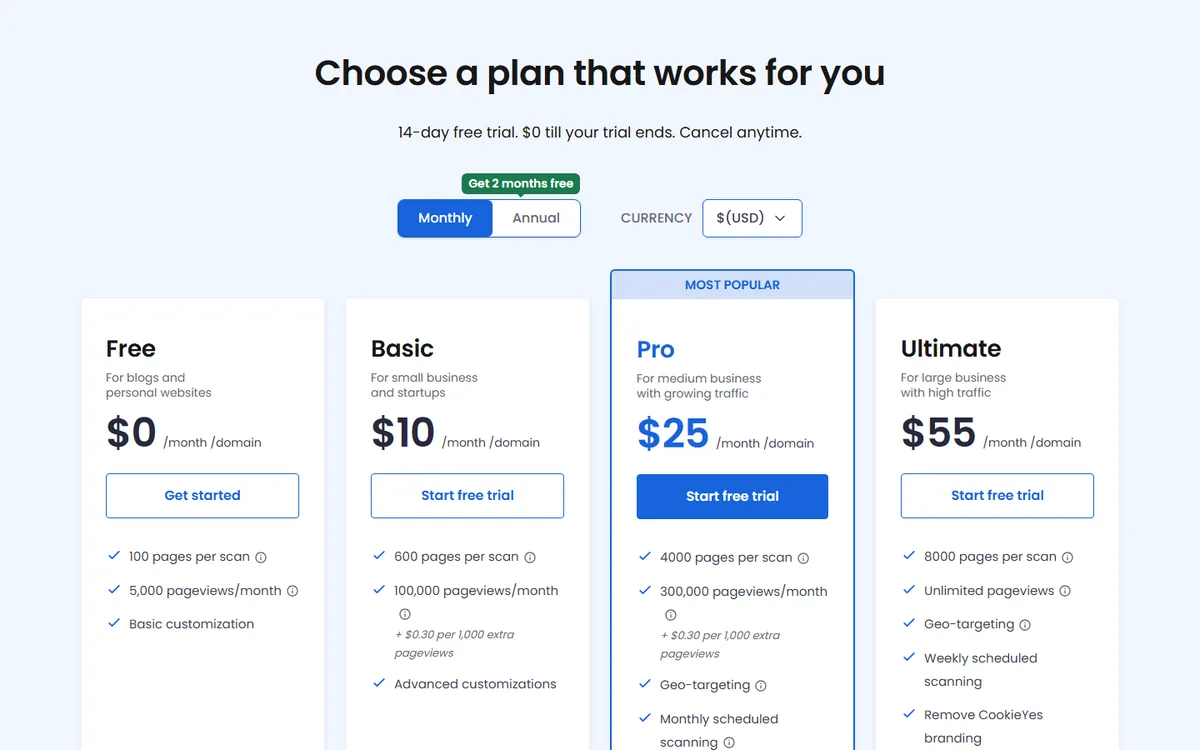
CookieYes lists Free at $0 a month, Basic at $10, Pro at $25 and Ultimate at $55, all per domain. Annual billing gives two months free, and paid plans include a 14-day trial. Confirm current plans on the vendor page.
CookieYes Reviews
- G2: 4.8 out of 5 star rating (from 327 user reviews)
iubenda
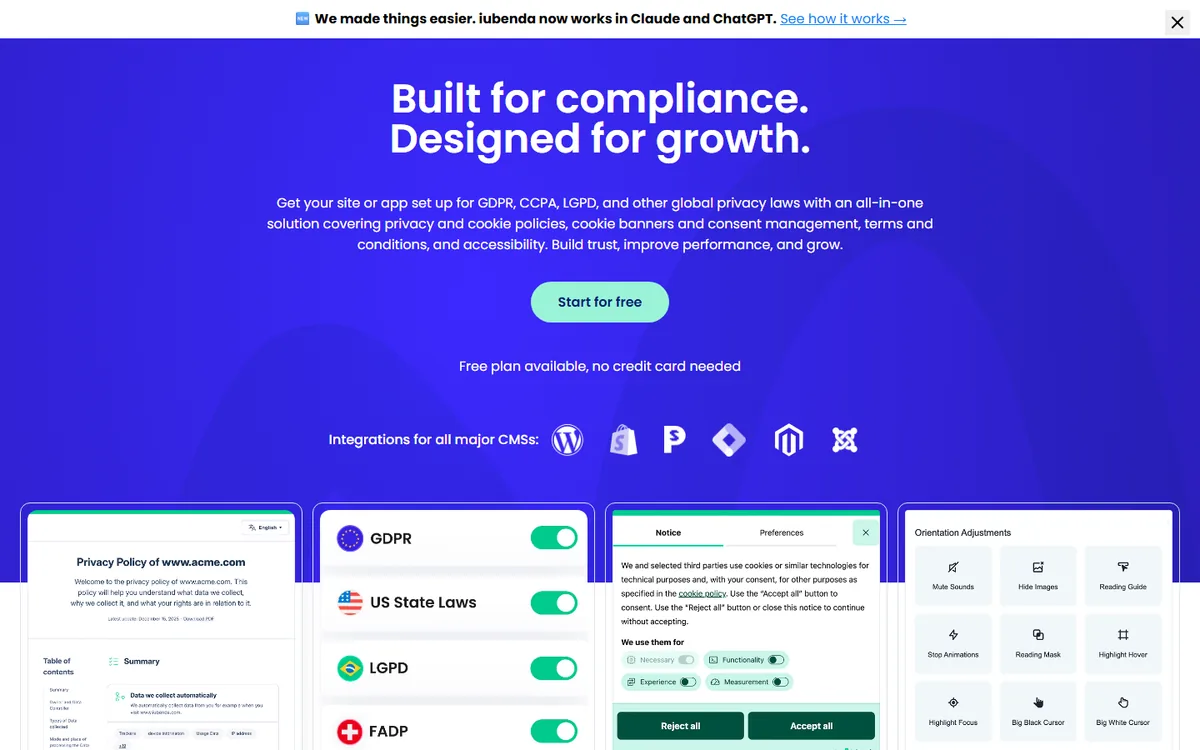
A Strong All-in-One Pick When You Need Policies, Consent and Records From One Vendor
iubenda combines a privacy and cookie policy generator, a consent solution and records of consent in one subscription priced per site.
iubenda started as a policy generator and added consent management, which is why it suits sites that need both legal texts and a banner. The generated policies update as you switch on features, and the consent records give you a trail to show a customer.
Policy text from any generator still has to match your real setup. I advise running the generated notice against your data map before you publish it, and having a professional review it if you handle sensitive data.
What I Like About iubenda
- Policies and consent in one account
- Low entry price per site
- Free plan available to try the basics
What I Don’t Like About iubenda
- Higher tiers jump in price quickly
- Generated text needs checking against your actual practices
iubenda Pricing
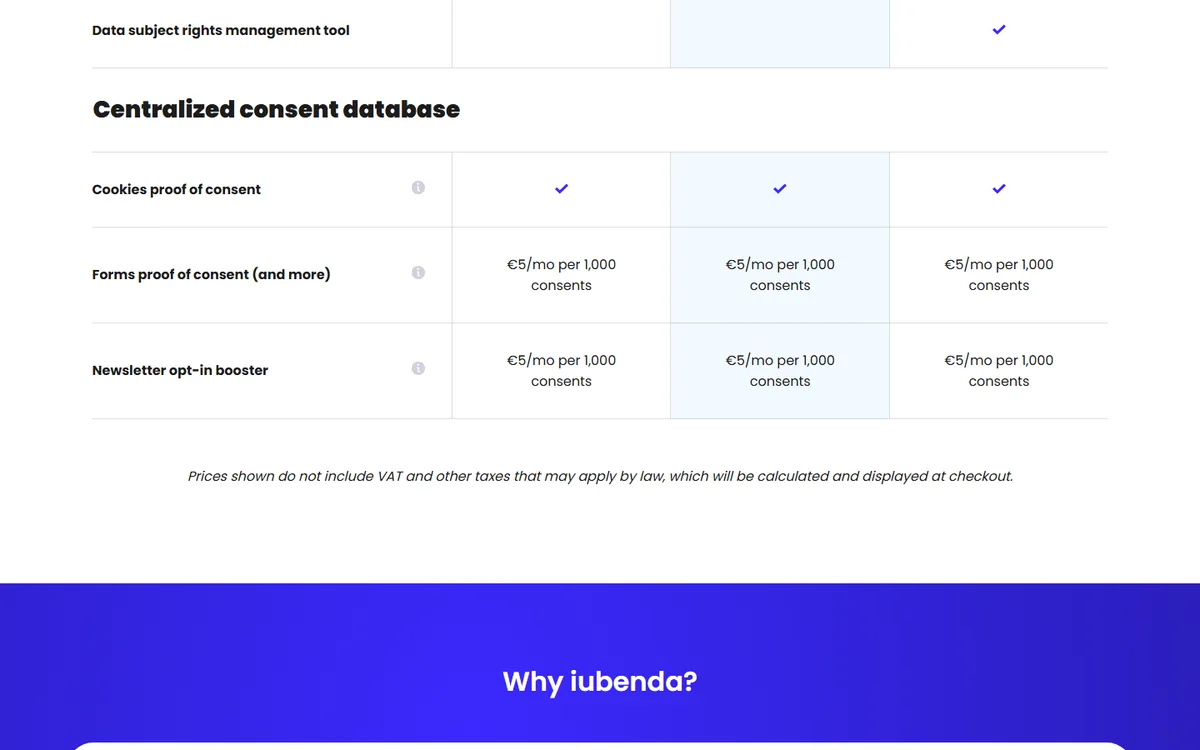
iubenda lists Essentials at $6.99 a month, or $5.99 billed yearly, Advanced at $27.99 or $24.99 yearly and Ultimate at $119.99 or $99.99 yearly, per site and excluding VAT. A free plan is offered and all plans can be tried for 14 days.
iubenda Reviews
- G2: 4.5 out of 5 star rating (from 71 user reviews)
Termly
A Budget-Friendly Policy and Consent Bundle With a Usable Free Plan
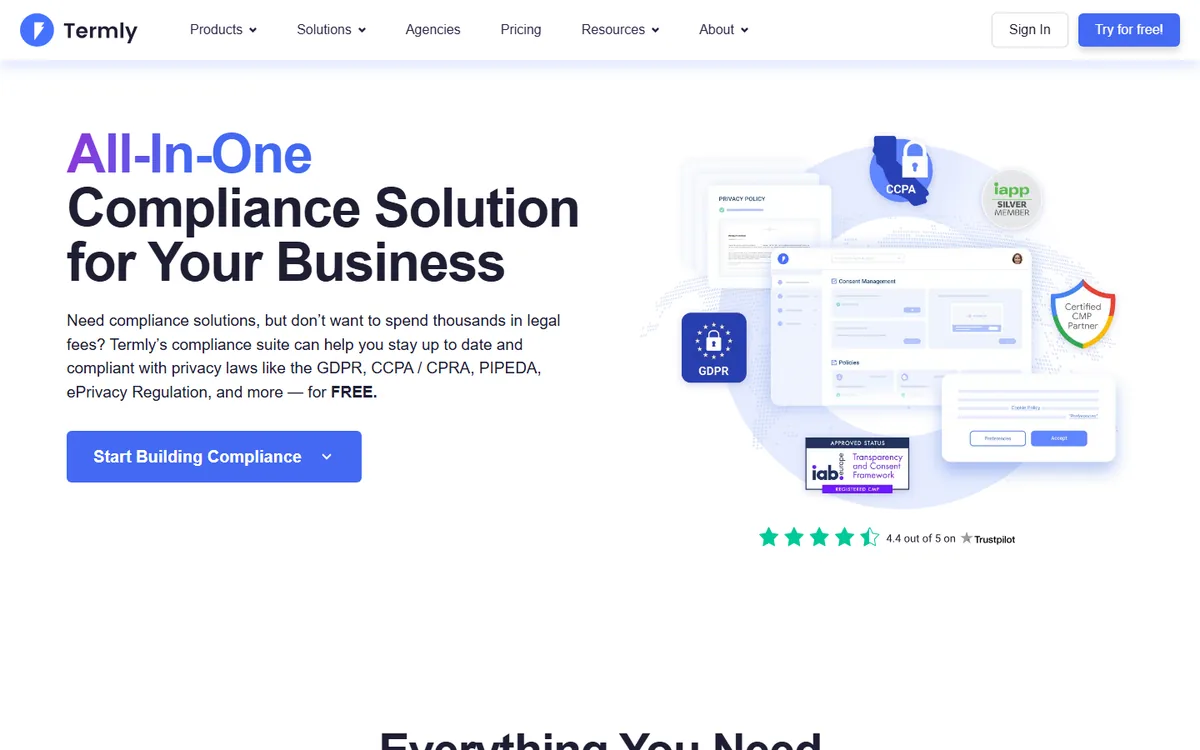
Termly offers a consent banner, cookie scans and legal policy generators, with a free plan and low-cost paid plans per website.
Termly is the tool I point very small sites to when budget is the first constraint. The free plan includes one basic policy and a banner with a monthly view limit, and the paid plans lift those limits and add scanning and more policies.
Banner views are the limit that bites first on a busy site, so check your traffic before you rely on the free tier. As with any generator, the text should follow what you actually collect.
What I Like About Termly
- Free plan with a policy and a banner
- Paid plans priced low per website
- Policy generators for several document types
What I Don’t Like About Termly
- View limits on the free and Starter plans
- Few public reviews so far on G2
Termly Pricing
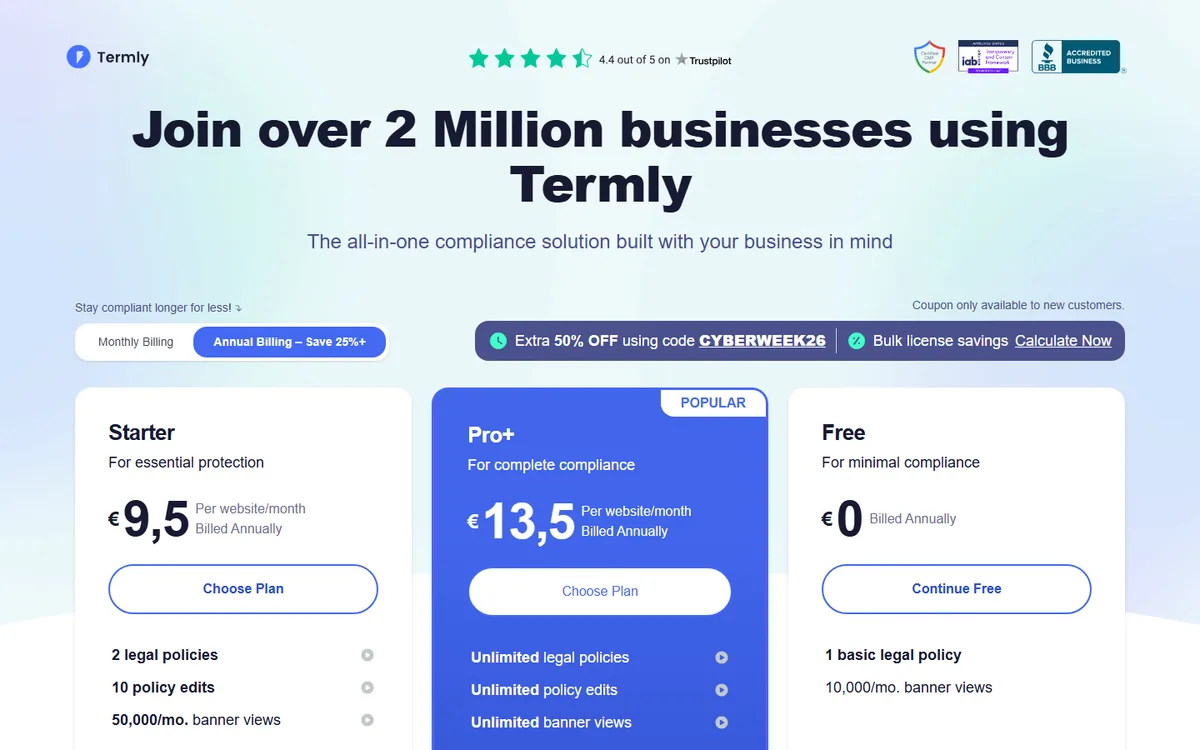
Termly lists Free at $0, Starter at $10 a month billed annually ($14 monthly) and Pro+ at $15 billed annually ($20 monthly), per website. Free includes 10,000 monthly banner views and quarterly cookie scans. Agency plans are custom.
Termly Reviews
- G2: 4.3 out of 5 star rating (from 45 user reviews)
Cookiebot
A Mature Consent Platform With Size-Based Plans and a Free Tier for Small Sites
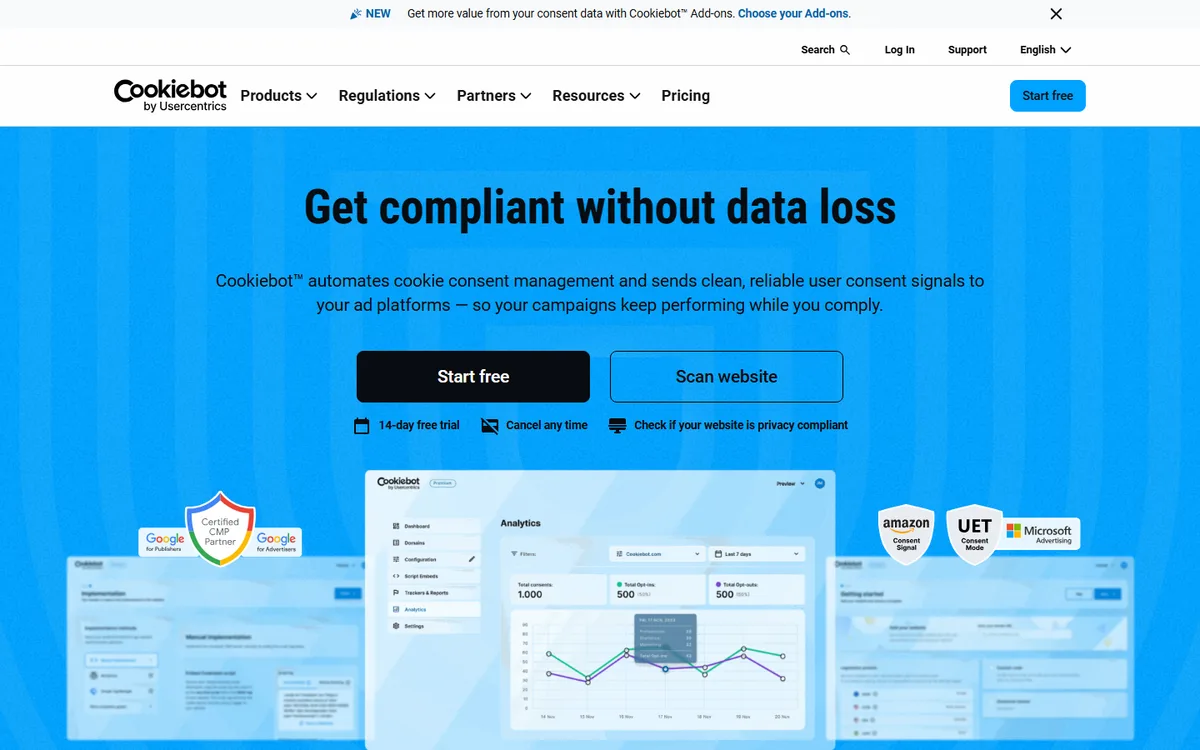
Cookiebot by Usercentrics scans your site for cookies and trackers, shows a consent banner and stores consent proof, with plans scaled by number of subpages.
Cookiebot has been around long enough to have a well-tested scanner and wide platform support. Plans scale by the number of subpages on a domain, which suits sites with predictable size and costs more for large shops and publishers.
I use it when a client has a larger site and wants a consent tool with a long track record. Its enterprise sibling, Usercentrics Advanced, is quoted by sales and runs on traffic or sessions.
What I Like About Cookiebot
- Proven scanner and consent records
- Free plan for one domain up to 50 subpages
- Clear size-based tiers
What I Don’t Like About Cookiebot
- Cost rises with subpage count
- Yearly and monthly prices need checking on the page
Cookiebot Pricing
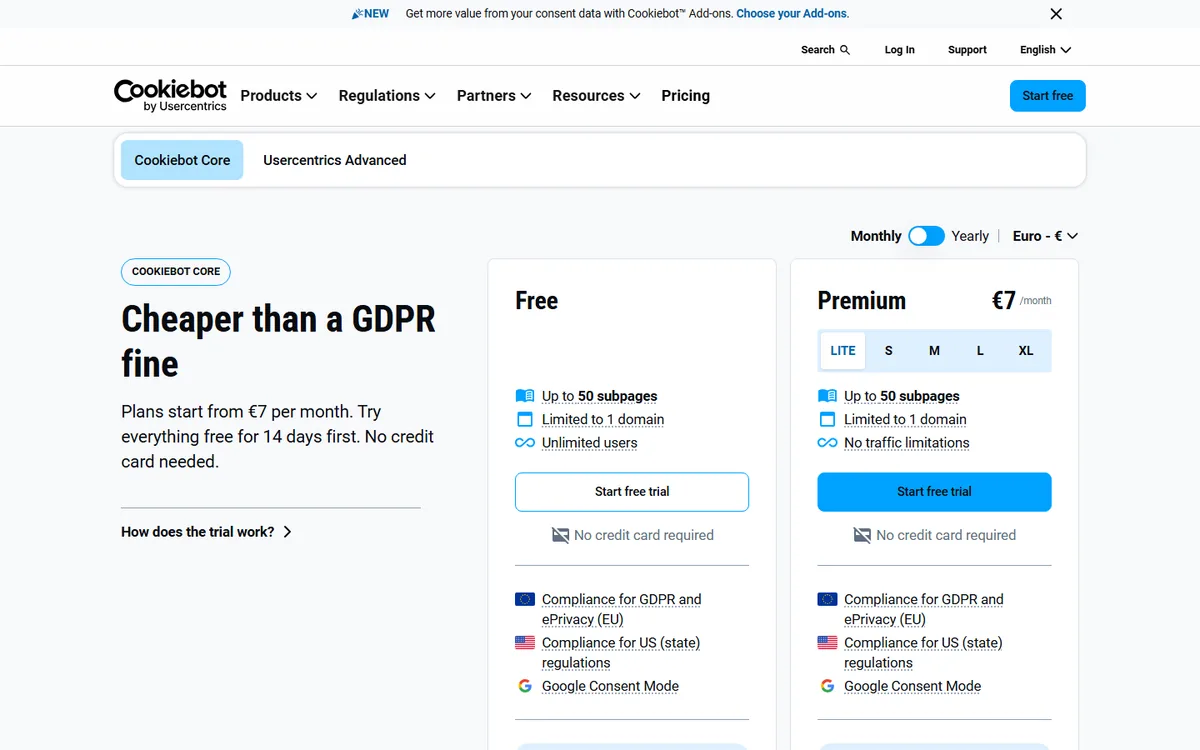
Cookiebot lists Premium Lite at $10 per domain a month, Small at $20, Medium at $43, Large at $70 and XLarge at $120. A free plan covers one domain and up to 50 subpages. Usercentrics Advanced is quoted on request.
Cookiebot Reviews
- G2: 4.2 out of 5 star rating (from 217 user reviews)
Enzuzo
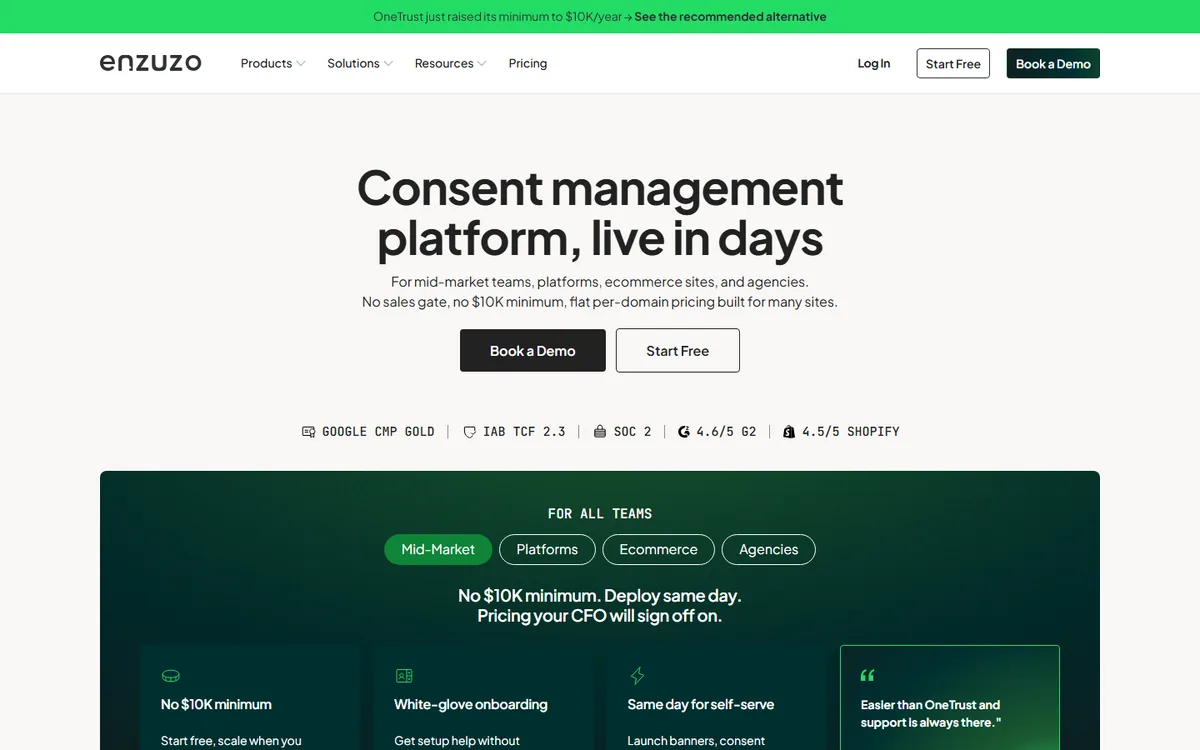
A Good Fit for Small Teams That Want Consent and Request Handling Together
Enzuzo combines a cookie consent banner, a data subject request portal and policy generators with a free plan for one domain.
Many small teams get stuck on requests more than on cookies, and Enzuzo bundles a request intake form and tracking with the banner. That puts both visible duties in one dashboard with a lower learning curve than a large privacy suite.
The review base on G2 is small, so ask for a trial and judge the workflow yourself. Pair it with your own owner for requests, because a portal does not decide who answers.
What I Like About Enzuzo
- Consent and request handling in one tool
- Free plan for one small domain
- Pricing is published
What I Don’t Like About Enzuzo
- Only 18 reviews on G2
- Pricing page has small inconsistencies, so confirm the final price at checkout
Enzuzo Pricing
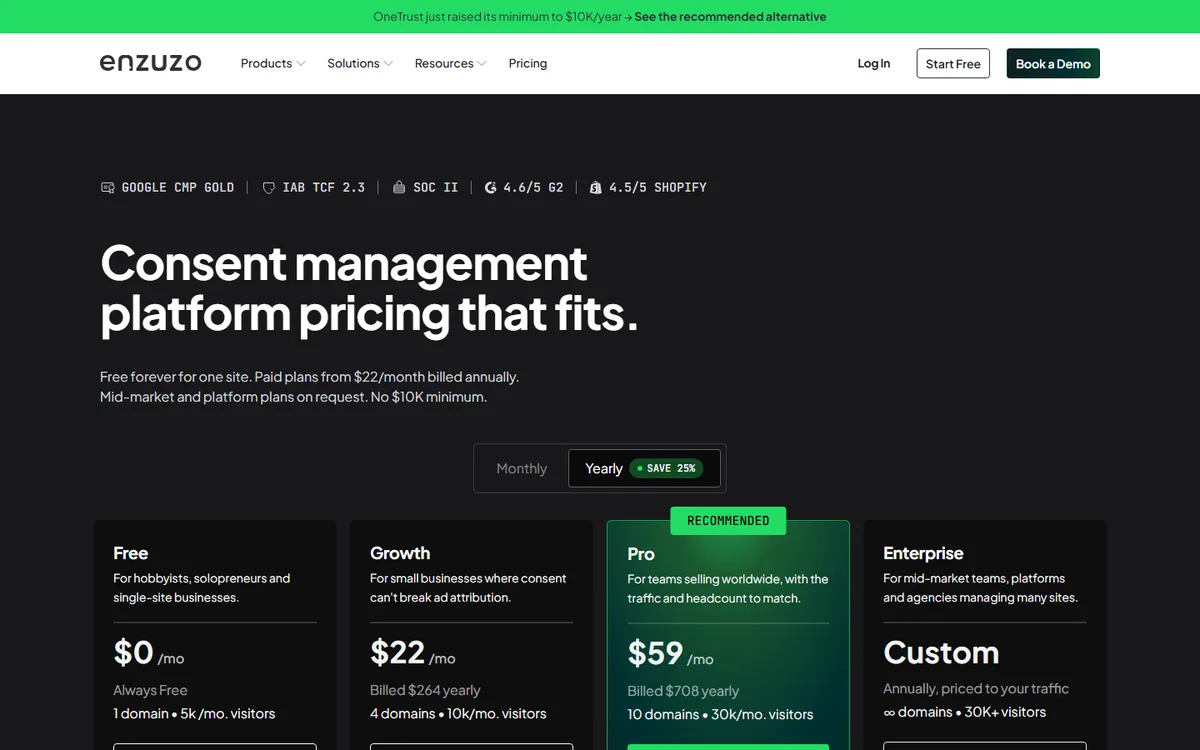
Enzuzo lists Free at $0 for one domain and 5,000 visitors, Growth at $29 a month ($22 billed annually) and Pro at $79 a month ($59 billed annually). Enterprise is custom. Confirm limits on the vendor page.
Enzuzo Reviews
- G2: 4.6 out of 5 star rating (from 18 user reviews)
Osano
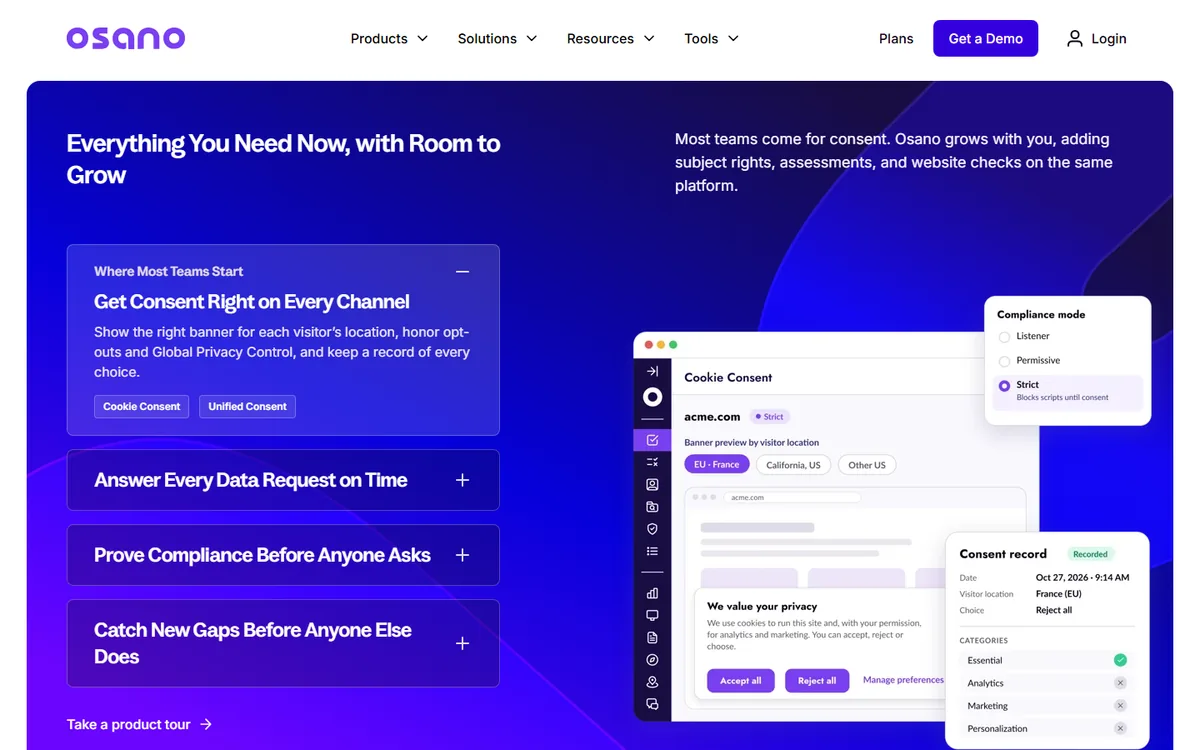
A Privacy Platform for Mid-Sized Teams That Want Consent, Requests and Vendor Monitoring Together
Osano is a privacy platform with consent management, data subject request handling and vendor monitoring, sold through demos and self-service plans.
Osano sits between a simple banner tool and a large enterprise suite. It suits a mid-sized team that wants one place for consent, requests and a view of the vendors it uses.
The pricing page I read did not list plans, and the main route is a demo. Ask for a written quote that names the modules, the number of domains and the renewal terms.
What I Like About Osano
- Broader scope than a banner-only tool
- A 30-day free trial is offered
- Solid review base on G2
What I Don’t Like About Osano
- No prices on the page I read
- Sales-led buying for most plans
Osano Pricing
Osano did not state plan names or prices on the page I read. It offers a 30-day free trial and points to demos and self-service plans, so request a written quote and check current plans on the vendor site.
Osano Reviews
- G2: 4.5 out of 5 star rating (from 173 user reviews)
Didomi
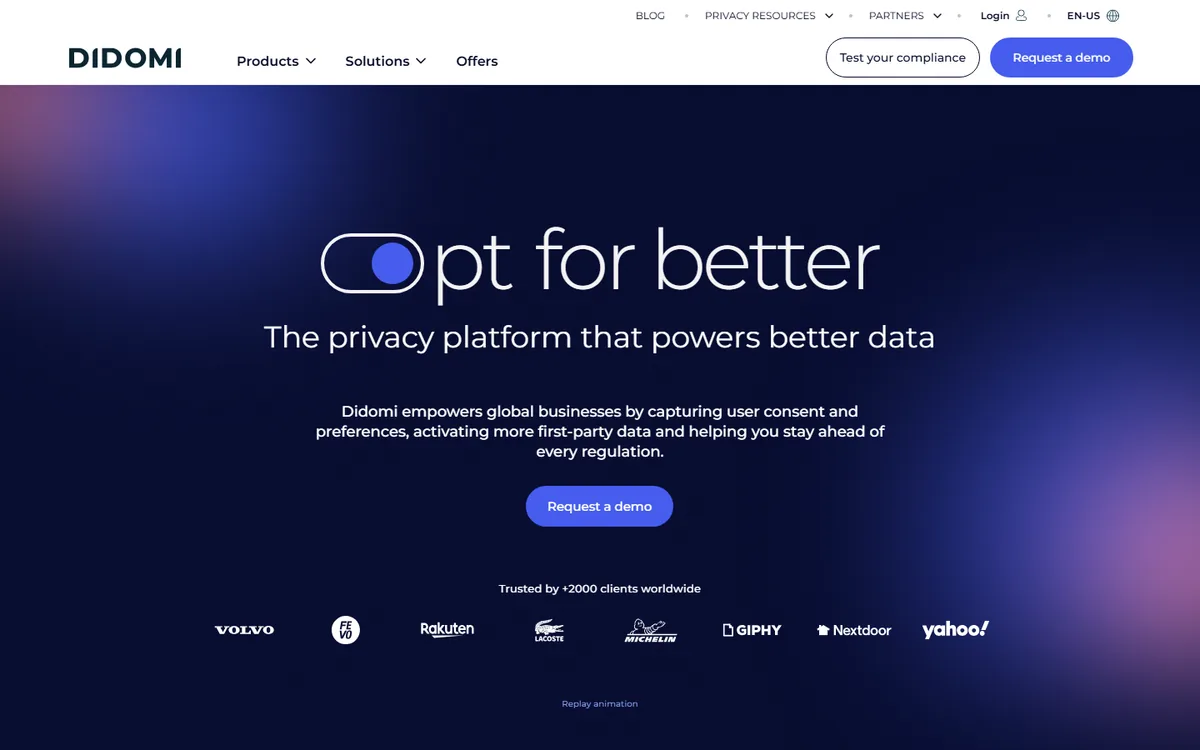
A Consent and Preference Platform That Suits Brands and Publishers With Several Sites
Didomi is a consent and preference management platform for companies that run several websites and apps and need a central view of consent.
Didomi targets larger brands, publishers and multi-site groups that need consent handled consistently across properties. A central dashboard and preference features matter more at that scale than at a ten-person shop.
If you run one small site, a lower-priced tool will serve you better. If you run many brands or apps, Didomi belongs on the shortlist, with a written quote.
What I Like About Didomi
- Built for multi-site and app setups
- Central dashboard for consent across properties
- Good review base on G2
What I Don’t Like About Didomi
- More tool than a small business needs
- I could not read a published price
Didomi Pricing
I could not read a price list on the Didomi pricing page when I checked, so treat it as quote-based and request a written quote.
Didomi Reviews
- G2: 4.5 out of 5 star rating (from 182 user reviews)
OneTrust
The Enterprise Standard When Privacy Is a Program With Many Owners
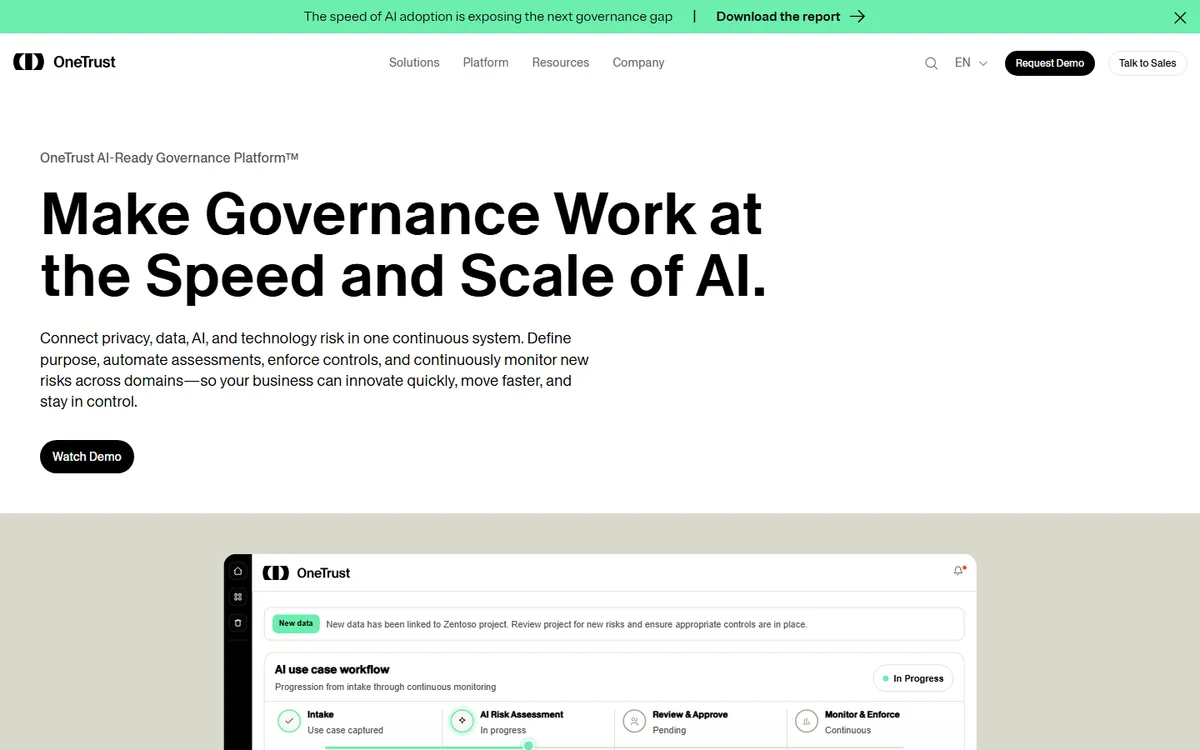
OneTrust is a large privacy management suite covering consent, data subject requests, assessments, data mapping and vendor risk.
OneTrust is what large and regulated organizations buy when privacy touches many teams, regions and vendors. The breadth is the draw: consent, requests, impact assessments and records live in one system.
The same breadth makes it heavy for a small company. Setup needs a project owner, and I would only recommend it when the program justifies the license and the time.
What I Like About OneTrust
- Broadest privacy feature set on this list
- Strong fit for multi-region programs
- Recognized by enterprise buyers
What I Don’t Like About OneTrust
- Heavy setup for small teams
- No public price list
OneTrust Pricing
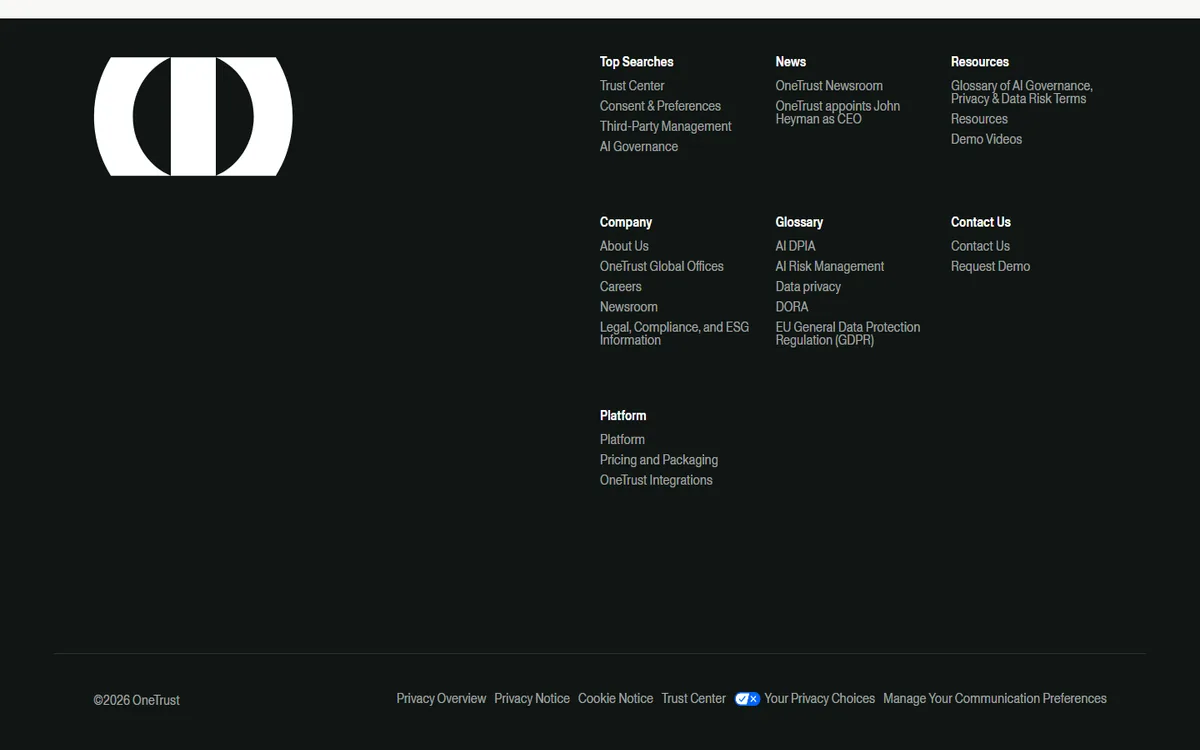
OneTrust does not state prices on the product page I read, so pricing comes from a sales conversation. Ask for a quote that lists modules, volumes and renewal terms.
OneTrust Reviews
- G2: 4.3 out of 5 star rating (from 155 user reviews)
TrustArc
A Privacy Management Platform With Assessment Tools for Teams That Report to Several Stakeholders
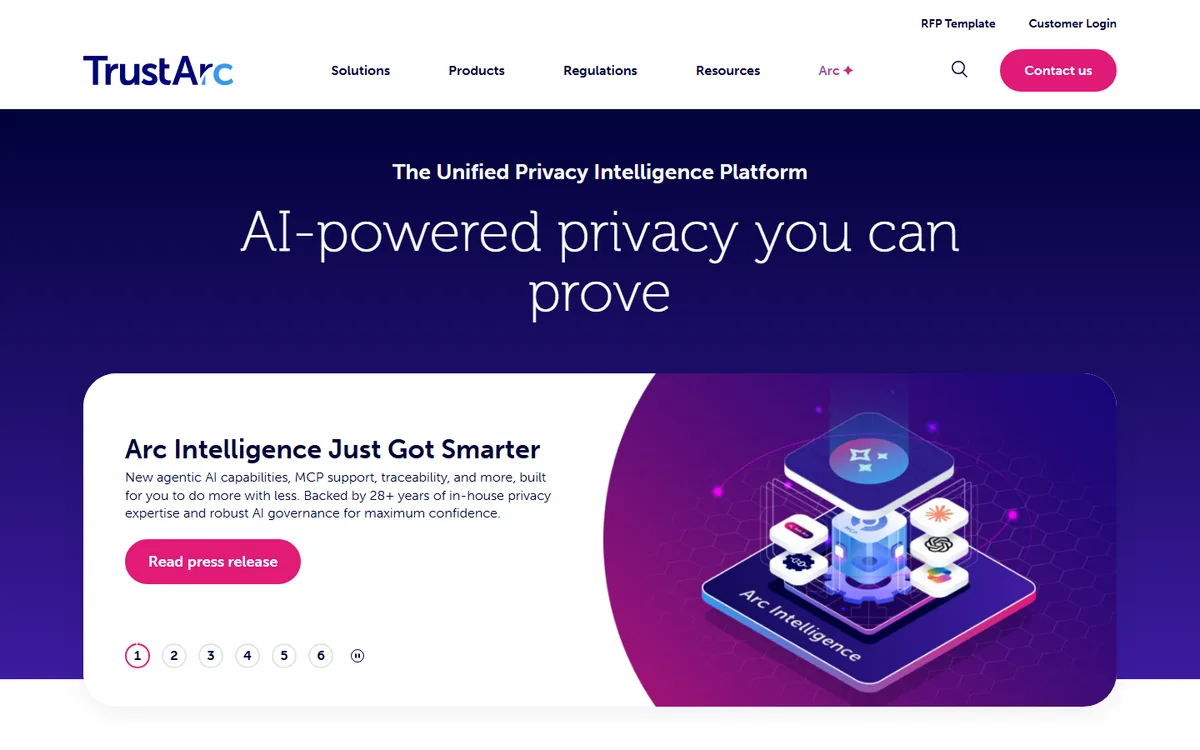
TrustArc offers privacy management software for consent, assessments, data mapping and request handling, sold to mid-sized and large organizations.
TrustArc competes with OneTrust at the enterprise end, with a focus on assessments and program management. It suits teams that need documented assessments and reports for leadership and customers.
As with other suites, scope the modules before you sign, because the price follows the modules. I could not read a price page when I checked, so request a written quote.
What I Like About TrustArc
- Assessment and program management tools
- Established vendor with a large review base
- Covers consent and requests in one platform
What I Don’t Like About TrustArc
- No published pricing
- Likely more than a small team needs
TrustArc Pricing
I could not read a TrustArc pricing page when I checked, so treat it as quote-based and confirm details with the vendor.
TrustArc Reviews
- G2: 4.2 out of 5 star rating (from 348 user reviews)
What to Budget for GDPR Tools
Decide the job before you compare vendors. Prices below are the starting points I could read on vendor pages. Large platforms quote by sales call, so treat the rest as signs of scale. For the whole budget, read GDPR compliance cost.
| Need | Typical tool type | Published starting point |
|---|---|---|
| One small site, consent only | Consent banner | CookieYes and Termly free plans; Cookiebot free up to 50 subpages |
| Policies and consent together | Generator plus banner | iubenda from $5.99 a month billed yearly; Termly Starter $10 |
| Consent plus requests | Small privacy suite | Enzuzo Growth $22 a month billed annually |
| Several sites and apps | Consent platform | Didomi and Usercentrics, by quote |
| Many owners and regions | Enterprise suite | OneTrust and TrustArc, by quote |
How to Choose a GDPR Compliance Tool
Fit with your size and gaps decides more than any feature list. Before you book demos, answer four questions:
- Is your gap consent on the website, requests from people, or the whole program?
- How many sites, apps and countries do you run?
- Who will own the tool day to day, and how much time can they give it?
- Do you have a current data map, or do you need one built first?
If you run one small site, start with CookieYes, Termly or iubenda and test the banner in a private window. If requests are your pain, look at Enzuzo or Osano. If you run many properties, shortlist Didomi, OneTrust or TrustArc. A leaner route for small teams is in GDPR compliance for small business, and the most common setup errors are in my list of GDPR compliance mistakes.
Sources
CookieYes pricing, iubenda pricing, Termly pricing, Cookiebot pricing, Enzuzo pricing.
Questions About Choosing GDPR Compliance Tools
What Is the Best GDPR Compliance Tool for a Small Business?
For consent on a small site, CookieYes, Termly and iubenda are the usual starting points because they have free or low-priced plans. Enzuzo adds request handling. Pick based on your gap and test the banner yourself.
Does GDPR Software Make Me Compliant?
No. Software helps with consent, policy text and request tracking. Compliance depends on what you do: a data map, lawful bases, vendor agreements, security and records that show it. No tool or badge guarantees a result in a review.
Is There an Official Certification for GDPR Tools?
No. Vendors offer badges and attestations, which can support your records but are not approval by a regulator.
Are Free GDPR Tools Good Enough?
For a small site with simple needs, a free consent plan and a reviewed policy can cover the visible basics. Watch plan limits such as banner views, and review generated text against your real setup.
Do I Need a Consent Tool If I Only Use Essential Cookies?
Strictly necessary cookies generally do not need consent, but you still need to be sure your site sets nothing else. A scan shows what loads, and a notice should describe the cookies you use.
What Is the Difference Between a Consent Tool and a Privacy Platform?
A consent tool handles the cookie banner and consent records. A privacy platform adds request handling, assessments, data mapping and vendor management, and costs more to run.
How Much Do GDPR Compliance Tools Cost?
Published starting points range from free to about $120 a month per domain for consent tools, while large platforms quote by sales call. Check current plans on each vendor page, because they change.
Disclaimer: This article is for general information only and isn’t legal, financial or tax advice. Treat figures as estimates from typical work and confirm details with your providers before you act.
Was this guide helpful?
Thanks for your feedback.
Odessa Whitfield
Odessa leads the Tidy editorial team and works with the compliance consultants to turn real client projects into practical guides on regulations, frameworks, policies and audit preparation. Before joining Tidy, she worked in compliance and risk roles, writing and maintaining policy sets for regulated organizations. Every article goes through a consultant who has done the work in practice, and she updates guides when a rule, framework or tool changes. She works remotely from the United States.