Quick Summary
- Start with the risk analysis, because most other points depend on it.
- Every point needs proof you can open in two minutes, not just a tick.
- Business associates, training records and access reviews are the most common gaps.
- Review the whole list yearly and whenever systems or vendors change.
A HIPAA checklist is only useful if it matches the way auditors and the Office for Civil Rights actually look at an organization: the risk analysis first, then policies, then proof that people followed them. I use the ten points below when I start a HIPAA compliance consulting project, and I have seen small clinics and large vendors fail on the same few items.
Treat the list as a working tool. Each point says what to have, what proof to keep and where organizations usually slip. Use the table first to see the whole list, then read the sections that apply to you.
The 10 Points at a Glance
| Point | What to have | Proof to keep |
|---|---|---|
| 1. Scope and inventory | A list of every system, device and vendor that touches patient data | Inventory with owners and review date |
| 2. Risk analysis | A documented analysis of threats to electronic patient data | Dated report and risk register |
| 3. Risk management plan | Fixes ranked by risk, with owners and dates | Plan with status updates |
| 4. Policies and procedures | Written Privacy, Security and Breach Notification policies | Approved versions and revision history |
| 5. Access controls | Unique logins, role-based access, prompt removal for leavers | Access reviews and termination tickets |
| 6. Workforce training | Training at hire and on a regular schedule | Completion records and attestations |
| 7. Business associates | Signed agreements and a vendor review | Agreement files and vendor list |
| 8. Technical safeguards | Encryption, audit logs, backups, device controls | Configuration records and test results |
| 9. Incident and breach plan | A tested response process and notification steps | Incident log and exercise notes |
| 10. Documentation and review | Six-year retention and a yearly review cycle | Retention schedule and review minutes |
If you want costs and tools to go with the list, my guides to HIPAA compliance cost and HIPAA compliance software cover both. The checklist itself starts below.
1. Define Your Scope and Inventory Your Data
You cannot protect patient data you have not found. List every system that creates, stores, receives or sends protected health information: the EHR, billing software, email, shared drives, laptops, phones, medical devices that connect to the network and cloud backups.
Add every vendor with access. The mistake I see most often is an old system that nobody uses but that still holds records. Mark it for retirement or include it in your safeguards, because the rules apply to the data and not to how much you like the tool.
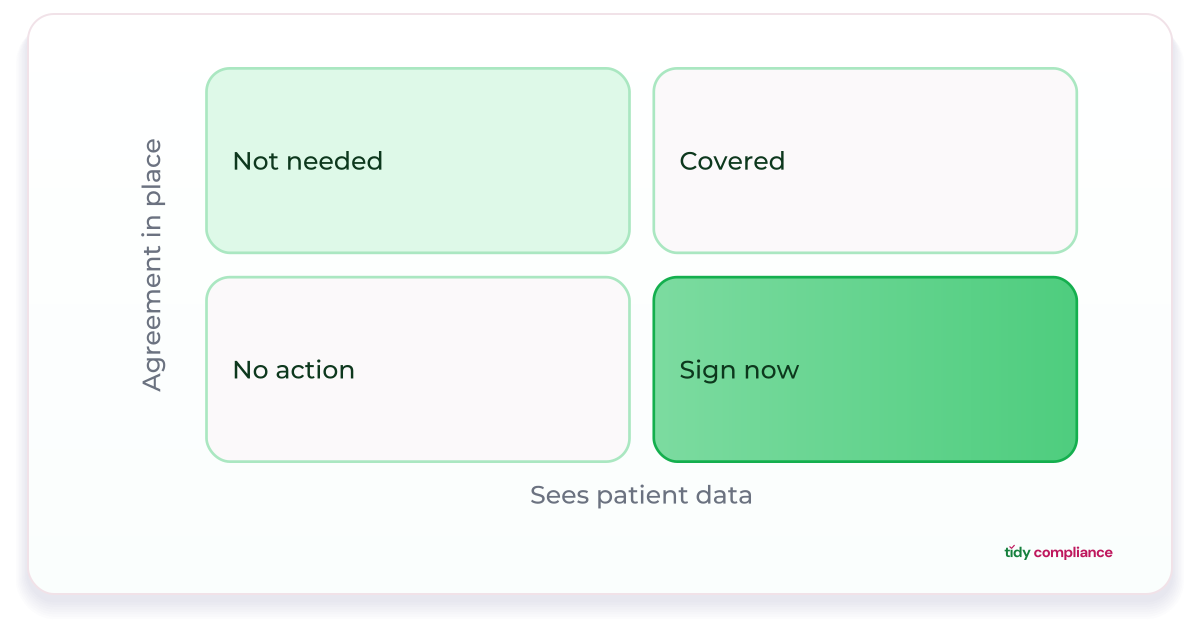
- Systems list with an owner for each system
- Data flow notes showing where records enter and leave
- Device list, including personal phones if staff use them for work
2. Complete a Security Risk Analysis
The Security Rule requires an accurate and thorough assessment of the risks to electronic protected health information. HHS publishes guidance on the risk analysis that explains the expected elements: scope, data collection, threats, vulnerabilities, likelihood, impact and documentation.
A checkbox questionnaire is not enough on its own. Your analysis should name specific risks in your environment, such as an unencrypted laptop used for home visits, and rate each one. Date the report and store it where a reviewer can find it.
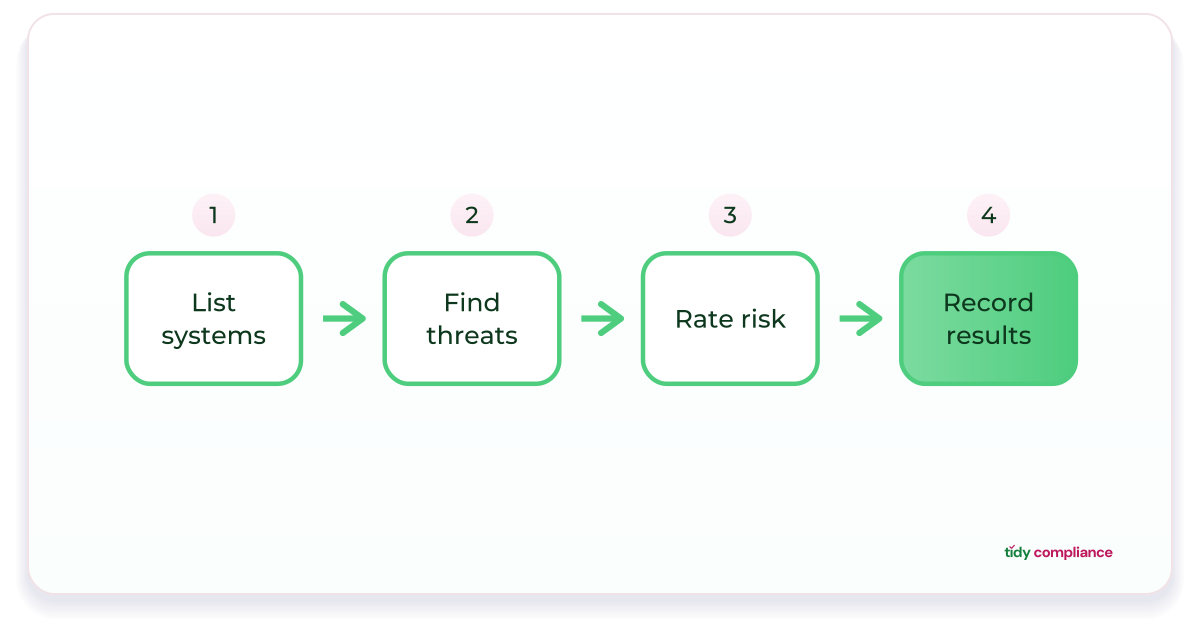
3. Build a Risk Management Plan
Finding risks is half the job. The plan says how you will reduce each one to a reasonable level, who is responsible and by when. Rank items by risk, so a missing encryption setting on a laptop beats a formatting issue in a policy.
Keep the plan alive. Status updates, even short ones, show a reviewer that the analysis led to action. A plan with 40 items and no dates reads like a wish list.
4. Write and Approve Your Policies
You need written policies and procedures for the Privacy Rule, the Security Rule and the Breach Notification Rule. Cover uses and disclosures, minimum necessary, patient rights, access control, audit logging, device and media handling, sanitation, contingency planning and sanctions.
Template libraries save time, but a policy that describes a tool you do not own does harm in an audit. Edit every template to match your setup, assign an approver and keep revision history. Your HIPAA compliance best practices routine should include a yearly policy review.
5. Control Who Can Access What
Every user needs a unique login. Access should follow job roles, so billing staff do not open clinical notes without a reason and part-time staff do not hold admin rights. Review access lists on a schedule and remove leavers on their last day, not a month later.
- Unique user IDs and multi-factor authentication where available
- Role-based access matrix approved by a manager
- Quarterly access review with sign-off
- Offboarding checklist that includes every system
6. Train Your Whole Workforce
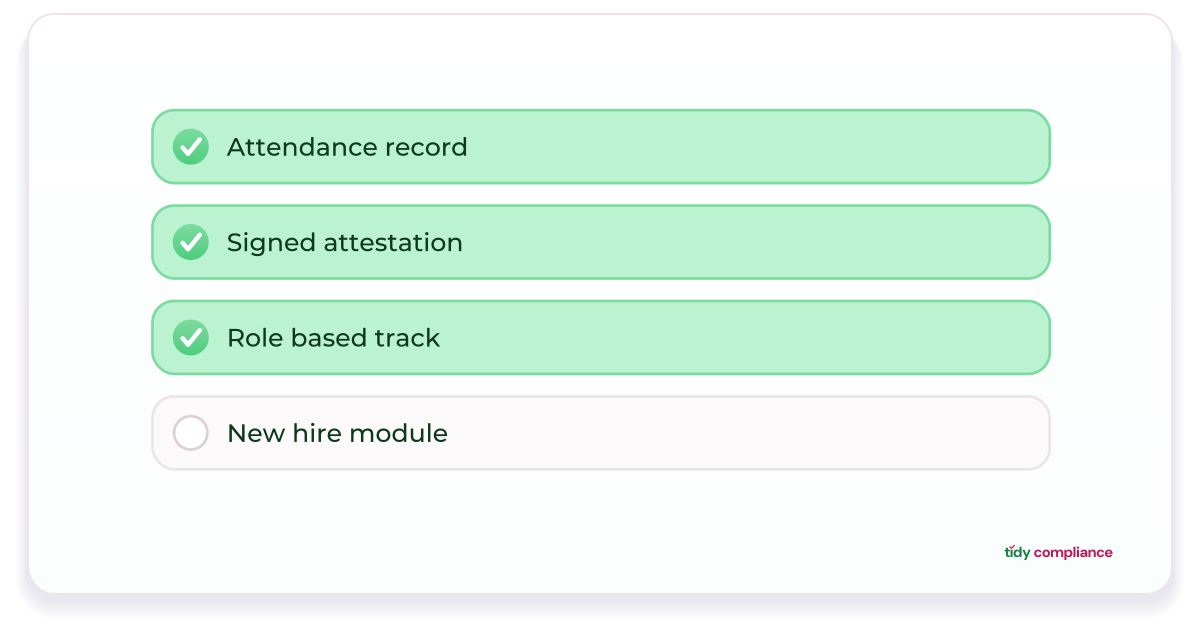
Staff are your biggest exposure and your first defense. Train new hires early, then refresh on a regular schedule and when policies change. Cover phishing, proper use of records, patient requests, lost devices and who to call when something goes wrong.
Keep completion records and signed attestations. In reviews I have seen, the training itself was fine but nobody could prove who had taken it, which made the effort count for little.
7. Sign Business Associate Agreements
A business associate is a vendor that handles protected health information for you: billing, IT support, cloud hosting, shredding, transcription. HHS explains the requirement in its business associate guidance. Each one needs a signed agreement before it touches patient data.
Do more than collect signatures. Ask vendors how they protect data, where it is stored and how they report incidents. Keep a vendor list with agreement dates and renewal reminders.
8. Apply Technical Safeguards
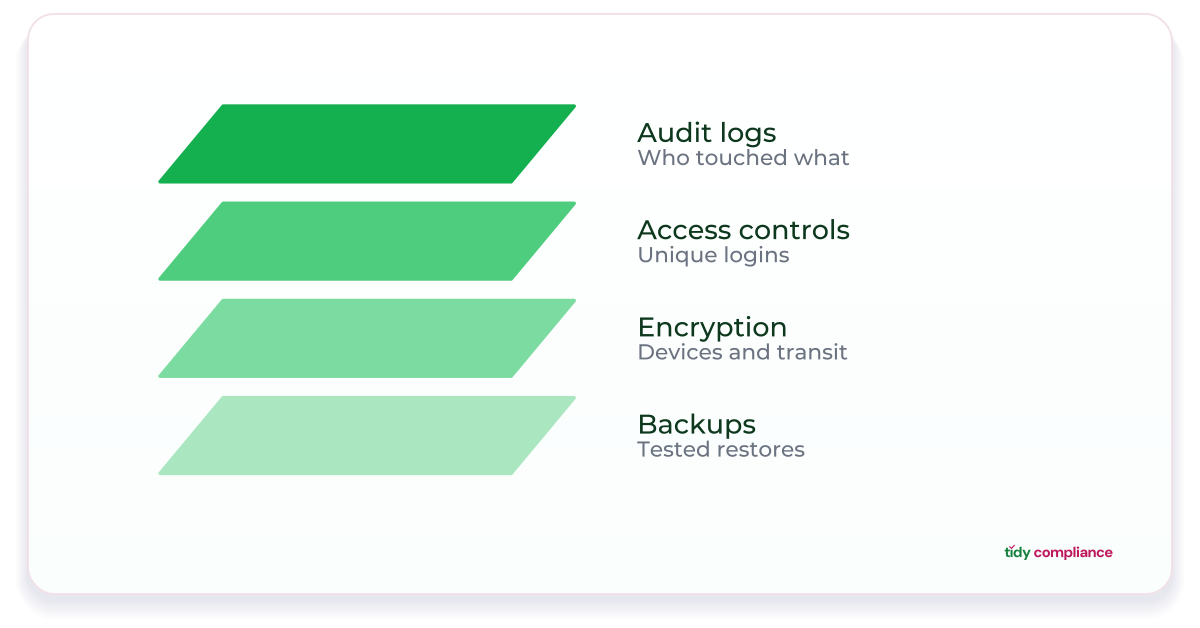
The Security Rule asks for access controls, audit controls, integrity protections, authentication and transmission security. Encryption is labeled addressable, which means you must assess it and either implement it or document why an equivalent measure is reasonable. In practice, encrypt laptops, phones, backups and email that carries patient data.
Turn on audit logging for systems that hold records and decide who reviews the logs. Test your backups by restoring from them at least once a year, because an untested backup is a hope, not a control.
9. Prepare an Incident and Breach Response Plan
Decide in advance who investigates an incident, who decides whether it is a breach and who contacts patients, HHS and the media where required. HHS describes the steps in its breach notification guidance. Notifications are due without unreasonable delay and no later than 60 days after discovery, so you cannot start planning when the incident happens.
Run a short tabletop exercise once a year. Walk through a lost laptop or a phishing email and see where the plan breaks. Write down what you learned and fix it. The common failures are listed in my overview of HIPAA compliance risks.
10. Document Everything and Review It Yearly
HIPAA expects you to keep required documentation, including policies and records of actions and assessments, for six years from creation or last effective date. Set a retention schedule and store documents where more than one person can reach them.
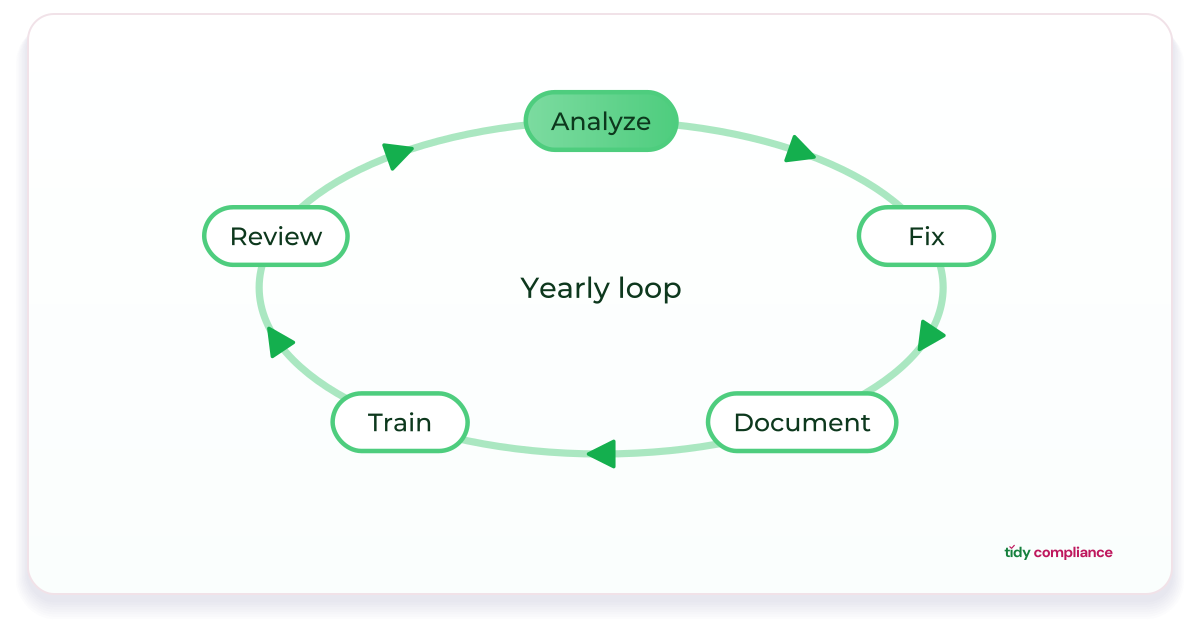
Close the loop with a yearly review meeting: risk analysis, plan status, policies, training, vendors and incidents. Record minutes. That one meeting makes the rest of the program visible.
Adjusting the Checklist to Your Size
A five-person practice and a hospital group share the same ten points but not the same effort. A small team can run the inventory in a spreadsheet and handle access reviews in an afternoon. Larger organizations need owners per point and a calendar. If you are small, read HIPAA compliance for small business for a leaner way to work through the same list.
A 90-Day Order of Work for Starting From Zero
If you have little in place, do not try all ten points at once. The order matters, because later steps use the output of earlier ones. This is the sequence I suggest to teams that need to move fast and cannot stop daily work.
| Weeks | Focus | Result you can show |
|---|---|---|
| 1 to 2 | Inventory systems, vendors and devices | Systems list with owners |
| 3 to 6 | Risk analysis and first ranking of risks | Dated analysis and risk register |
| 5 to 8 | Fix the top risks: encryption, access, backups | Closed items in the management plan |
| 7 to 10 | Edit policies, sign missing vendor agreements | Approved policy set and agreement files |
| 9 to 12 | Train staff, run a tabletop, hold the review meeting | Training records and review minutes |
Expect delays. Vendor agreements and access clean-up take longer than planned because they depend on other people. Put those tasks first on the calendar and give someone the job of chasing them. Once the first cycle is finished, the following year is much lighter, because you only update what changed.
How to Use the Checklist Without Fooling Yourself
A checklist can create false comfort when every box is ticked on paper. To keep it honest, ask for proof next to each point and have someone outside the team spot check three items a year. Where proof is missing, the item is open, whatever the box says.
- Each point has a named owner.
- Each point has a dated document or record you can open in under two minutes.
- Open items sit in the risk management plan with dates.
- An outsider reviews a sample at least once a year.
If you want that outside view, a gap assessment compares your answers with the requirements and ranks what is missing.
Sources
HHS: The HIPAA Security Rule, HHS: Guidance on Risk Analysis, HHS: Breach Notification Rule.
Questions About the HIPAA Compliance Checklist
What Are the Main Requirements of HIPAA Compliance?
You need a documented risk analysis, written policies and procedures, access and technical safeguards, workforce training, business associate agreements, an incident and breach process and documentation you keep for six years. The ten points above group those into a working order.
How Often Should I Review My HIPAA Checklist?
Review the whole list at least once a year and again when you add systems, change vendors, move locations or change how staff work with records. Smaller items such as access lists deserve a quarterly look.
Is There an Official HIPAA Compliance Certification?
No government body certifies a program as HIPAA compliant. Vendors sell seals and attestations, which can show effort, but they do not guarantee a good result in a review. Your own documents and records are what count.
Do Small Practices Need Every Point on the List?
Yes, the requirements apply regardless of size, but the Security Rule is scalable. A small practice can meet the points with simpler tools and shorter documents, provided the analysis and records are real.
What Is the First Thing an Auditor Asks For?
In my experience it is the risk analysis, closely followed by policies, training records and the list of business associates. Keep those four easy to find.
Does HIPAA Require Encryption?
Encryption is an addressable implementation specification. You must assess whether it is reasonable for your setting and either implement it or document an equivalent alternative. For laptops, phones and backups, encryption is the standard choice.
Can I Complete the Checklist Myself?
Many organizations do, especially small ones. The hard parts are an honest risk analysis and proof of follow-through. A consultant can review your work or run the assessment, but your team will own the routine.
Disclaimer: This article is for general information only and isn’t legal, financial or tax advice. Treat figures as estimates from typical work and confirm details with your providers before you act.
Was this guide helpful?
Thanks for your feedback.
Odessa Whitfield
Odessa leads the Tidy editorial team and works with the compliance consultants to turn real client projects into practical guides on regulations, frameworks, policies and audit preparation. Before joining Tidy, she worked in compliance and risk roles, writing and maintaining policy sets for regulated organizations. Every article goes through a consultant who has done the work in practice, and she updates guides when a rule, framework or tool changes. She works remotely from the United States.