Quick Summary
- The rules apply at any size, but the Security Rule lets you scale the effort.
- Encryption, multi-factor login, personal accounts and vendor agreements are the best first moves.
- A short policy set people follow beats a thick manual nobody opens.
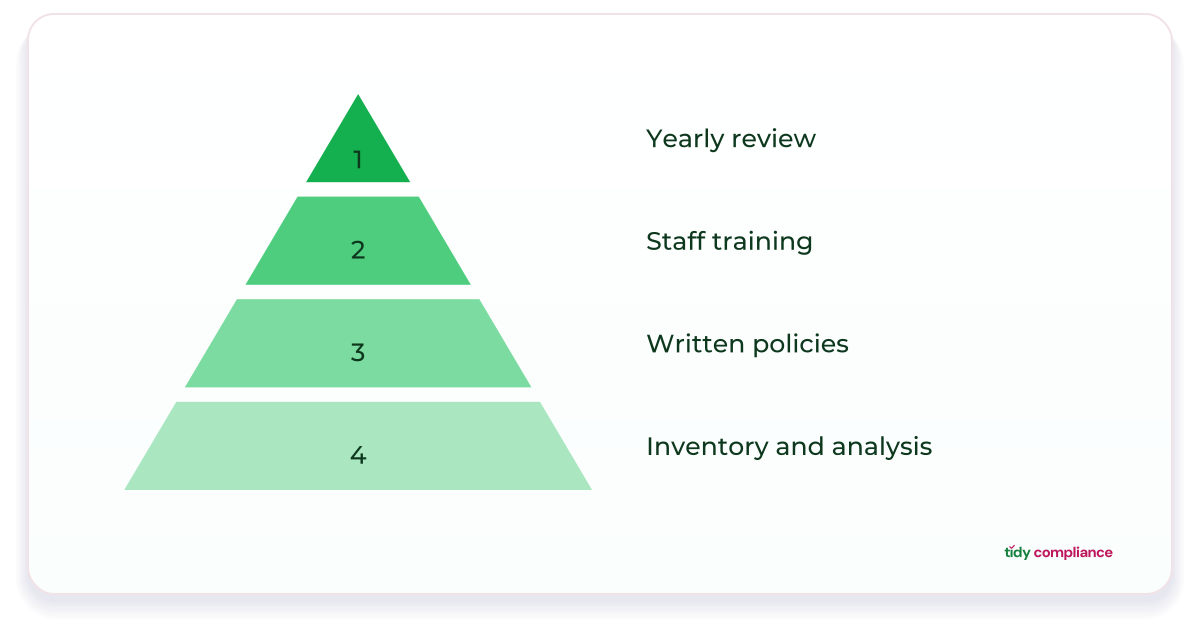
- A four-week plan covers the first cycle, and a yearly review keeps it current.
If you run a small practice, a dental office, a billing service or a three-person health startup, the idea of a full HIPAA program can feel out of scale. The good news is that the Security Rule is written to scale. What you do depends on your size, your systems and your risks, as long as you do it and write it down. That is the starting point of every HIPAA compliance consulting project for small teams I work on.
This guide shows what applies to you, what you can keep simple and where small organizations get into trouble. It ends with a plan you can run in an afternoon a week.
Does HIPAA Apply to Your Business?
HIPAA applies to covered entities, such as health care providers who bill electronically, health plans and clearinghouses, and to business associates that handle protected health information for them. A solo therapist who bills insurance electronically is covered. A bookkeeper who sees patient invoices for a clinic is probably a business associate. A wellness blog is usually not covered, though other privacy laws can apply.
If you are unsure, check HHS guidance on covered entities and business associates and ask your attorney about your case. Compliance consulting can document your answer, but the legal call is theirs.
What Stays the Same When You Are Small
The rules do not shrink with your headcount. You still need a risk analysis, written policies, a privacy officer and a security officer (one person can hold both roles), workforce training, business associate agreements, breach procedures and documentation. What shrinks is the effort: fewer systems, fewer interviews and shorter documents.
The Security Rule is explicit about flexibility. Size, complexity, technical capabilities and cost of security measures are factors in deciding what is reasonable. That does not excuse skipping a requirement. It lets you choose proportionate ways to meet it and document why.
Small Practice vs Larger Organization
| Area | Small team approach | Larger organization approach |
|---|---|---|
| Risk analysis | One workshop and a short report covering a few systems | Multi-site review with system owners |
| Policies | Core set, 10 to 20 pages, plain language | Full manual with department procedures |
| Training | One session, 60 to 90 minutes, plus new hire module | Role tracks and a learning platform |
| Vendors | A one-page list with signed agreements | Vendor tiers and security questionnaires |
| Roles | One person as privacy and security officer | Separate officers and a committee |
| Tools | Spreadsheet or low-cost HIPAA platform | Governance platform and ticketing |
Pick the left column and do it properly, and you are in better shape than a larger organization with a thick manual nobody follows.
Simple Wins That Cut the Most Risk
Small teams get the biggest improvement from a short list of practical moves. They cost little, take days rather than months and address the problems I see in small-practice incidents.
- Turn on full-disk encryption on every laptop and phone that touches patient data.
- Use multi-factor authentication for email and for the main record system.
- Give each person a personal login and end shared accounts.
- Set up automatic updates and keep a list of devices.
- Back up the record system and test one restore.
- Sign business associate agreements with your IT, billing and cloud vendors.
Many of these moves appear again in my HIPAA compliance best practices. For the wider list, work through the HIPAA compliance checklist after the first wins are in.
Doing a Risk Analysis on a Small Scale
HHS offers a free guide to risk analysis and a Security Risk Assessment Tool for small and mid-sized practices. A tool can help, but what matters is that the results describe your office. Walk through the building, list where records live and write down what could go wrong at each place.
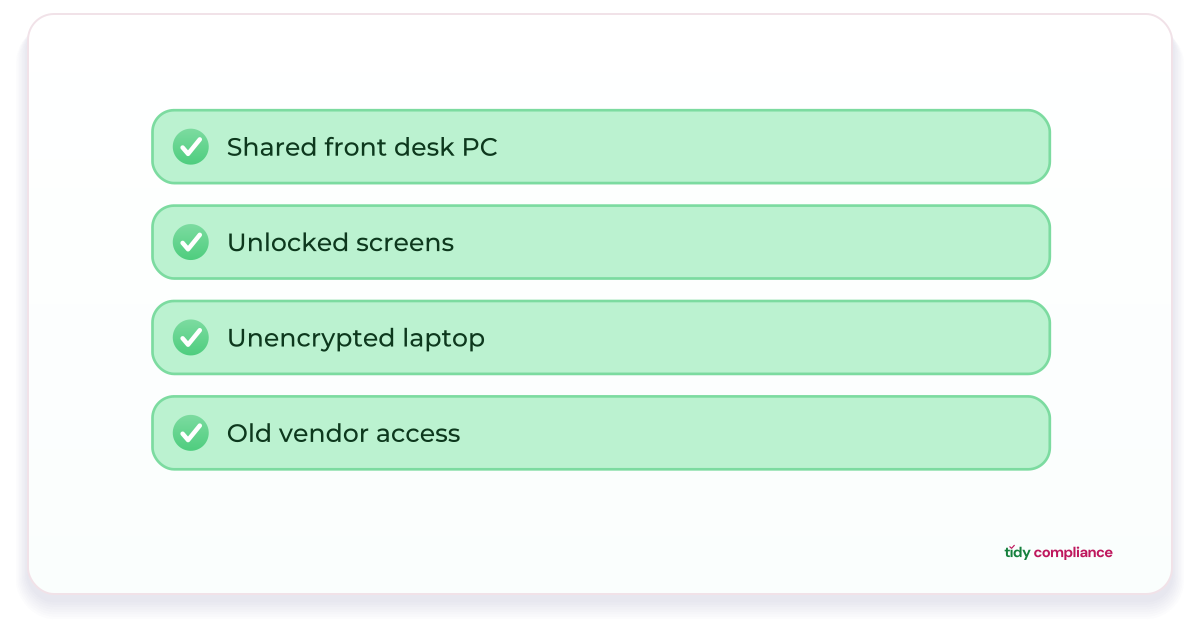
Look for ordinary things: a shared front desk computer with no screen lock, a paper schedule on a counter, a former employee who still has email access, a personal phone used for photos of wounds or forms. Rate each by likelihood and impact, decide what to do and write the date. Then repeat the exercise each year.
Everyday Situations Small Teams Ask About
Questions from small teams repeat, and the answers are usually practical. Texting patients is the first. Standard text messages are not encrypted, so many practices limit them to appointment reminders with no clinical detail, or they use a secure messaging tool with a signed agreement. Write your rule down and tell staff.
Telehealth is next. Use a video platform that signs a business associate agreement, and check its settings for recording and sharing. Personal devices raise the third question. If staff use their own phones for work, you need a policy, a screen lock, encryption and a way to wipe the device when someone leaves. If that sounds like too much, give staff a work device.
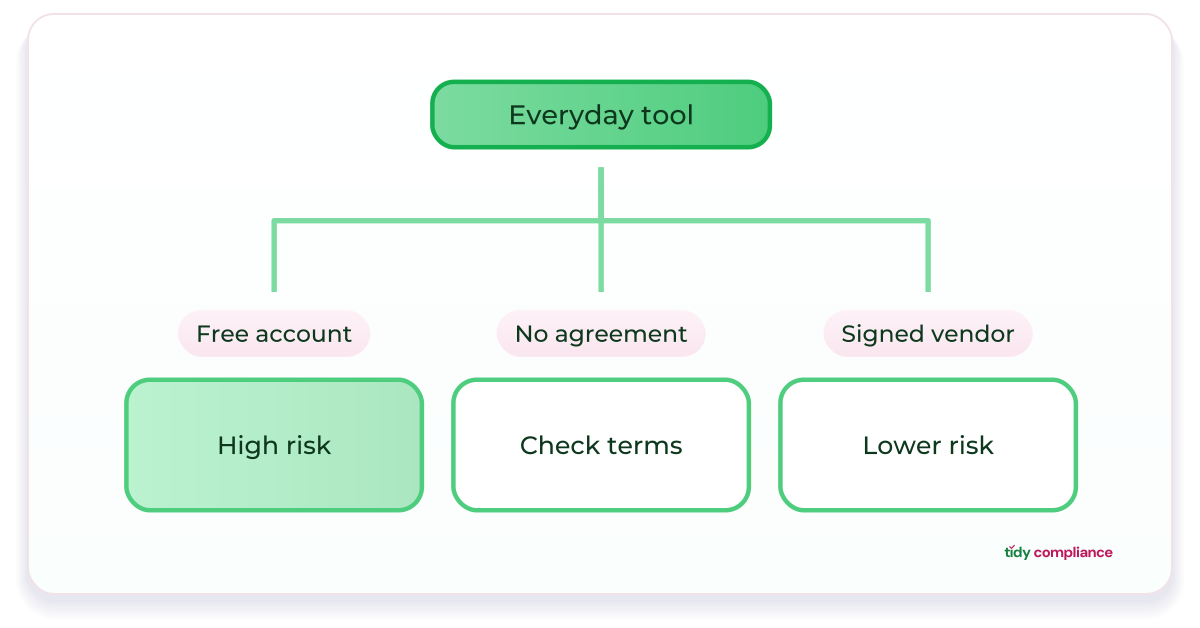
Cloud storage and email come fourth. Free consumer accounts rarely come with agreements. A business plan with an agreement and multi-factor login is the safer route. Finally, paper still counts. Lock cabinets, shred what you discard and keep sign-in sheets from showing other patients names.
Policies Without the Binder
A short policy set that your staff reads beats a manual they never open. Cover the main topics in plain language: how you use and share records, how patients request access, who can see what, how devices are handled, what staff do after an incident and what happens if rules are broken. Keep each policy to a page or two, add dates and approvals and store them where staff can find them.
Avoid copying a template word for word. A template might require monthly audits that you will never perform. A policy you do not follow is a risk, because it shows a reviewer the gap between your words and your practice.
Training a Small Team
With a small team, you can train in person. Run a single session after the risk analysis, show real examples from your office and finish with a short quiz and signatures. Repeat once a year and when something changes. New hires should do the module in their first week, before they open patient records.
Include the front desk. They handle phone calls, sign-in sheets and requests for records, and they are usually the first target of social engineering. Ten minutes on verifying a caller can prevent a breach more effectively than any software.
Vendors Are Part of Your Compliance
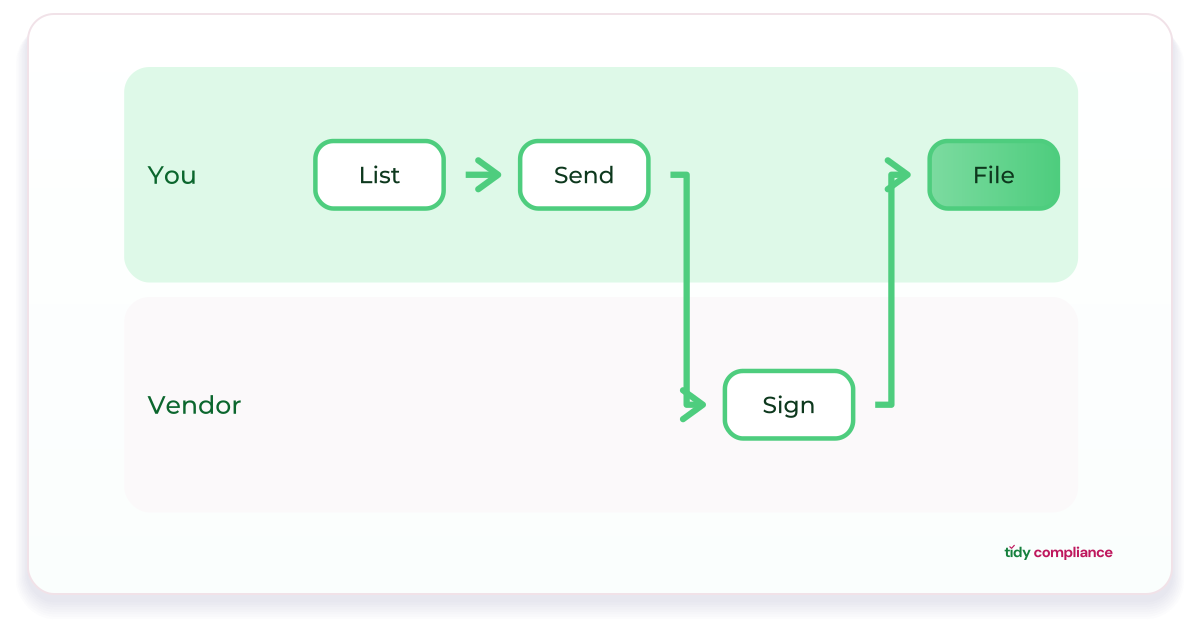
Small organizations rely on outside vendors more than large ones, so vendors are a big part of the risk. List your IT support, cloud services, billing company, answering service, shredding company and any software that stores patient data. Request a business associate agreement from each one, and keep the signed copy with the date.
Also ask a few questions. Where is the data stored? Is it encrypted? How would you hear about an incident? A vendor that cannot answer plainly is a warning sign. See how vendor problems turn into incidents in HIPAA compliance risks.
Tools and Costs for Small Teams
A small team can go a long way with a spreadsheet, a shared folder and a policy set. HIPAA-specific platforms add training, tracking and reminders for a monthly fee. Compliancy Group, for example, lists plans from $99 a month, billed annually, plus a per-employee fee, according to Expert Insights, and Accountable HQ lists a Basic HIPAA plan from $169 a month for up to 15 employees. Prices change, so confirm them on the vendor pages.
For a larger view of budgets, see HIPAA compliance cost, and for a ranked comparison read my review of HIPAA compliance software.
A Four-Week Plan for a Small Team
| Week | Focus | Output |
|---|---|---|
| 1 | Inventory systems, devices and vendors; name your privacy and security officer | One-page inventory |
| 2 | Run the risk analysis and pick the top five risks to fix | Dated report and short plan |
| 3 | Make the simple fixes and send vendor agreements | Encrypted devices, signed agreements |
| 4 | Edit policies, train the team, file records | Policy set and training log |
Keep notes as you go. A one-line entry for each task, with a date and the name of the person who did it, becomes your evidence file almost for free. If a reviewer ever asks what you did and when, those notes answer the question in minutes and save you from reconstructing the story from memory.
Put a yearly reminder in the calendar. The plan does not end after week four, but the heaviest work does.
When to Bring In Help
You can do much of this yourself. Bring in a consultant when you cannot tell what applies to you, when you must answer a partner or payer questionnaire, when you have had an incident or when the risk analysis is bigger than your time allows. Ask for a defined scope, named deliverables and a fixed price, and keep your own officer involved so the knowledge stays inside the business.
Before you hire, ask to see a sample report and a sample policy. A good provider shows you real documents with client details removed, explains how long each phase takes and tells you plainly which tasks remain with your team. Be careful with anyone who promises a certificate, a guaranteed audit result or a fixed score. No one can promise that, and the paperwork you hold at the end is what actually protects you in a review.
Sources
HHS: Covered Entities and Business Associates, HHS: Guidance on Risk Analysis, Expert Insights: Best HIPAA Compliance Solutions.
Questions About HIPAA Compliance for Small Business
Do Small Businesses Have to Follow HIPAA?
If you are a covered entity or a business associate, yes, whatever your size. The Security Rule lets you scale measures to your size and risks, but the requirements themselves still apply.
What Is the Easiest Way to Start HIPAA Compliance for a Small Business?
List your systems and vendors, run a risk analysis, fix the top risks such as encryption and shared logins, sign business associate agreements and write short policies. A four-week plan can cover the first cycle.
Do I Need a Privacy Officer in a Tiny Practice?
You must designate someone responsible for privacy and someone for security. In a small organization one person can hold both roles, as long as they have the time and authority to do the job.
Is the HHS Risk Assessment Tool Enough?
It is a helpful free starting point for small and mid-sized practices. You still need to answer honestly, document your results, act on them and repeat the exercise on a regular schedule.
Can I Use Gmail or Microsoft 365 for Patient Information?
Only with the right setup. You typically need a business associate agreement with the provider, the right plan and configured security settings such as multi-factor authentication. Check the provider documentation and ask your counsel.
How Much Should a Small Practice Budget?
It varies. Many small practices spend a few thousand dollars on a first assessment and policies, plus a modest yearly amount for training and software. The cost breakdown article gives ranges and a worked example.
What Is the Biggest Mistake Small Businesses Make?
Skipping the risk analysis and relying on a template policy set. Without an analysis of your own systems, you cannot show that your safeguards fit your risks.
Disclaimer: This article is for general information only and isn’t legal, financial or tax advice. Treat figures as estimates from typical work and confirm details with your providers before you act.
Was this guide helpful?
Thanks for your feedback.
Odessa Whitfield
Odessa leads the Tidy editorial team and works with the compliance consultants to turn real client projects into practical guides on regulations, frameworks, policies and audit preparation. Before joining Tidy, she worked in compliance and risk roles, writing and maintaining policy sets for regulated organizations. Every article goes through a consultant who has done the work in practice, and she updates guides when a rule, framework or tool changes. She works remotely from the United States.