Quick Summary
- Name one owner per control and run each control once for every framework it satisfies.
- Save evidence the day it is created, and put recurring checks on a calendar.
- Review access, vendors, exceptions, incident plans and restores on a rhythm.
- Fix the process first and choose tools afterward, because software cannot design your program.
The best IT compliance programs I have worked on look boring from the outside. Controls run on a calendar, evidence lands in the right folder the day it is created and nobody panics when an auditor writes. Getting there takes habits more than tools.
These twelve practices come from projects I ran as part of IT compliance consulting, across companies from a 15-person software startup to a regional services firm. Each comes with something to do and something to avoid. They apply whichever framework you answer to.
The Twelve Practices at a Glance
Use the table to find the practices you already follow and the ones that need work. The number of items you can honestly mark as routine tells you more about readiness than any tool.
| Practice | Effort | Typical payoff |
|---|---|---|
| 1. Name one owner for every control | Low | Clear accountability |
| 2. Map once, comply many times | Medium | Less repeat work |
| 3. Write policies you can follow | Medium | Fewer findings |
| 4. Collect evidence as you go | Low | Faster audits |
| 5. Automate repeatable checks | Medium | Reliable proof |
| 6. Review access every quarter | Low | Smaller exposure |
| 7. Treat vendors as your perimeter | Medium | Fewer surprises |
| 8. Test your incident plan | Medium | Calmer response |
| 9. Prove your backups restore | Low | Real recovery |
| 10. Train by role | Medium | Better habits |
| 11. Keep exceptions short | Low | Controlled risk |
| 12. Report to leadership | Low | Steady support |
Twelve IT Compliance Best Practices
1. Name One Owner for Every Control
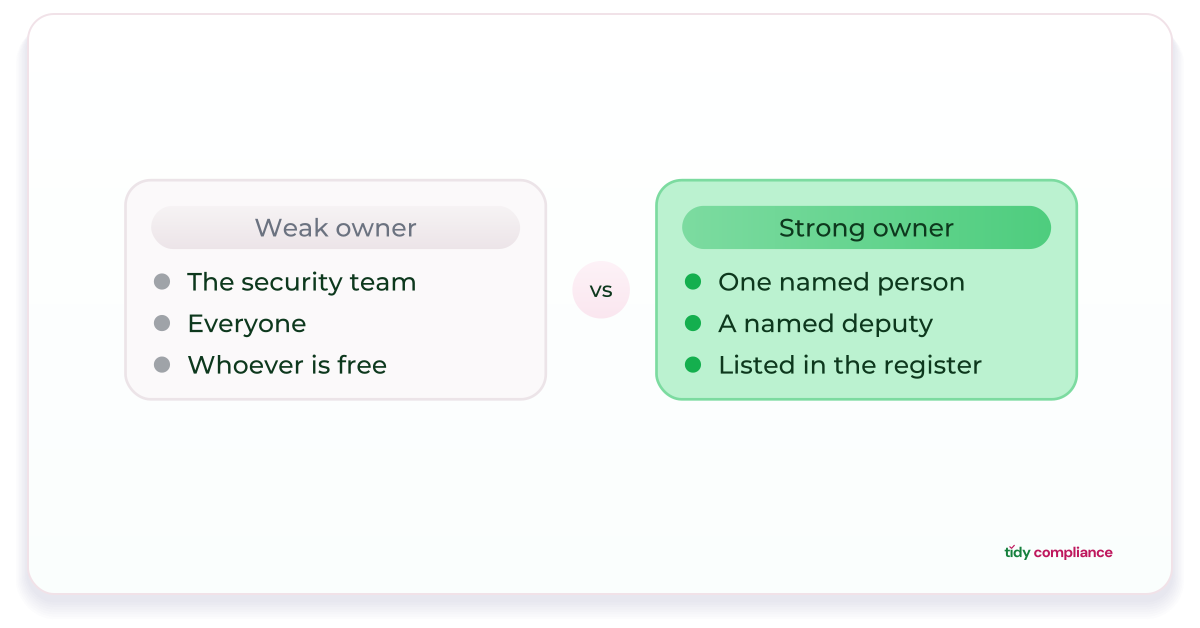
A control with two owners has none. Put a name next to each control in your matrix, and a backup name for holidays. When an auditor asks who reviews access, the answer should take one sentence.
Do this: Name individuals, not teams, and review the list when people change roles. Avoid this: Assigning controls to a department and assuming someone will pick them up.
2. Map Once, Comply Many Times
Most frameworks ask for the same core controls: access, change, logging, vendors and incidents. Build one control matrix with a column per framework, and run each control once.
Do this: Reuse one piece of evidence for every framework it satisfies. Avoid this: Running separate programs for SOC 2, ISO 27001 and customer questionnaires.
3. Write Policies You Can Follow
Short policies that match practice survive audits. In one project I cut a 60-page policy set to nine documents and the findings dropped, because staff could finally read and follow them.
Do this: Write in plain language and say who does what and how often. Avoid this: Copying a template with promises you do not keep.
4. Collect Evidence as You Go
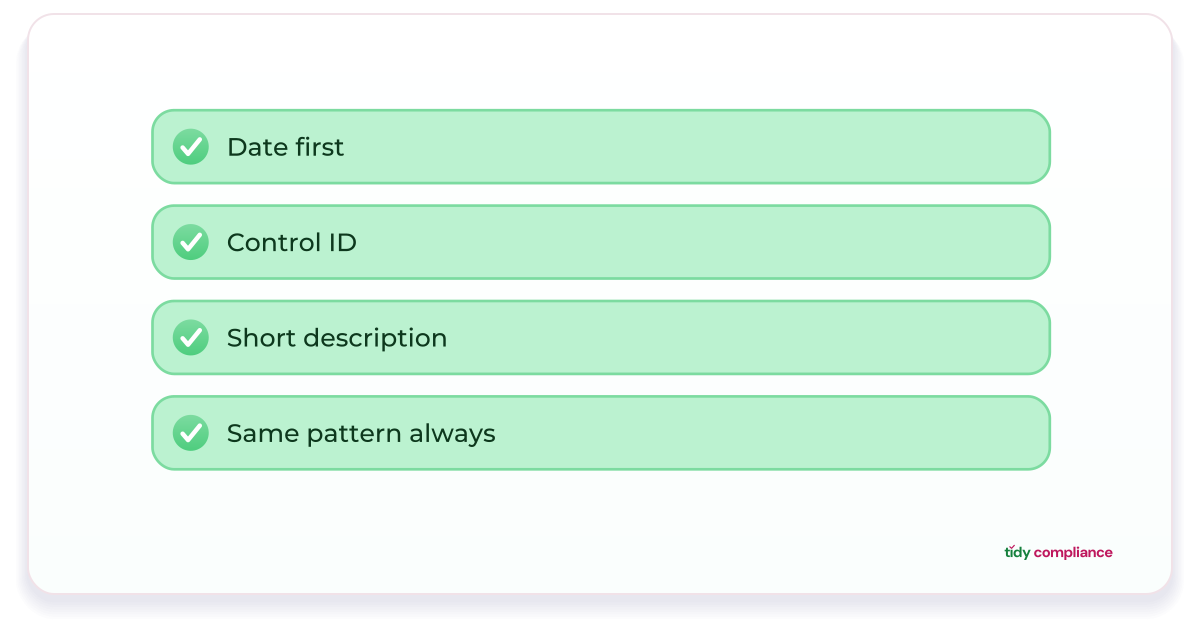
The painful audit is the one where you reconstruct a year from memory. Save the access review, the change ticket and the restore test on the day they happen, in a folder named by control.
Do this: Use a fixed naming pattern with the date and the control ID. Avoid this: Taking screenshots in the week before the audit.
5. Automate the Repeatable Checks
Configuration checks, account lists and patch reports can be pulled on a schedule. That frees people for the judgment calls and gives you evidence with timestamps nobody can dispute.
Do this: Start with the three checks that cost you the most hours. Avoid this: Buying a platform before you know which controls you run.
6. Review Access Every Quarter
Access drift is the most common finding I see. People change teams and keep old rights, and service accounts outlive the project that created them.
Do this: Have each manager confirm access in writing, and remove anything unexplained. Avoid this: Reviewing only administrators and forgetting shared and service accounts.
7. Treat Vendors as Part of Your Perimeter
Your customers hold you responsible for the vendors you choose. Rank vendors by the data and access they have, and review the top tier each year.
Do this: Keep a register with a review date, a contact and the contract terms on security. Avoid this: Collecting questionnaires and never reading the answers.
8. Test Your Incident Plan
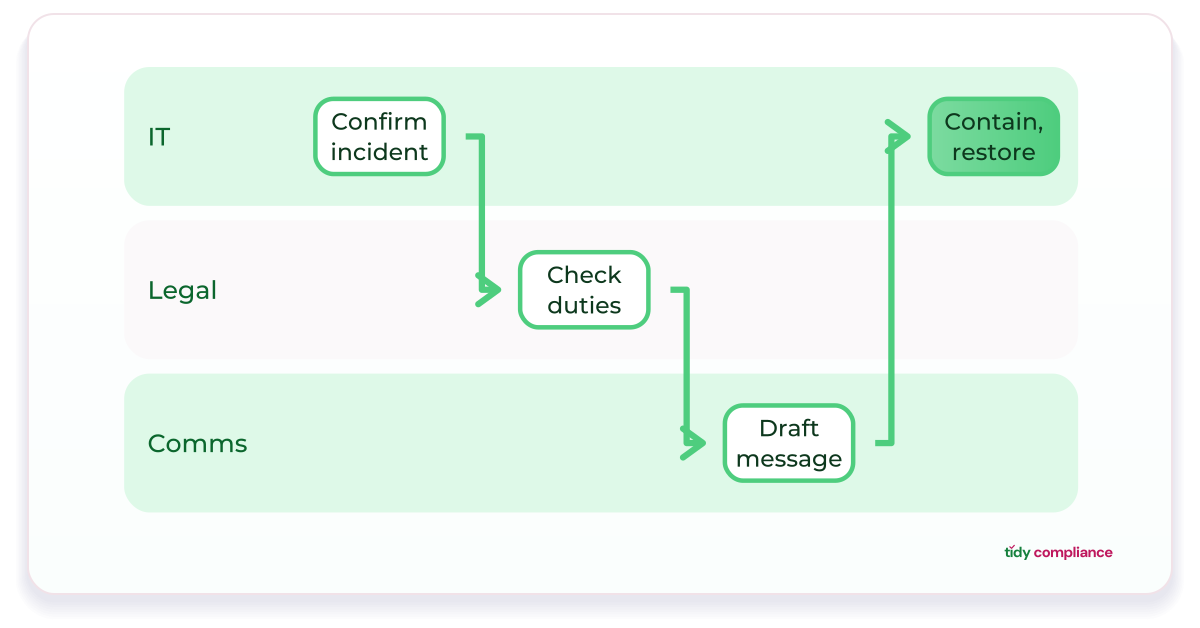
A plan that has never been used fails on the first real day. Run a tabletop each year with a scenario that fits your business, and write down what was unclear.
Do this: Include someone from legal and someone from communications. Avoid this: Practicing only with the technical team.
9. Prove Your Backups Restore
The only backup that counts is one you have restored. Pick a system each quarter, restore it to a test environment and note how long it took against your target.
Do this: Record the restore time and fix gaps before they matter. Avoid this: Trusting a green status icon.
10. Train by Role, Not by Calendar
Everyone needs the basics, but engineers, administrators and finance staff face different risks. Short, role-specific sessions are remembered. A yearly slide deck is clicked through.
Do this: Track completion and test understanding with a few scenario questions. Avoid this: Reporting completion rates as proof that people know what to do.
11. Keep Exceptions Short and Visible
Every environment has exceptions. The problem starts when they live forever. Each one needs a reason, an owner, a risk rating and an end date.
Do this: Review the exception list monthly and close what you can. Avoid this: Accepting a risk once and never looking at it again.
12. Report to Leadership on a Rhythm
Compliance is a business risk, and leadership should see it as one. A one-page quarterly report with open gaps, trend and decisions needed keeps the program funded.
Do this: Show the number of open gaps by severity and the trend over time. Avoid this: Sending a long report that only the compliance team reads.
Where to Start
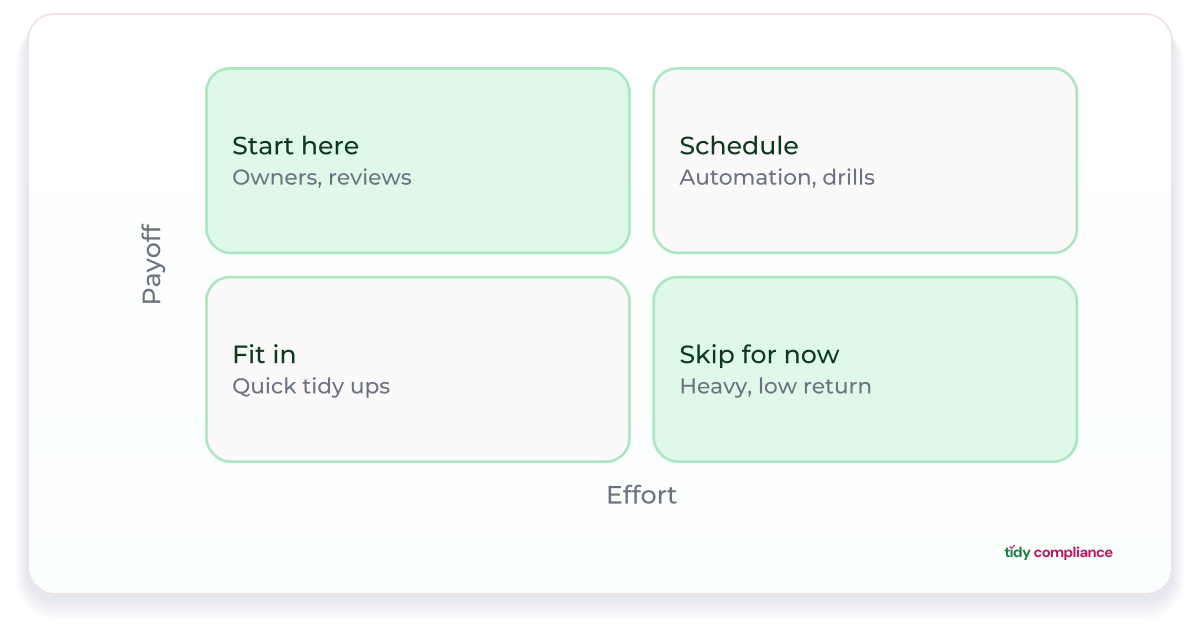
You do not need all twelve at once. Start with the low-effort items: owners, evidence habits, access reviews, restore tests, exceptions and leadership reporting. They cost little and change how the whole program feels within a quarter.
Then work on the medium-effort items in the order your audit date suggests. If you are heading toward a formal review, an IT compliance assessment shows which practices are missing, and the IT compliance checklist gives you a quicker first pass.
Where Tools Help and Where They Do Not
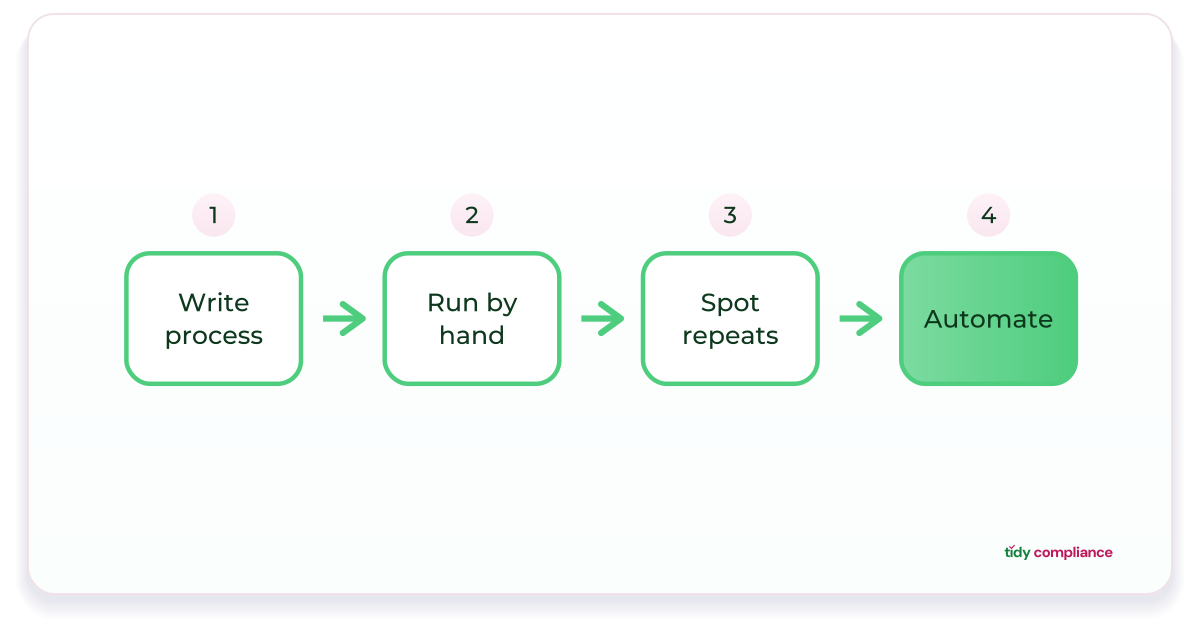
Software is good at collecting evidence, sending reminders and keeping a control matrix current. It cannot decide your scope, write honest policies or get a manager to confirm access. In my experience, teams that buy a platform first spend the first quarter configuring it for a program they have not designed yet.
Fix the process on paper, then choose tooling that fits it. My ranking of IT compliance software compares the main options, and my notes on the IT compliance audit show what evidence auditors expect to see.
What Goes Wrong Even in Good Programs
Programs rarely fail because a control is missing. They fail because the owner left and nobody picked it up, because a new system joined without being added to the inventory or because a quarterly task slid twice and became a yearly one. Plan for handover: every control needs a documented procedure that someone new could follow.
If you are new to the field and want the larger picture before you adopt these habits, my IT compliance guide covers the frameworks, roles and timeline.
Making It Work With a Small Team
A team of three can run a credible program if it picks its battles. Choose a lighter control set, automate the checks that cost the most hours and say no to controls that do not match your risk. I have seen a 20-person company pass a first SOC 2 audit with one part-time owner, because every control had a procedure of half a page and a folder with dated files.
The trap for small teams is the hero. One engineer does every review from memory, and the program works until that person takes a holiday or leaves. Write down each recurring task with its steps, its schedule and where the proof goes, so a second person can step in within an hour.
When the team grows, keep the same shape. Add owners, not layers. A new system gets a line in the inventory and an owner on day one, and a new vendor gets a risk rating before the contract is signed. Those two habits prevent most of the surprises I see during growth.
Practices also need a home in the calendar. I give clients a one-page annual plan: monthly vulnerability review, quarterly access review and restore test, twice-yearly policy check, yearly tabletop and vendor review. When the plan sits where people see it, the work happens without a reminder from the compliance owner.
Finally, measure the program itself. Track how many controls have dated evidence, how many exceptions are open and how long gaps take to close. Three numbers on one page show leadership whether the habits are holding, and they tell you which practice to strengthen next. If the exception count climbs for two quarters in a row, treat it as a signal that controls no longer fit the business, and revisit scope before adding more rules.
How to Choose Which Practices to Adopt First
Pick based on your next deadline and your biggest recurring pain. A team that dreads audit prep should start with evidence habits. A team with a customer review next month should start with access, vendors and incident response.
- List the practices you already follow and mark them with proof.
- Pick three low-effort practices and start them this month.
- Add two medium-effort practices before your next audit window.
- Review progress every quarter in your leadership report.
Questions About IT Compliance Best Practices
What Are the Most Important IT Compliance Best Practices?
Clear ownership, one control matrix across frameworks, evidence saved as you go, regular access reviews and tested incident and backup plans. These cover most findings I see.
How Many Frameworks Should I Follow at Once?
Follow as many as your customers and regulators require, but run one set of controls and map each framework to it. That keeps effort close to a single program.
Do I Need Compliance Software to Follow These Practices?
No. A shared folder, a ticket system and a calendar can run a small program. Software helps when you have many controls, several frameworks or a team that struggles with reminders.
How Do I Keep Policies from Going Stale?
Give each policy an owner, review it once a year and update it when your practice changes. Shorter policies are easier to keep current.
How Often Should I Review User Access?
Quarterly is common for important systems and yearly for low-risk ones. Remove access the day someone leaves, and do not wait for the review.
What Is the Biggest Mistake in IT Compliance?
Treating it as a project that ends at the audit. Controls need to run all year, and the audit is a snapshot of that routine.
How Do I Get Leadership to Support the Program?
Report on a rhythm with a one-page summary: open gaps by severity, trend and decisions needed. Link gaps to customer deals and renewals where you can.
Sources
Disclaimer: This article is general compliance information and not legal advice. Requirements depend on your location, industry and facts, so confirm what applies to you with qualified counsel or the issuing authority.
Was this guide helpful?
Thanks for your feedback.
Odessa Whitfield
Odessa leads the Tidy editorial team and works with the compliance consultants to turn real client projects into practical guides on regulations, frameworks, policies and audit preparation. Before joining Tidy, she worked in compliance and risk roles, writing and maintaining policy sets for regulated organizations. Every article goes through a consultant who has done the work in practice, and she updates guides when a rule, framework or tool changes. She works remotely from the United States.