Quick Summary
- Ten checks cover scope, framework mapping, policies, access, change, patching, logging, vendors, incidents and evidence.
- Look for real proof for each point, and mark it open if you cannot find it in ten minutes.
- Fix missing controls first, then outdated ones, then the longer projects such as framework mapping.
- The checklist organizes your work and does not replace an independent audit or legal advice.
Most IT compliance trouble is ordinary. An account that should have been closed in March, a patch that slid for two quarters, a policy that nobody has opened since the day it was signed. A checklist catches these while they are cheap to fix.
This one has ten points that cover the controls auditors and customers ask about most often, whatever the framework. I use a version of it at the start of every IT compliance consulting project, because it shows within a day whether you need a tidy-up or a proper review. It is a working aid, and it does not tell you which law applies to you.
How to Use This Checklist
Work through the ten points with the person who runs IT and someone who owns risk or compliance. For each point, find the actual evidence: a report, a ticket, a signed document. If you cannot produce it in ten minutes, mark the point open. Open items go on a list with an owner and a date.
The point is not to score well. A checklist that shows ten green boxes on the first try usually means the questions were too soft. Expect three to five points to come back yellow or red the first time you run it.
| Check | What to verify | Where the proof lives |
|---|---|---|
| 1. Scope and asset inventory | Every system, device and data store that falls under a requirement is listed | Asset register, cloud account list |
| 2. Framework mapping | Each requirement you answer to is mapped to a control you run | Control matrix |
| 3. Policies | Core policies are current, approved and read by staff | Policy library, acknowledgments |
| 4. Access control | Accounts match roles, and leavers lose access fast | Access reviews, joiner and leaver tickets |
| 5. Change and configuration | Changes are approved, tested and logged | Change tickets, baseline configs |
| 6. Vulnerability and patching | Scans run on schedule and findings are fixed by severity | Scan reports, patch records |
| 7. Logging and monitoring | Key events are logged, kept and reviewed | Log settings, alert reviews |
| 8. Vendors | Third parties with access are listed, reviewed and under contract | Vendor register, security reviews |
| 9. Incident response and backups | A tested plan exists and backups restore | Plan, test notes, restore logs |
| 10. Training and evidence | Staff are trained and proof is filed where an auditor can find it | Training records, evidence folder |
The Ten Checks in Detail
Each check below says why it matters, how it usually goes wrong and what to look for.
1. Scope and Asset Inventory
You cannot protect or report on what you have not listed. Start with the systems, devices, cloud accounts, applications and data stores that fall under your requirements. Include the shadow tools a team signed up for with a company card.
The usual failure is an inventory that was accurate on the day it was built. Pick one owner, one tool and a monthly refresh, and compare it against your cloud bills and your identity provider, which tend to know about systems your spreadsheet does not.
- Every in-scope system has a named owner
- The inventory was refreshed in the last quarter
- Data stores are tagged by the type of data they hold
2. Framework Mapping
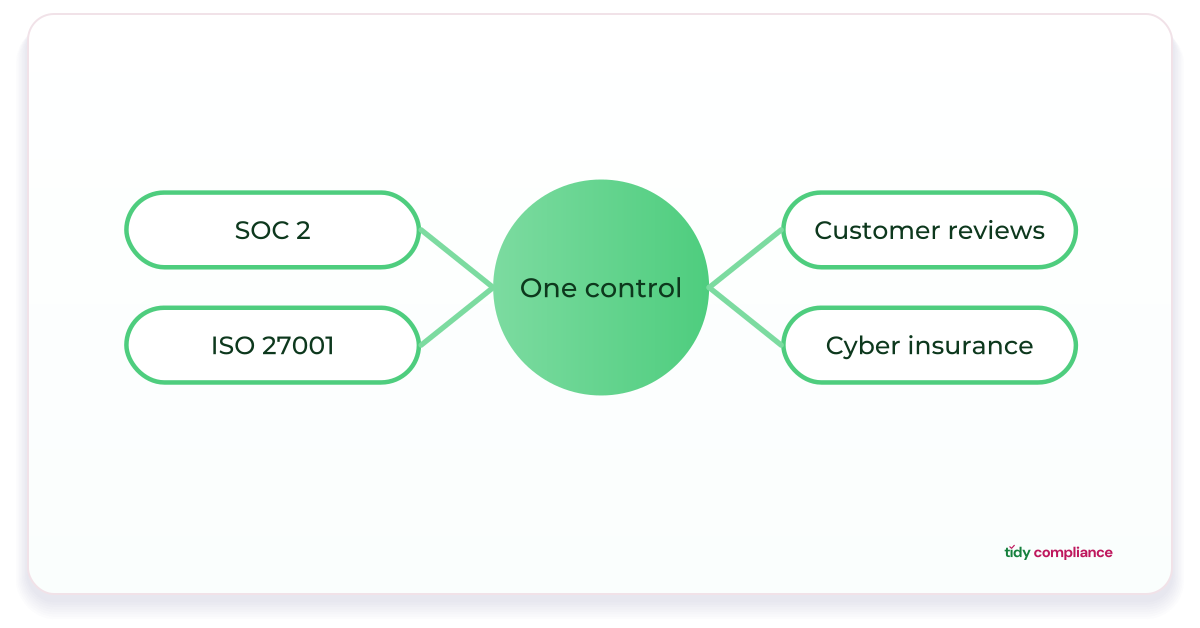
List the frameworks and contracts you answer to, such as SOC 2, ISO 27001, PCI DSS or the HIPAA Security Rule, and map each requirement to a control you actually run. Many requirements overlap, so one well-run control often covers several.
Without a map, teams run the same control three times for three audits and still miss a fourth requirement. A single control matrix, with one row per control and a column per framework, saves a lot of repeat work later.
- A current list of frameworks and customer commitments exists
- Each requirement points to a control and an owner
- Overlaps are marked, so evidence is reused
3. Policies
A short, current policy set beats a long one that nobody follows. Core topics are acceptable use, access control, change management, incident response, backup, vendor management and data classification.
Check the approval date, the owner and whether staff acknowledged the policy. Then ask two employees a simple question from it. If they cannot answer, the policy lives in a folder and not in the business.
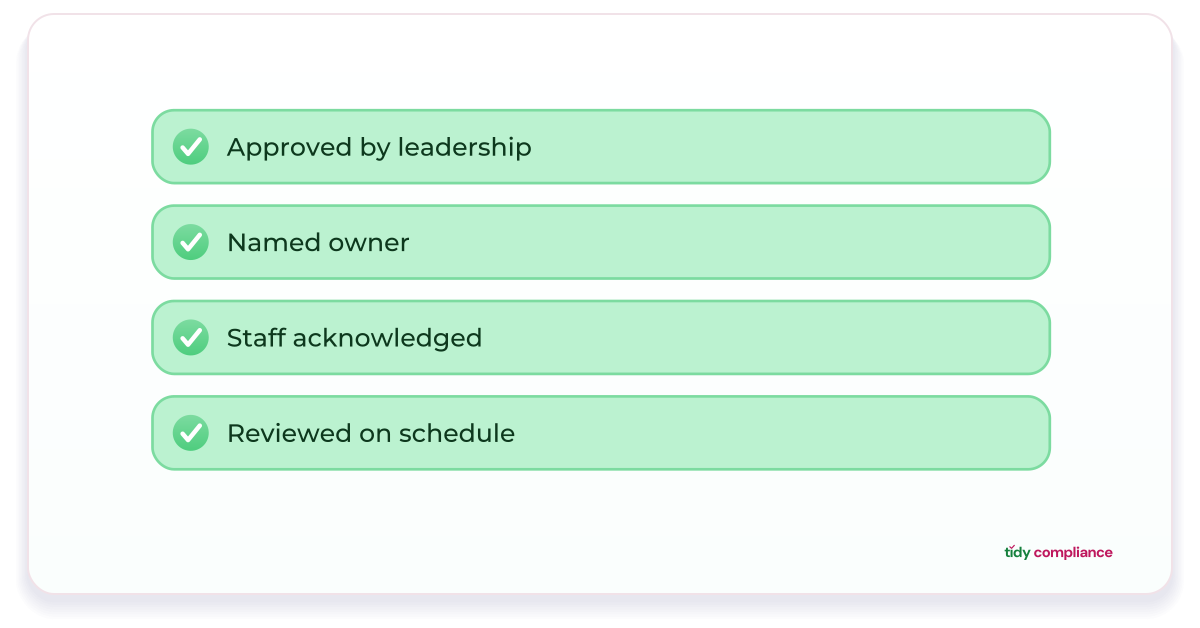
- Each policy has an owner and an approval date within the last twelve months
- Staff acknowledgments are on file
- Policies describe what you really do, not an ideal
4. Access Control
Access is where most findings appear. Check that accounts match job roles, that administrators are few and that multi-factor authentication covers email, remote access and admin tools. Look at shared accounts and service accounts, because nobody owns them.
Take five people who left in the last year and confirm their access ended on the day they left. Then run a quarterly access review where each manager confirms who can reach what. The signed review is your evidence.
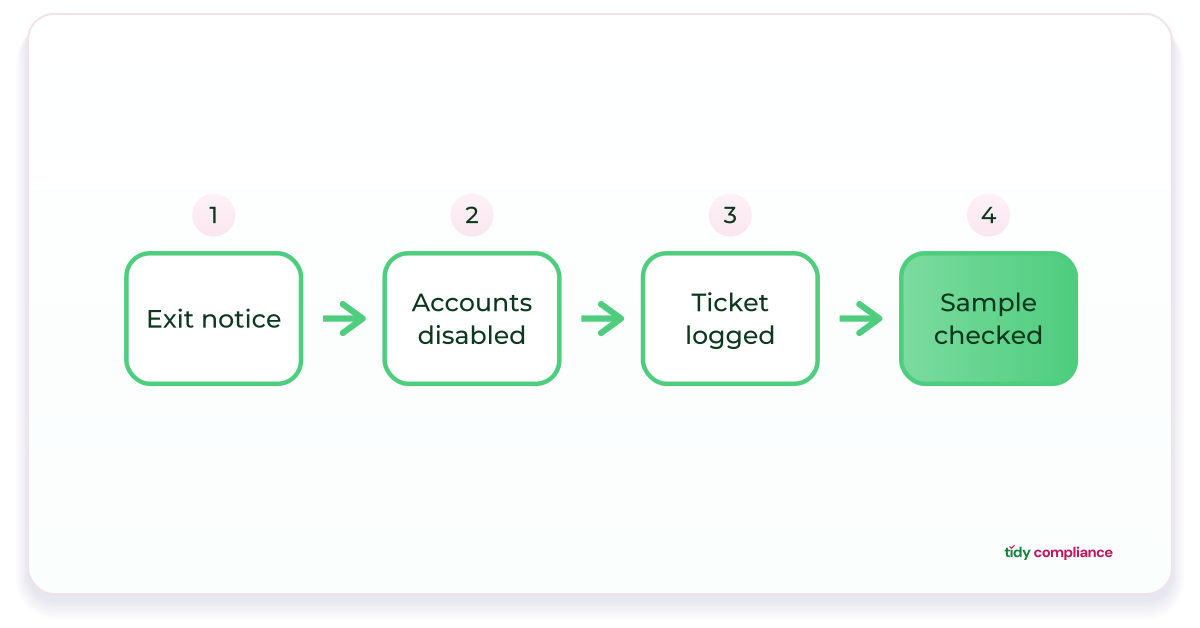
- Leavers lose access on their last day
- Admin rights are reviewed every quarter
- Multi-factor authentication covers email, remote access and admin tools
5. Change and Configuration
Changes to systems should be requested, approved, tested and recorded. Small teams can do this with a ticket template and a rule that nobody approves their own change.
Also check baseline settings. A server built from a standard image, with settings you can compare to, makes drift easy to spot. Emergency changes are fine as long as they are logged and reviewed afterward.
- A sample of recent changes shows approval and testing
- Emergency changes are reviewed after the fact
- Baseline configurations exist for servers and cloud accounts
6. Vulnerability Management and Patching
Scan on a schedule, rank the findings and fix them within set timeframes by severity. The timeframes are yours to choose, but you must meet them, so set ones you can keep.
Look for old exceptions. A finding accepted for a year with no review date is a risk that nobody owns. Each exception needs a reason, an owner and an end date, and the report should show the trend over several months, not one snapshot.
- Scans cover servers, endpoints, cloud and web applications
- Findings have severity, owner and due date
- Exceptions are approved in writing and expire
7. Logging and Monitoring
Logs help only if the right events are collected, kept long enough and looked at. Confirm that sign-ins, admin actions and changes to security settings are logged, and that someone reviews alerts on a routine.
Check retention against what your frameworks and contracts say, and make sure logs cannot be edited by the people they describe. Keep a short record of each review, even if it says nothing unusual happened.
- Critical systems send logs to a central place
- Retention matches your commitments
- Alert reviews are recorded with date and reviewer
8. Vendor and Third-Party Risk
Your compliance depends on the vendors that touch your data. List them, rank them by the data and access they have, and review the important ones each year. That can be a current SOC 2 report, a short questionnaire or a call.
Check contracts for security and breach notification terms. A vendor register with ten names and no reviews is a start, but it is not a program. The review date is the proof.
- Vendors are ranked by data and access
- Critical vendors were reviewed in the last twelve months
- Contracts include security and notification terms
9. Incident Response and Backups
A plan on paper is not enough. Run a tabletop exercise once a year, with a realistic scenario such as ransomware on a file server, and write down what was unclear. Update the plan within a few weeks.
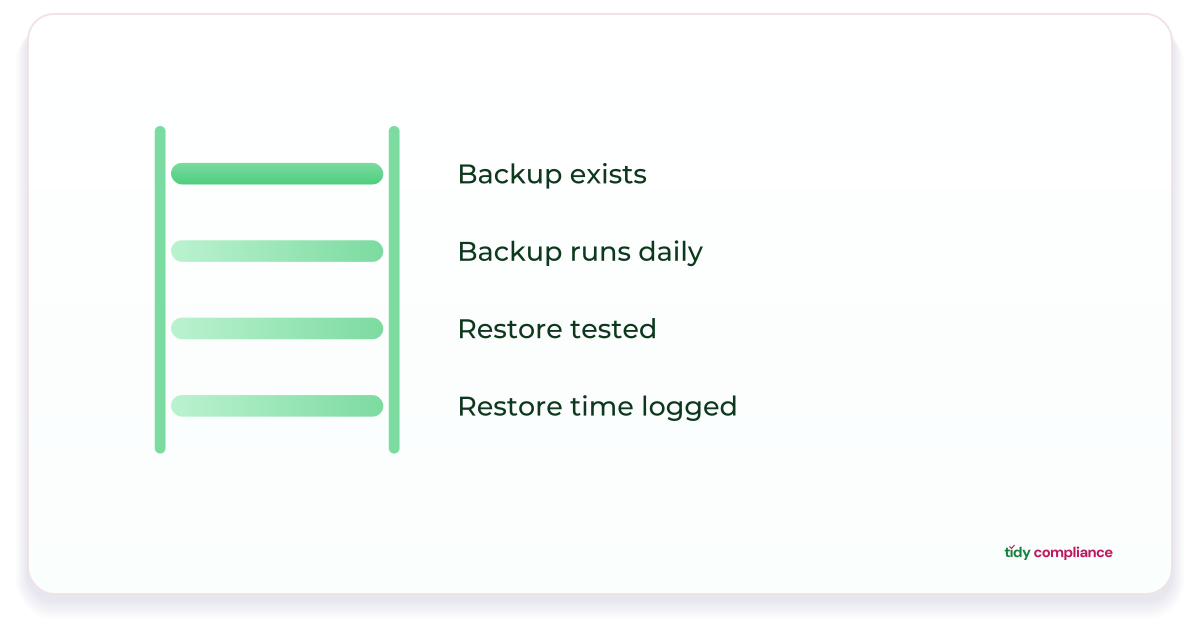
For backups, the proof is a restore. Pick a system, restore it to a test environment and record the time it took. A backup you have never restored is a hope, not a control.
- The plan names roles, contacts and decision points
- A tabletop exercise was held in the last twelve months
- A restore test was completed and documented
10. Training and Evidence
Staff training should fit the job. Everyone needs a short security awareness course, and engineers, administrators and finance teams need more. Record completion with dates and course versions.
Finally, check how you store evidence. One folder organized by control, with dated files and clear names, turns an audit request into a search. Scattered screenshots across inboxes turn it into a month of work.
- Training completion is tracked for every employee
- Evidence is filed by control, with dates
- New hires finish training within a set period
Scoring Your Results
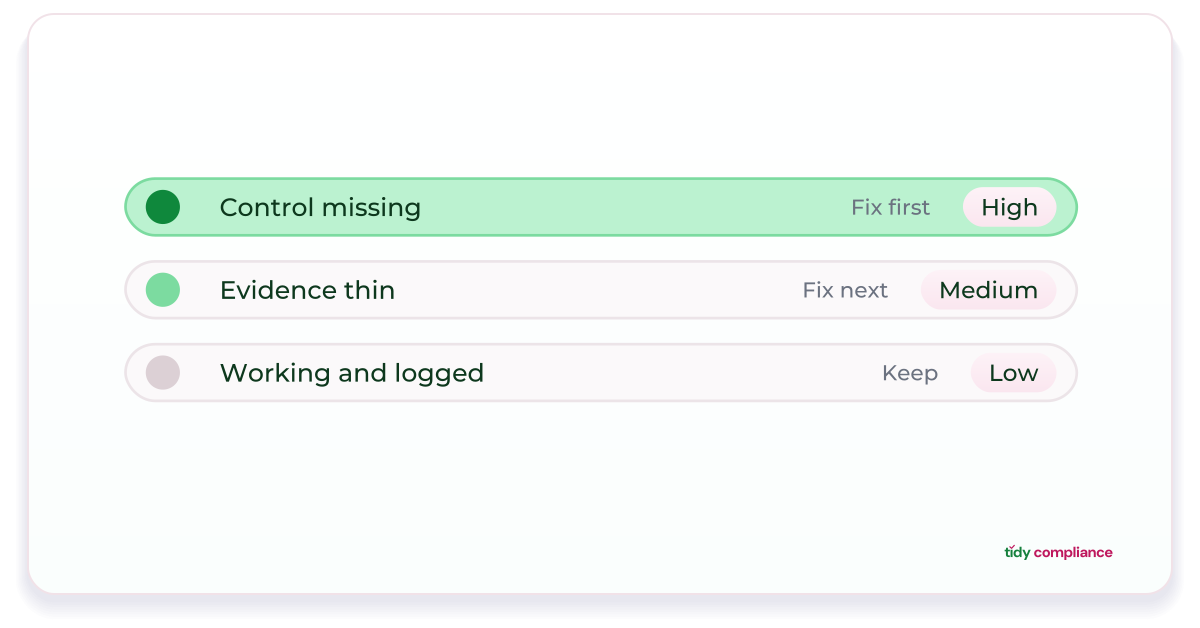
Mark each point green if you found complete proof, yellow if it exists but is out of date and red if it is missing. Four or more yellow or red points usually mean it is time for a structured IT compliance assessment, which rates each gap against the framework you are working toward.
Fix reds first and give each item an owner and a date. Many take under an hour once someone owns them. A first-time scope and mapping exercise takes longer, so schedule it.
What Happens After the First Pass
The checklist gives you a snapshot. The routine keeps it true. Put the ten points on a calendar, run them every six months and treat each run as a small audit with its own evidence. When you are ready for a formal review, my notes on the IT compliance audit explain how auditors scope and test.
Habits matter more than tools, though software can hold evidence and send reminders. If you are weighing options, see my ranking of IT compliance software. For the working habits behind a steady program, read IT compliance best practices, and if you are new to the topic, start with the IT compliance guide.
How to Choose What to Fix First
Start with items that cut the most risk for the least effort. Closing old accounts and turning on multi-factor authentication are quick. Framework mapping and vendor reviews take longer and often need leadership to agree on scope.
- Close leaver accounts and enable multi-factor authentication this week.
- Write or refresh the access, incident and change policies next.
- Schedule the inventory, framework map and vendor reviews with owners and dates.
- Repeat the checklist every six months and after major changes.
Questions About the IT Compliance Checklist
What Is an IT Compliance Checklist?
It is a short list of control areas you use to check that your systems, processes and records meet the requirements you answer to. It helps you find gaps before an auditor, a customer or a regulator does.
Is This Checklist Legal Advice?
No. It organizes the work and helps you find gaps. Which laws and contracts apply to you depends on your industry, location and customers, so confirm that with your counsel or the issuing body.
Does This Checklist Replace a SOC 2 or ISO 27001 Audit?
No. A checklist is a self-check. A SOC 2 report comes from an independent CPA firm, and an ISO 27001 certificate comes from an accredited certification body. The checklist helps you get ready for either.
How Often Should I Run It?
Twice a year works for most organizations, and also after major changes such as a new platform, an acquisition or a move to a new cloud provider.
Who Should Own IT Compliance in a Small Company?
One named person, often the head of IT or an operations lead, should hold the list and the evidence. Give them a calendar for reviews and the authority to ask system owners for proof.
How Long Does a First Pass Take?
A small company can run the ten checks in a day and spend a few weeks collecting missing evidence. Larger environments take longer because proof sits with more owners.
When Should I Bring in a Consultant?
When you do not know which frameworks apply, when a customer or audit is coming soon or when the first pass shows many red items. A consultant ranks the gaps, writes the missing documents and prepares the evidence.
Sources
Disclaimer: This article is general compliance information and not legal advice. Requirements depend on your location, industry and facts, so confirm what applies to you with qualified counsel or the issuing authority.
Was this guide helpful?
Thanks for your feedback.
Odessa Whitfield
Odessa leads the Tidy editorial team and works with the compliance consultants to turn real client projects into practical guides on regulations, frameworks, policies and audit preparation. Before joining Tidy, she worked in compliance and risk roles, writing and maintaining policy sets for regulated organizations. Every article goes through a consultant who has done the work in practice, and she updates guides when a rule, framework or tool changes. She works remotely from the United States.