Quick Summary
- Small teams can start with a free or low-cost inspection app and add recordkeeping later.
- Larger and multi-site employers get more from a full EHS suite, usually priced by quote.
- Software tracks the work, and it does not replace walking the site and fixing hazards.
- Check that a tool produces your OSHA injury and illness forms before you buy.
The Best OSHA Compliance Software at a Glance
| Tool | Type | Best for |
|---|---|---|
| 1. SafetyCulture | Mobile inspection and checklist app | Teams that want to start free with digital inspections and corrective actions |
| 2. Safesite | Mobile safety app | Small contractors that want inspections, toolbox talks and incident reports in one app |
| 3. VelocityEHS | EHS suite | Mid-sized and large employers that want incident, audit and chemical management in one suite |
| 4. EHS Insight | EHS suite | Employers that want audits, incidents and training management with mobile and offline use |
| 5. KPA Flex | EHS software with services | Employers that want software plus access to safety experts |
| 6. Cority | Enterprise EHS platform | Large employers with occupational health, safety and environmental programs |
| 7. Intelex | Enterprise EHS and quality platform | Large employers that want safety and quality management on one configurable system |
| 8. Benchmark Gensuite | Multi-site EHS and sustainability platform | Multi-site employers that also report on sustainability |
| 9. Vector EHS Management | EHS management with training | Employers that want safety management next to online safety training |
| 10. iReportSource | Incident reporting and recordkeeping | Small and mid-sized employers that want incident reporting and recordkeeping with optional services |
The 10 Best OSHA Compliance Software Options, Ranked
I start with mobile tools that small and mid-sized employers can run without an IT project, then move to full EHS suites for larger operations. Software is only part of a safety program. In my OSHA compliance consulting work, the hazards people fix and the records they keep matter more than the dashboard. For the tasks software will not do, use my OSHA compliance checklist.
SafetyCulture
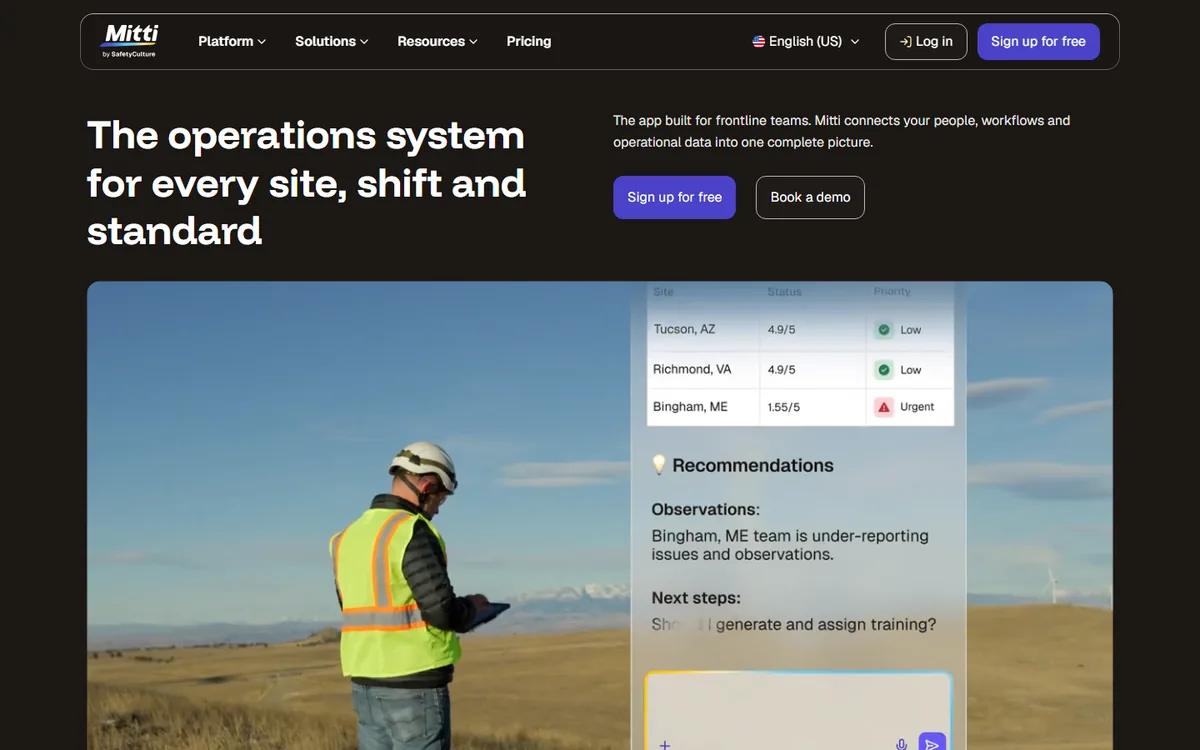
The Easiest Way to Replace Paper Inspection Checklists, Starting at No Cost
SafetyCulture, formerly iAuditor, is a mobile app for inspections, checklists, issue reporting and training, with a free tier for small teams.
SafetyCulture turns the paper walk-around into a phone checklist. Supervisors complete an inspection, attach photos, assign a corrective action and see what is still open. Templates cover common safety rounds, so you rarely start from a blank page.
It is an inspection and follow-up tool more than a full recordkeeping system. If you need your injury and illness forms, incident investigation workflows and chemical inventories in one place, check how far the product goes for you or pair it with a dedicated tool. For a small employer that mainly wants consistent site inspections, it is a sensible first step.
What I Like About SafetyCulture
- Free tier lets a small team try it properly
- Fast to roll out on phones, with offline use
- Large template library for common inspections
What I Don’t Like About SafetyCulture
- Not a complete EHS recordkeeping suite
- Per-seat prices add up as you add inspectors
SafetyCulture Pricing
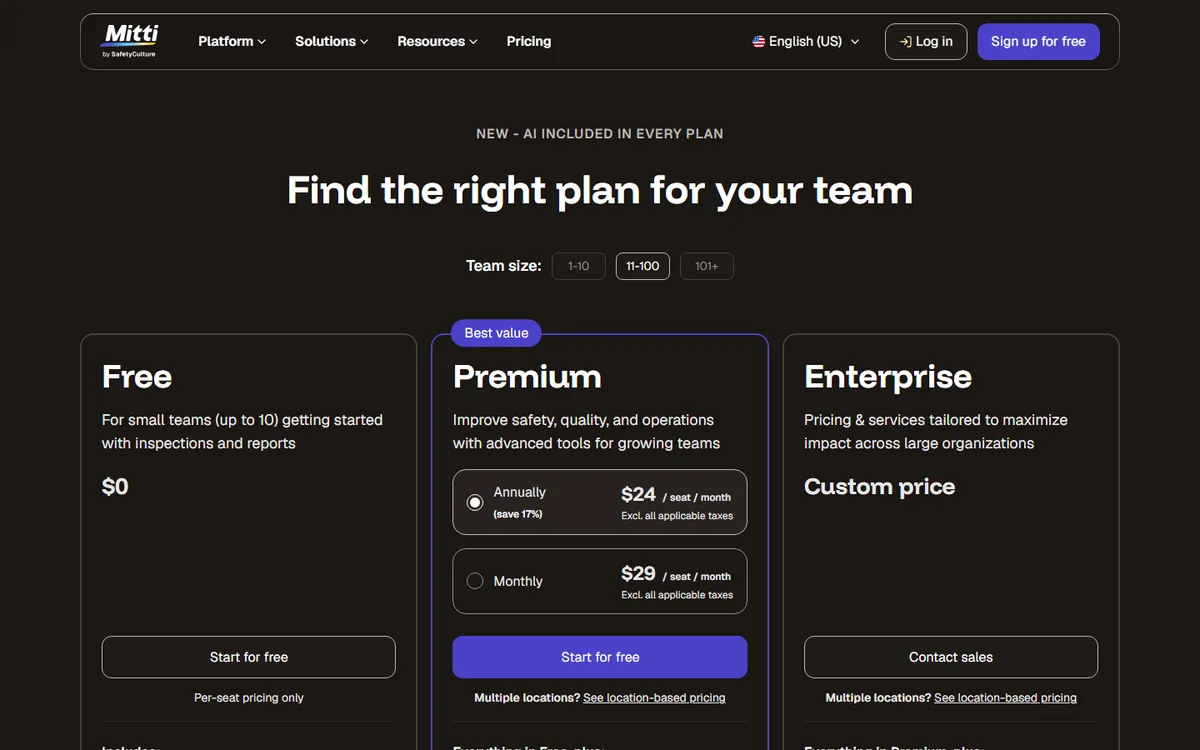
A comparison by BasinCheck lists a free plan for up to 10 seats and 5 active templates, and paid plans from $24 per seat a month billed annually or $29 billed monthly. Confirm current plans on the vendor site.
SafetyCulture Reviews
- G2: 4.6 out of 5 star rating (from +470 user reviews)
Safesite
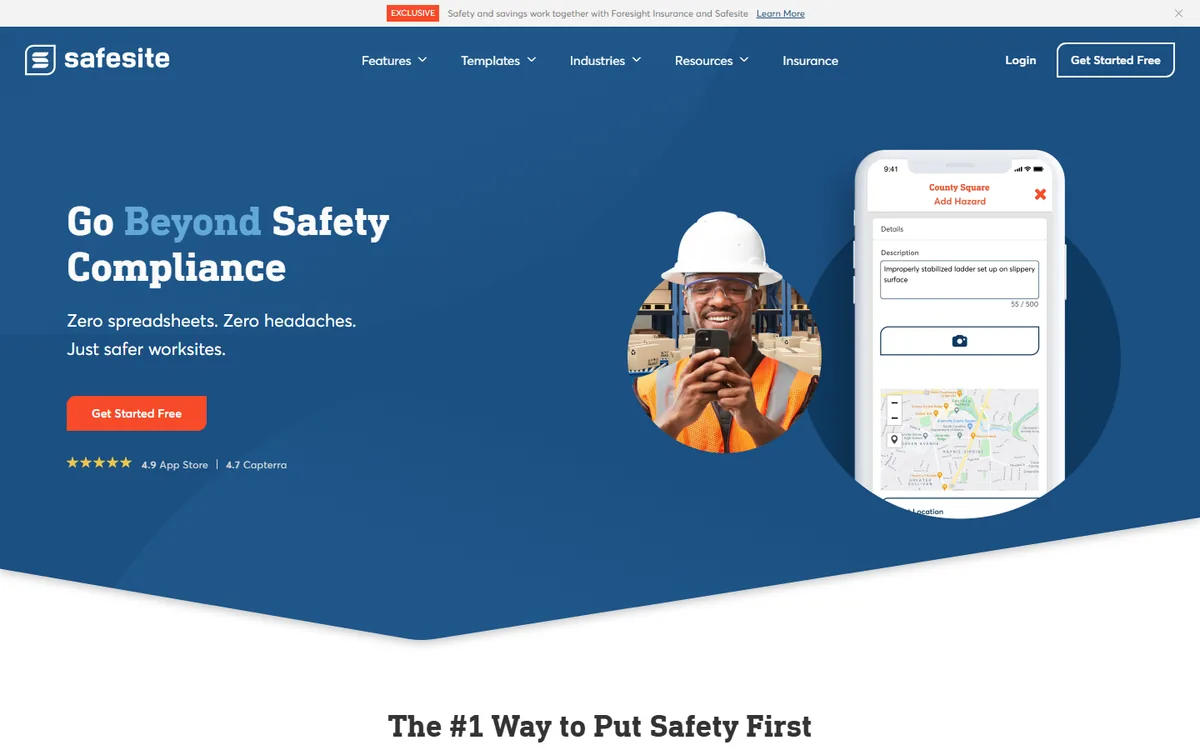
A Simple, Low-Cost Safety App for Crews That Work Across Several Job Sites
Safesite is a mobile safety tool for inspections, corrective actions, incident reports and toolbox talks, with a free plan and a paid Premium plan.
Safesite is built for field crews. A foreman runs an inspection, logs an incident or records a toolbox talk from a phone, and the office sees it without chasing paper. It keeps the basics of a program together without the setup of a large EHS platform.
The paid plan adds the OSHA 300 log, and the free plan limits reporting to the last 30 days. I would use it for a contractor with a handful of crews and one safety lead. A company with chemical, permit and audit programs across many sites will outgrow it.
What I Like About Safesite
- Low per-member price
- Built around field use on a phone
- Toolbox talks and incident reports in the same app
What I Don’t Like About Safesite
- Free plan limits reporting history
- Few public reviews to judge long-term support
Safesite Pricing
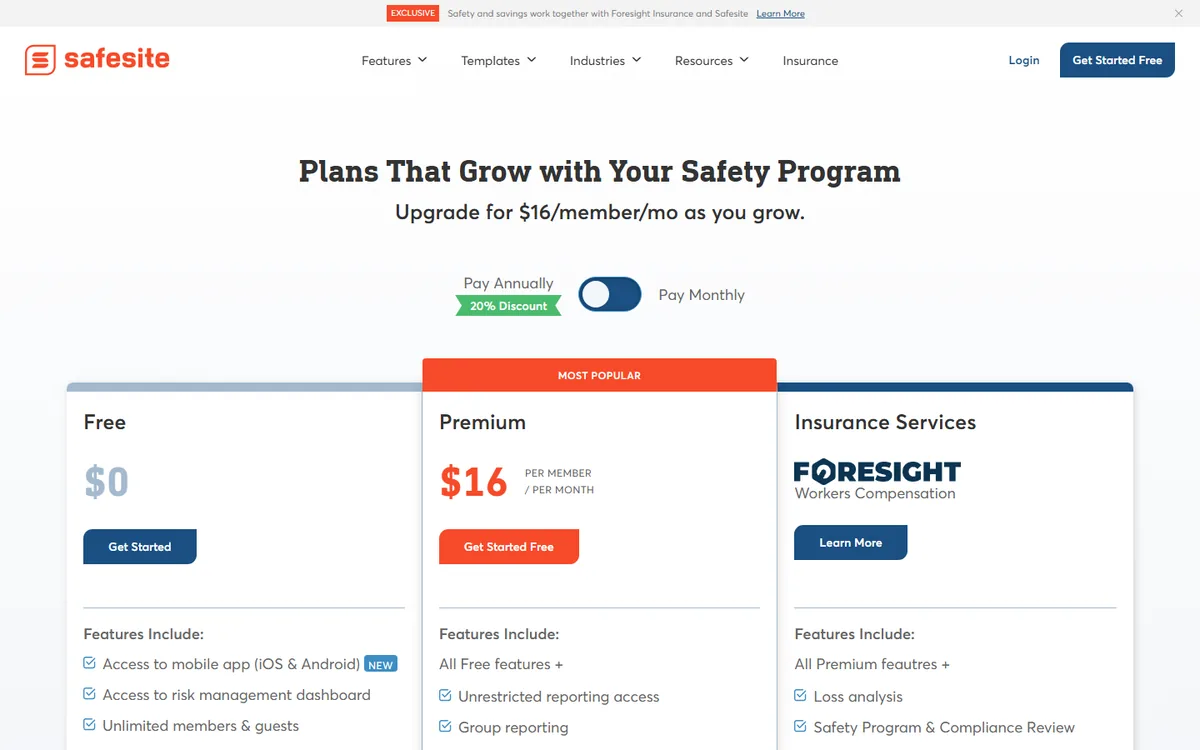
BasinCheck lists Premium at $16 per member per month, with the OSHA 300 log on that plan, and a free plan with reporting limited to the last 30 days. Check the vendor page for current plans.
Safesite Reviews
- G2: 4.5 out of 5 star rating (from 6 user reviews)
VelocityEHS
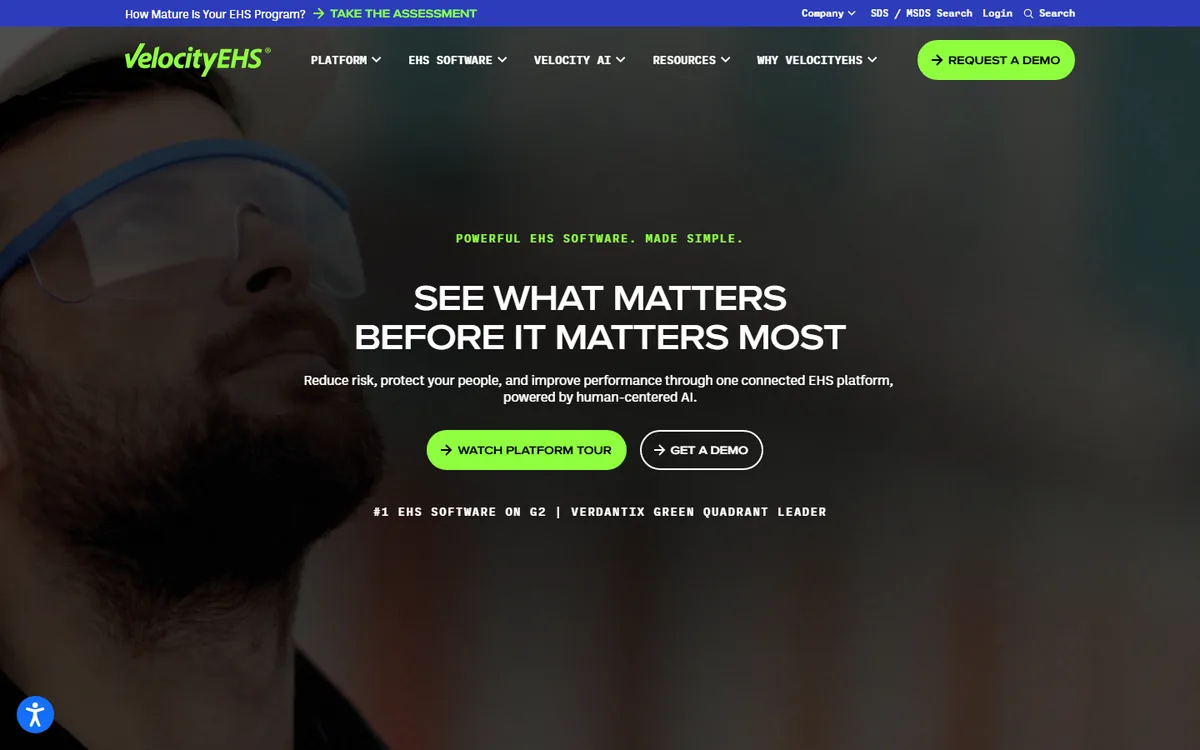
A Broad Safety Suite for Employers That Outgrew Spreadsheets and Single Apps
VelocityEHS offers incident and audit management, job safety analysis, chemical management and industrial hygiene applications.
VelocityEHS covers the full cycle: report an incident, investigate it, assign corrective actions and report the trend. Modules for audits, job hazard analysis and chemicals sit on the same data, so a finding in one place can lead to action in another.
That breadth comes with a sales process and a longer rollout. I would look at it when several sites need the same program and someone has time to own the configuration. For a ten-person shop it is more than you need.
What I Like About VelocityEHS
- Wide module range on one platform
- Strong fit for chemical and hygiene programs
- Large user base on G2
What I Don’t Like About VelocityEHS
- Quote-based pricing
- Rollout takes time and an owner
VelocityEHS Pricing
VelocityEHS does not publish prices in the sources I checked. Plans are quote-based and depend on modules and company size.
VelocityEHS Reviews
- G2: 4.3 out of 5 star rating (from +190 user reviews)
EHS Insight
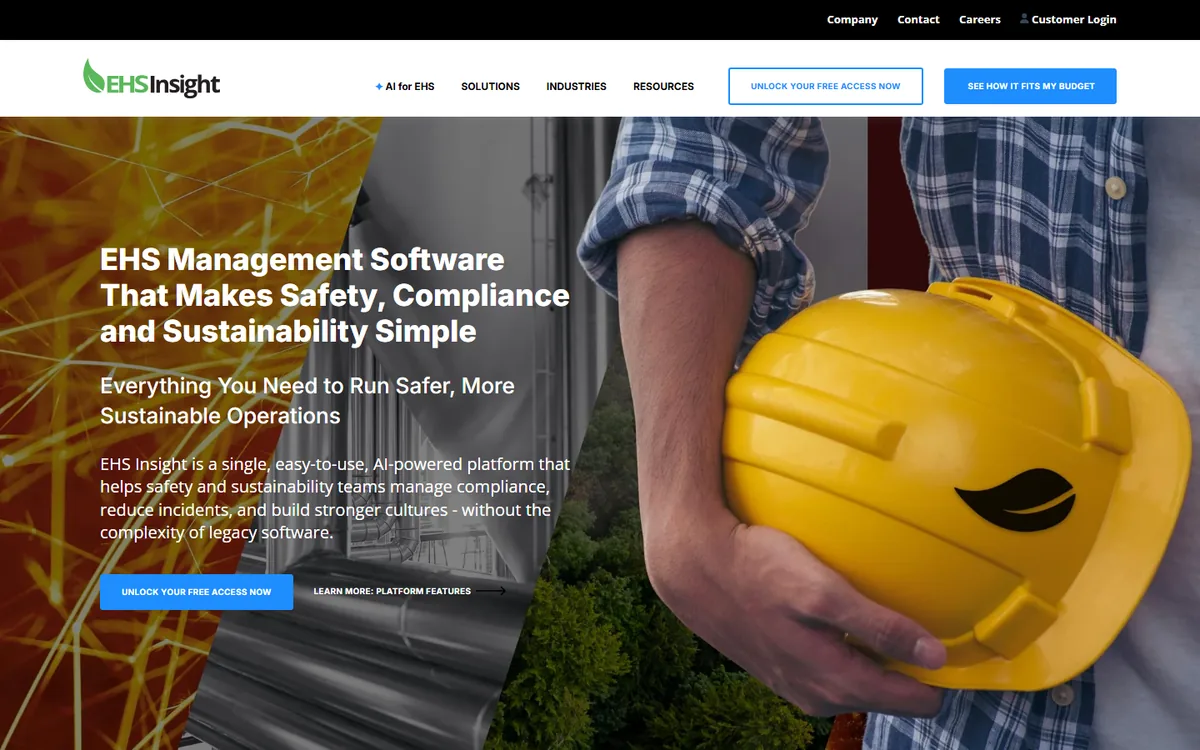
A Well-Reviewed Suite for Teams That Need Offline Field Use
EHS Insight is a connected safety platform with audits, incident management, compliance and training management and offline mobile use.
EHS Insight lets field staff capture audits and incidents even without a signal, then syncs the records. Compliance tasks and training sit next to them, so a gap found in an audit can turn into a task and a training assignment.
It also covers environmental and sustainability reporting, which helps if one team owns both safety and environmental duties. Smaller employers may find the setup heavy for what they need, and you have to ask for a quote to see a price.
What I Like About EHS Insight
- High G2 rating from a decent number of reviews
- Offline mobile capture for remote sites
- Safety, training and compliance tasks connected
What I Don’t Like About EHS Insight
- No published pricing
- Setup effort for small teams
EHS Insight Pricing
EHS Insight does not publish pricing in the sources I checked. Request a quote.
EHS Insight Reviews
- G2: 4.6 out of 5 star rating (from 83 user reviews)
KPA Flex
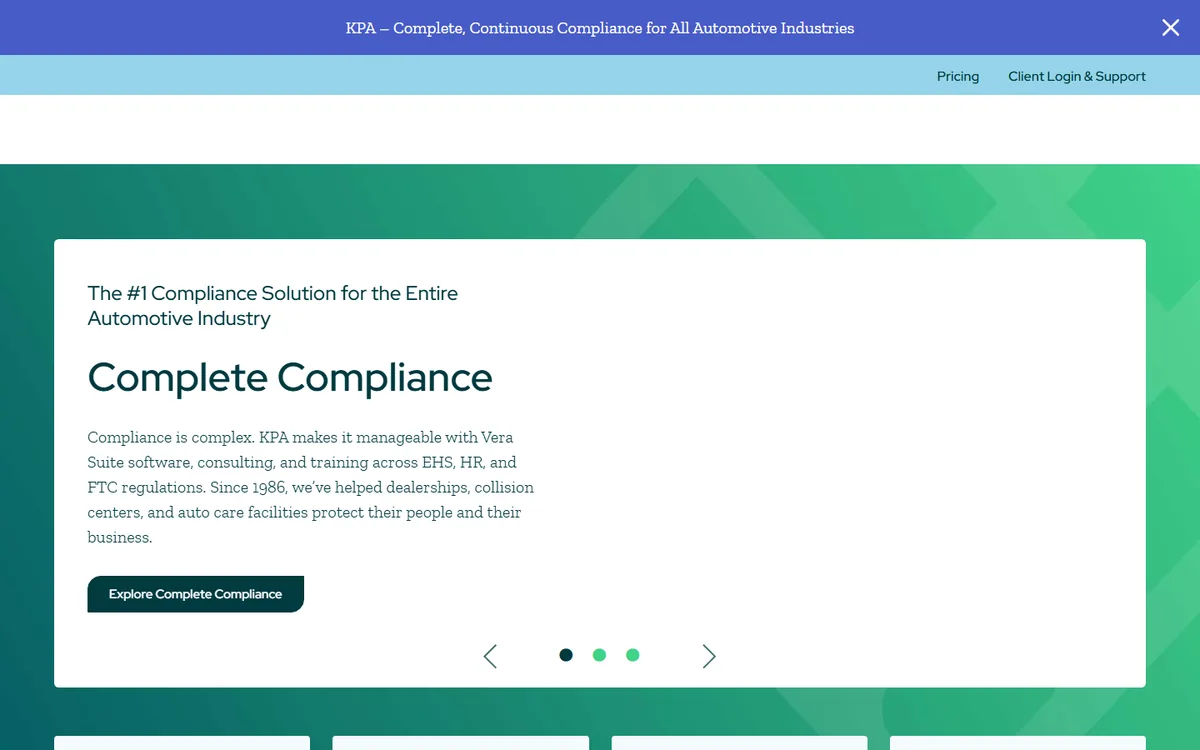
A Good Match When You Want Software and Safety Expertise From the Same Provider
KPA Flex is an EHS software platform for incident reporting, inspections, training and compliance tracking, offered with optional safety services.
KPA combines software with people. If your company has no full-time safety professional, the combination can help: the platform holds the records and tasks, and an expert can review the program. Many users describe the software as flexible enough to adapt to different industries.
Pair that with a clear scope. Ask what is included in the software plan and what costs extra in services, and decide who in your company owns the day-to-day work. Price available on request in the sources I checked.
What I Like About KPA Flex
- Software and safety services from one provider
- High G2 rating from nearly 100 reviews
- Flexible configuration for different industries
What I Don’t Like About KPA Flex
- Pricing needs a quote
- Services add cost on top of software
KPA Flex Pricing
KPA does not publish prices in the sources I checked. Request a quote and ask what is included in software and what is billed as services.
KPA Flex Reviews
- G2: 4.6 out of 5 star rating (from 97 user reviews)
Cority
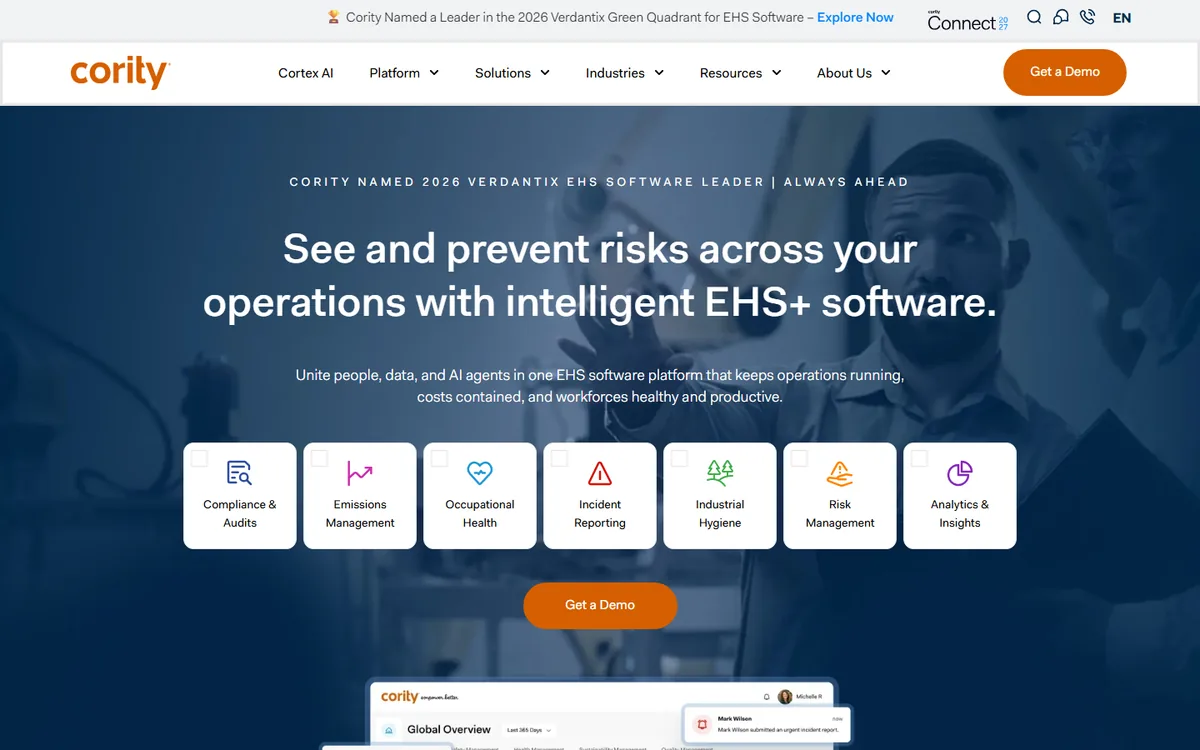
An Enterprise Platform That Also Covers Occupational Health
Cority is an enterprise platform for safety, occupational health, environmental and quality programs, sold as CorityOne.
Cority is built for large organizations. It combines safety incident management with occupational health records, medical surveillance and environmental data, so one platform can serve several teams. That scope is the reason to consider it.
The same scope is the downside for smaller employers. Expect a long implementation, a quote process and a system that needs an administrator. G2 shows a lower score than some peers on the list, so read the reviews for the modules you plan to use.
What I Like About Cority
- Covers safety, occupational health and environment
- Suits multi-site global employers
- Deep reporting options
What I Don’t Like About Cority
- Heavy for small and mid-sized employers
- Lower G2 score than several peers
Cority Pricing
Cority does not publish prices in the sources I checked. Plans are quote-based.
Cority Reviews
- G2: 4.0 out of 5 star rating (from 84 user reviews)
Intelex
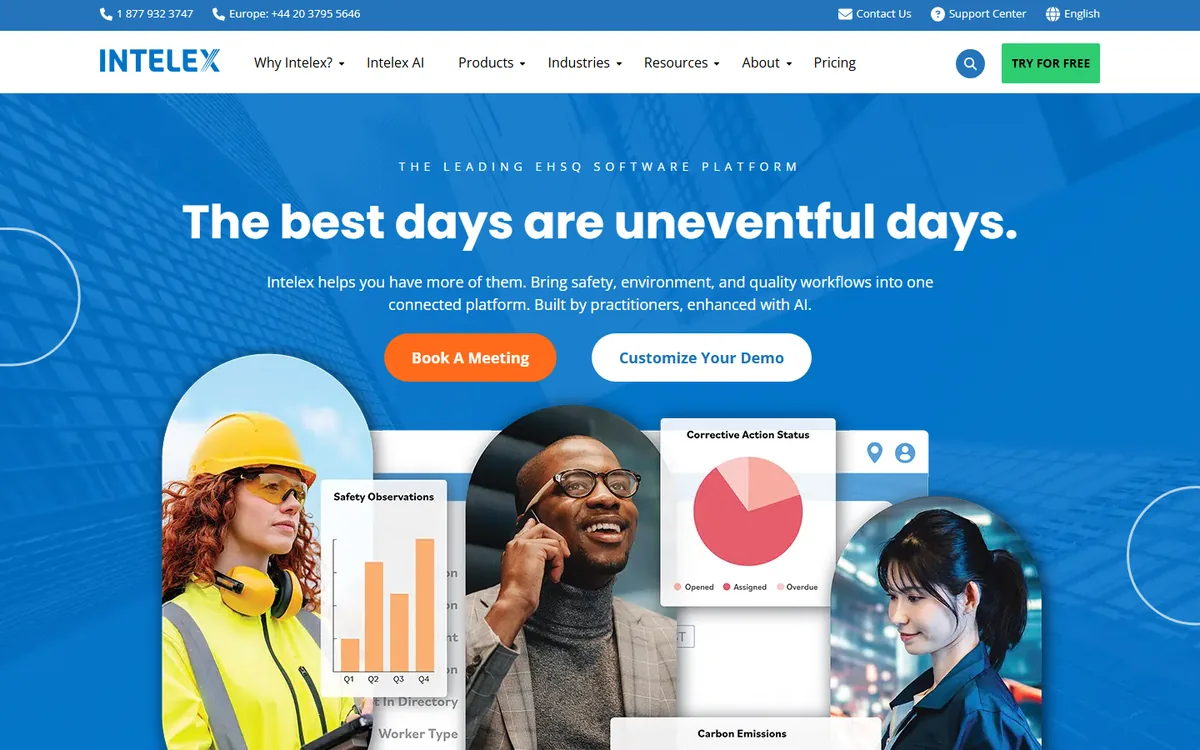
A Configurable Enterprise System for Teams That Want to Shape Their Own Workflows
Intelex is a configurable platform for environmental, health and safety and quality management.
Intelex gives large organizations a system they can configure to their own processes, with modules for incidents, audits, risk and corrective actions. Teams with established safety programs often prefer that flexibility over a fixed workflow.
I could not read a current G2 score for the product itself, so I leave one out and suggest you check the reviews. As with other enterprise suites, plan for a quote, a configuration project and an internal owner before you commit.
What I Like About Intelex
- Highly configurable workflows
- Safety and quality can share one system
- Fits multi-site programs
What I Don’t Like About Intelex
- Pricing not published
- Configuration takes planning and time
Intelex Pricing
Intelex does not publish prices in the sources I checked. Request a quote.
Intelex Reviews
- No current G2 or Capterra rating was readable when I checked, so I leave it out.
Benchmark Gensuite
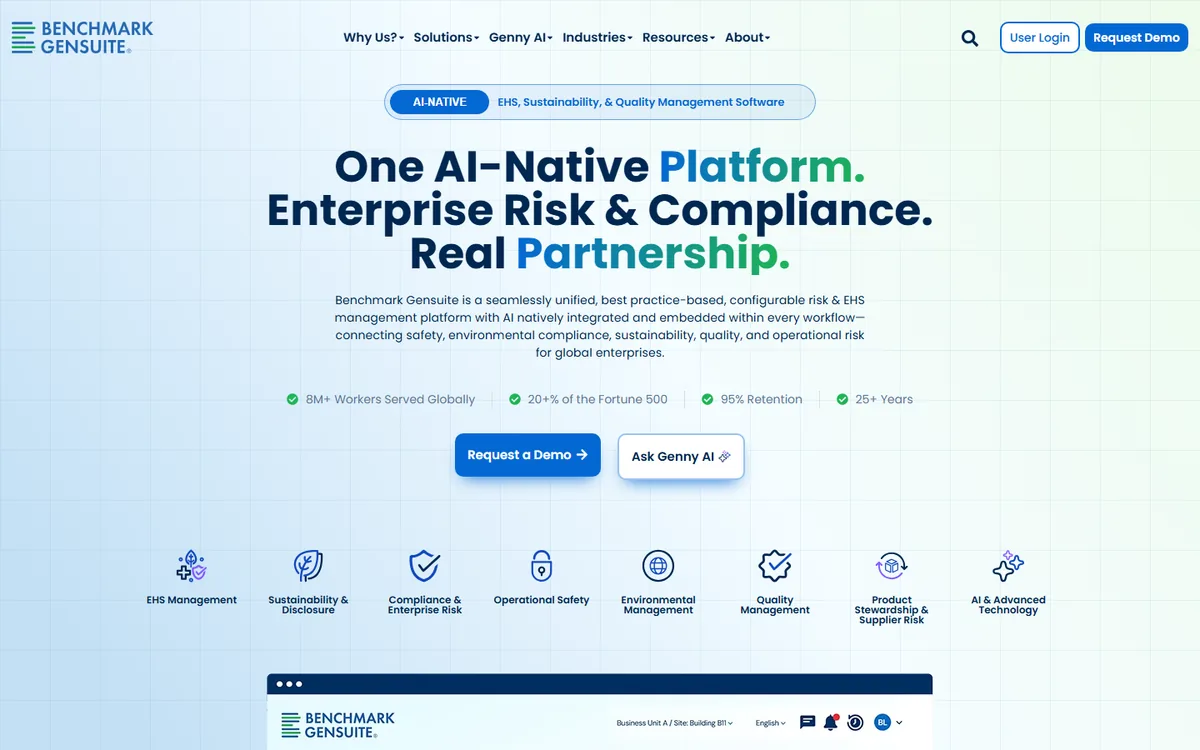
A Multi-Site Option for Employers With Safety and Sustainability Reporting Together
Benchmark Gensuite offers EHS management applications, sustainability and disclosure management and mobile inspections with online and offline capture.
Benchmark Gensuite targets organizations that run safety across many sites and also have to report environmental and sustainability data. The mobile inspections work online and offline, and the applications share one platform.
It is an enterprise purchase, so expect a quote, a rollout plan and a need to define who owns which module. I leave out a review score because I could not read a current one. Ask for references from a company of your size and industry.
What I Like About Benchmark Gensuite
- Safety and sustainability reporting on one platform
- Offline mobile inspections
- Built for multi-site employers
What I Don’t Like About Benchmark Gensuite
- Quote-based pricing
- Too large for small employers
Benchmark Gensuite Pricing
Benchmark Gensuite does not publish prices in the sources I checked. Request a quote.
Benchmark Gensuite Reviews
- No current G2 or Capterra rating was readable when I checked, so I leave it out.
Vector EHS Management
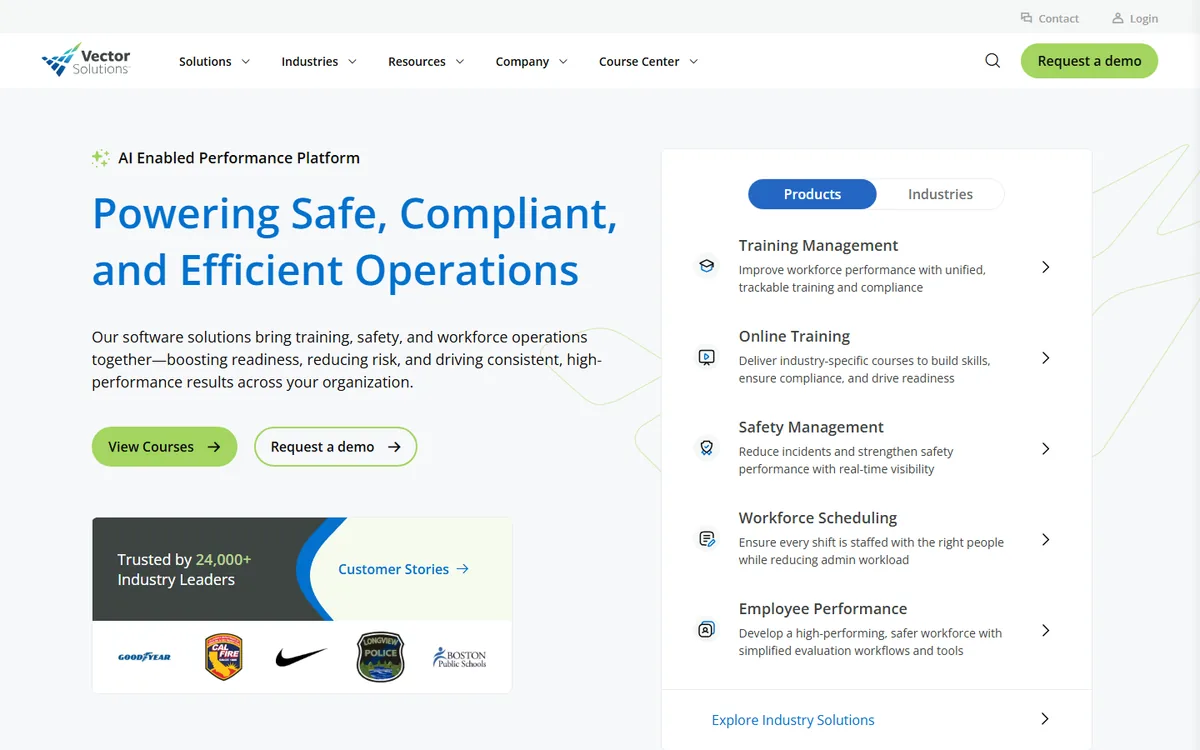
Worth a Look When Training and Safety Records Should Live Together
Vector EHS Management from Vector Solutions is a safety management platform from a company known for workplace safety training.
Vector Solutions is strong in online safety training, and its EHS platform sits next to that content. If a large share of your OSHA work is training assignments and records, having training and incident management with one vendor can simplify life.
I could not read a current review score or published prices, so check both before you shortlist it. Ask the vendor to show how the platform handles injury and illness recordkeeping and corrective action tracking for your industry.
What I Like About Vector EHS Management
- Training content and safety management from one vendor
- Suits employers with heavy training needs
What I Don’t Like About Vector EHS Management
- No published pricing in the sources I checked
- I could not read a current review score
Vector EHS Management Pricing
Vector Solutions does not publish prices in the sources I checked. Request a quote and ask what training content is included.
Vector EHS Management Reviews
- No current G2 or Capterra rating was readable when I checked, so I leave it out.
iReportSource
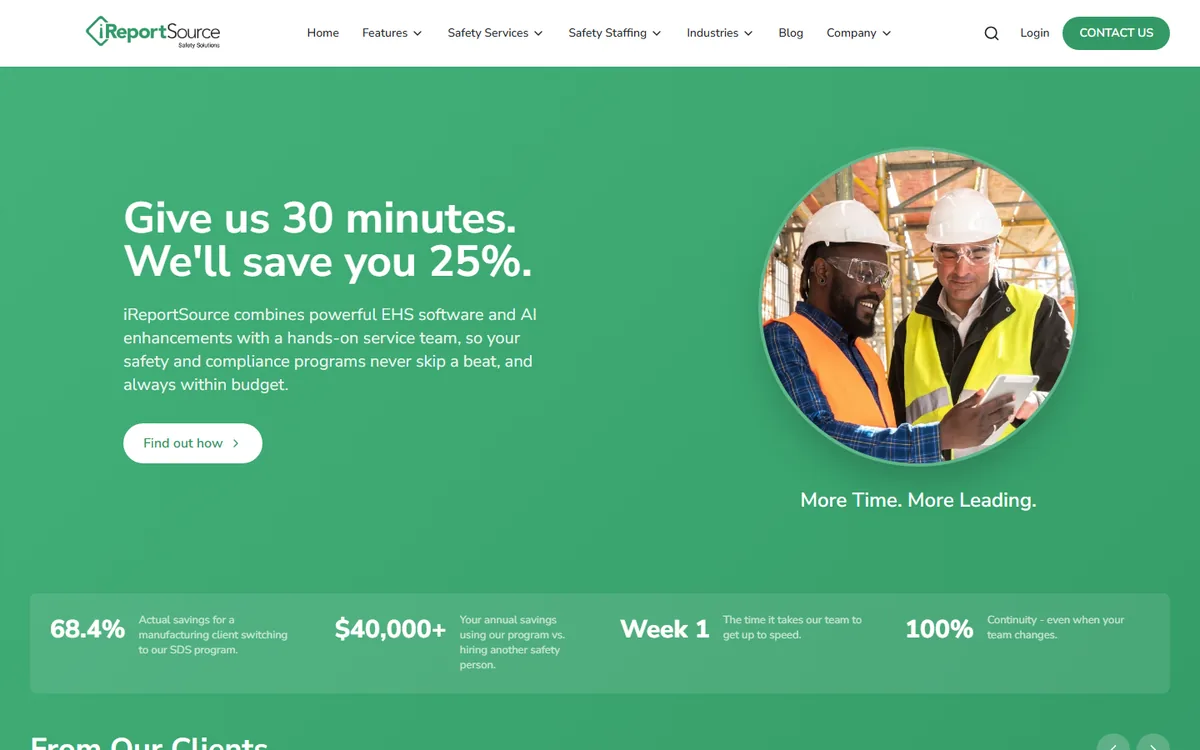
A Practical Pick for Employers That Mainly Need Clean Incident Records
iReportSource is safety software for incident reporting, safety audits, recordkeeping and training tracking, with optional safety services.
iReportSource focuses on the records that OSHA-covered employers have to keep. Employees report incidents, supervisors investigate, and the system holds the audit and training records you want ready for an inspection.
The company also offers optional safety services, which helps teams without a full-time safety lead. Most of what I know about it comes from vendor material and one comparison article, so treat it as a candidate to demo, not a settled pick.
What I Like About iReportSource
- Focused on incident and recordkeeping basics
- Optional services for thin safety teams
What I Don’t Like About iReportSource
- Little independent review data
- Pricing needs a quote
iReportSource Pricing
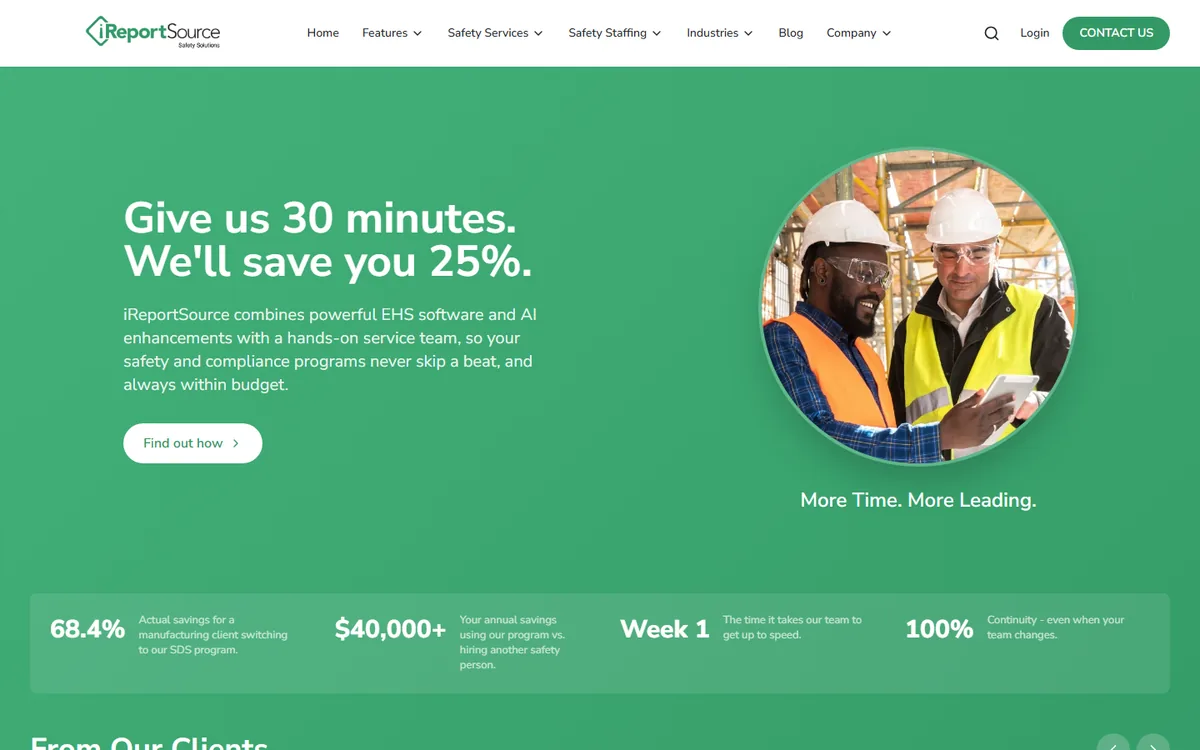
A comparison by BasinCheck notes that iReportSource does not list prices and asks you to request a quote.
iReportSource Reviews
- No current G2 or Capterra rating was readable when I checked, so I leave it out.
What to Budget for OSHA Compliance Software
Decide what job you want the tool to do before you compare vendors. Prices below are the starting points I could verify. Many vendors publish nothing, so treat them as signs of scale and get written quotes.
| Need | Typical tool type | Published starting point |
|---|---|---|
| Small team, digital inspections | Mobile inspection app | SafetyCulture free for up to 10 seats; paid from $24 per seat a month billed annually |
| Contractor crews, incidents and toolbox talks | Mobile safety app | Safesite Premium at $16 per member per month |
| Mid-sized employer, one program for all sites | EHS suite | VelocityEHS, EHS Insight and KPA Flex by quote |
| Large or global employer | Enterprise EHS platform | Cority, Intelex and Benchmark Gensuite by quote |
| Heavy training load | EHS with training content | Vector Solutions by quote |
How to Choose OSHA Compliance Software
Fit with your size and work decides more than any feature list. Before you book demos, answer four questions:
- How many sites and workers do you have, and do they work in the field or in one building?
- Do you need only inspections and incident reports, or also chemicals, permits and training?
- Who will own the tool, and how much time can they give it each week?
- Can the tool produce the OSHA injury and illness forms you have to keep?
If you run a small team, start with SafetyCulture or Safesite and add structure later. If you manage several sites, shortlist VelocityEHS, EHS Insight or KPA Flex. For a review of what to check on site before any software goes live, read my OSHA compliance audit guide, and for a first plan on a small payroll see OSHA compliance for small business. If you are new to the rules, my OSHA compliance guide explains the basics.
Sources
BasinCheck: Best OSHA Compliance Software, OSHA: Recordkeeping.
Questions About Choosing OSHA Compliance Software
What Is the Best OSHA Compliance Software for a Small Business?
For most small employers I would start with a mobile inspection and reporting app such as SafetyCulture or Safesite. Both have free or low-cost entry points and are simple to run without an IT project.
Does OSHA Compliance Software Make Me Compliant?
No. Software helps you organize inspections, records, training and corrective actions. Compliance depends on finding and fixing hazards and keeping accurate records. No tool guarantees a result in an inspection.
Is There OSHA-Approved or Certified Software?
OSHA does not approve or certify compliance software. Vendors may say their tools support your recordkeeping, but you remain responsible for accurate records. Check the current requirements on the OSHA site.
Is There Free OSHA Compliance Software?
Some tools offer free tiers with limits, such as SafetyCulture for up to 10 seats and Safesite with limited reporting history. OSHA itself publishes free forms and guidance, and many small employers manage with those plus a spreadsheet.
Do I Need Software If I Hire a Safety Consultant?
Often a light tool helps. A consultant sets up the program, inspections and training, and a tool keeps tracking, reminders and records running afterwards. Some small teams do fine with forms and a shared folder.
What Is the Difference Between an Inspection App and an EHS Suite?
An inspection app helps you run checklists and track corrective actions. An EHS suite adds incident investigation, injury and illness recordkeeping, chemicals, training, audits and reporting across many sites.
How Much Does OSHA Compliance Software Cost?
Published starting points range from free for small teams to about $24 per seat a month for a paid inspection app. Suites for larger employers are quoted case by case, so request written quotes and check current plans.
Disclaimer: This article is for general information only and isn’t legal, financial or tax advice. Treat figures as estimates from typical work and confirm details with your providers before you act.
Was this guide helpful?
Thanks for your feedback.
Odessa Whitfield
Odessa leads the Tidy editorial team and works with the compliance consultants to turn real client projects into practical guides on regulations, frameworks, policies and audit preparation. Before joining Tidy, she worked in compliance and risk roles, writing and maintaining policy sets for regulated organizations. Every article goes through a consultant who has done the work in practice, and she updates guides when a rule, framework or tool changes. She works remotely from the United States.