Quick Summary
- Rippling, Gusto and BambooHR suit small and growing teams that want organized records, onboarding and payroll in one system.
- Mineral is the most compliance-focused option, with rule monitoring, handbook management and access to HR experts.
- PEOs such as Justworks and TriNet share employer admin with a provider, and you should read the service agreement first.
- Software holds records but does not set your policies, so fix your practices before you buy.
The Best HR Compliance Software at a Glance
| Software | Type | Best for |
|---|---|---|
| 1. Rippling | Unified HR, payroll and IT platform | Growing companies that want HR, payroll and device management in one system |
| 2. Gusto | Payroll and HR for small businesses | Small businesses that want payroll, tax filing and basic HR in one place |
| 3. BambooHR | HR information system | Small and mid-sized teams that need clean employee records and onboarding |
| 4. Mineral | HR compliance and advisory platform | Employers that want rule monitoring, handbook support and access to HR experts |
| 5. Justworks | PEO with payroll, benefits and HR support | Small companies that want to share employer admin with a PEO |
| 6. Paycor | HCM, payroll and workforce management | Mid-sized employers with hourly and frontline teams |
| 7. Paylocity | HCM platform | Mid-sized companies that want HR, payroll and engagement tools together |
| 8. ADP Workforce Now | HCM and payroll platform | Mid-sized and larger employers with complex payroll and several locations |
| 9. TriNet | PEO and HR services | Growing companies that want a PEO with industry-specific support |
The 9 Best HR Compliance Software Options, Ranked
I start with the platforms that fit the widest range of employers and move toward suites for larger and more complex teams, so you can stop reading once you find your fit. The ranking reflects how often each one fits in my HR compliance consulting work, plus G2 ratings read on the day I wrote this. Capterra ratings were not available to me, so they are left out. Your own policies matter more than the platform you pick.
Rippling
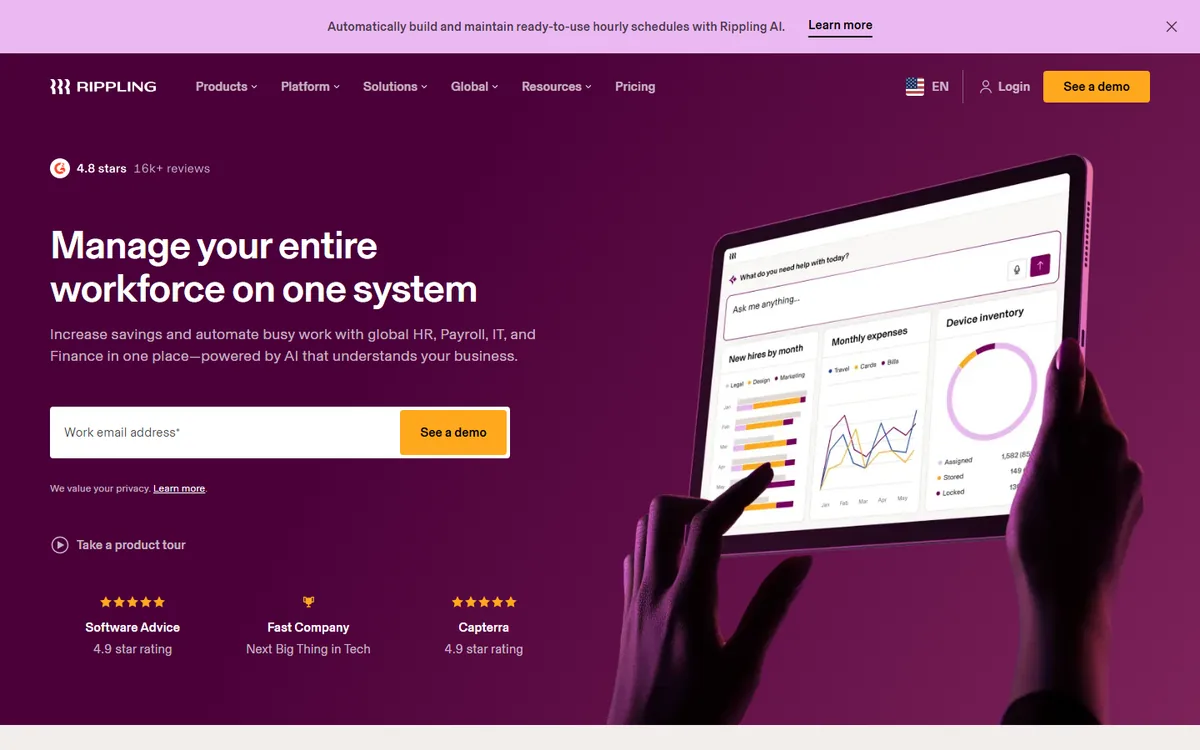
The Most Complete Option When You Want HR Records, Payroll and Access Controls Tied Together
Rippling combines HR, payroll, benefits and IT management on one employee record, so a change in one place updates the others.
Rippling is a platform first and a compliance tool second, but that is where its strength sits. Onboarding, document signing, payroll and access to company apps all work from the same employee record, which means fewer places for a missing form or an out-of-date address.
For HR compliance, the useful parts are the automated onboarding workflows, document collection and role-based access to personnel data. It does not replace a policy review or a handbook, and you still need someone who knows which rules apply to your states. Treat it as the system that keeps records clean once the policies are right.
What I Like About Rippling
- One employee record feeds HR, payroll and IT, which reduces duplicate data entry
- Onboarding workflows collect documents and signatures in a set order
- Published per-employee pricing helps early budgeting
What I Don’t Like About Rippling
- A broad platform takes real setup time
- Add-on modules push the monthly cost above the entry price
Rippling Pricing
Rippling states a starting price of $8 per employee per month, plus a monthly base fee. The total depends on the products you choose, and the page asks for a custom quote for an exact figure.
Rippling Reviews
- G2: 4.7 out of 5 star rating (from 15,203 user reviews)
Gusto
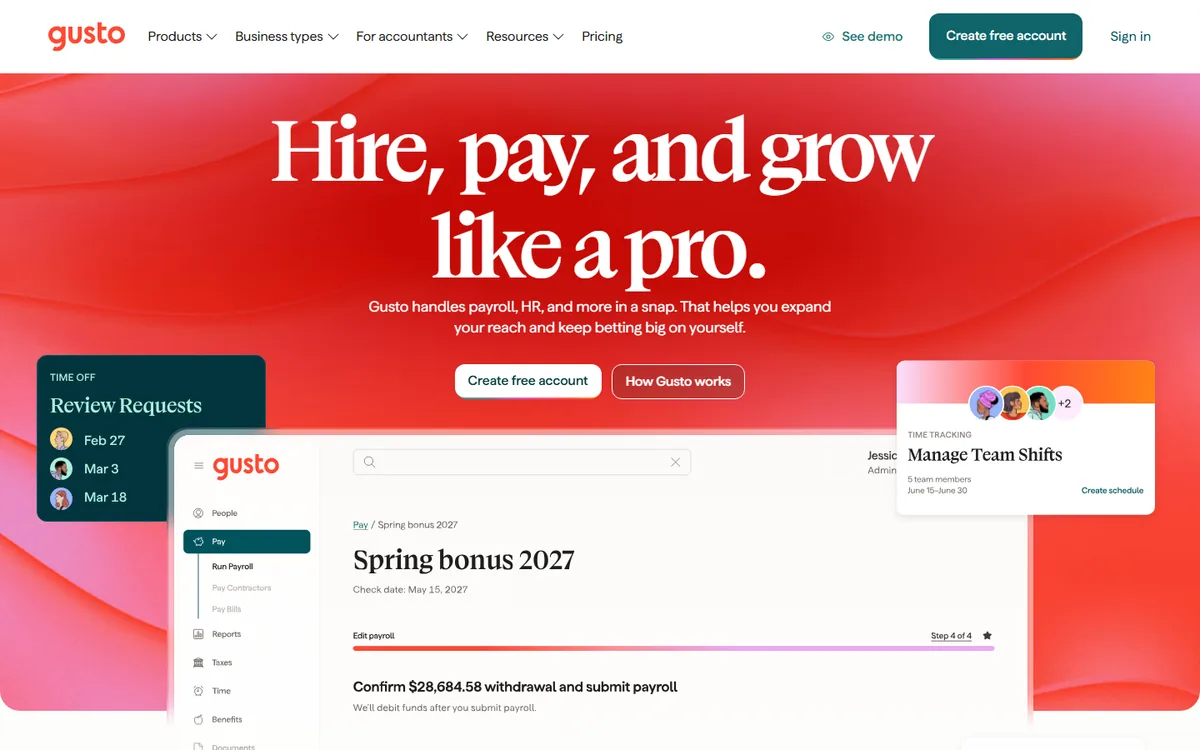
A Friendly Payroll and HR Platform That Fits Small Businesses Without an HR Team
Gusto combines payroll, benefits, onboarding and basic HR tools, aimed at small and mid-sized businesses.
Gusto is where many small employers start, because payroll, tax filings and new-hire paperwork live in one tool that a business owner can run alone. Onboarding collects the forms a new employee needs, and payroll handles the filings that go with them.
As a compliance aid, it keeps your pay records and filings in order, which matters when someone asks for them. It does not write your handbook or tell you how to classify a worker, so many clients pair it with a policy review. I could not read Gusto's pricing page when I checked, so look at the plan details on its site.
What I Like About Gusto
- Easy for a non-specialist to run payroll and onboarding
- Payroll tax filings and records stay in one system
- Good fit for small teams without an HR department
What I Don’t Like About Gusto
- Light on policy and handbook management
- Larger or multi-state teams may outgrow the plan options
Gusto Pricing
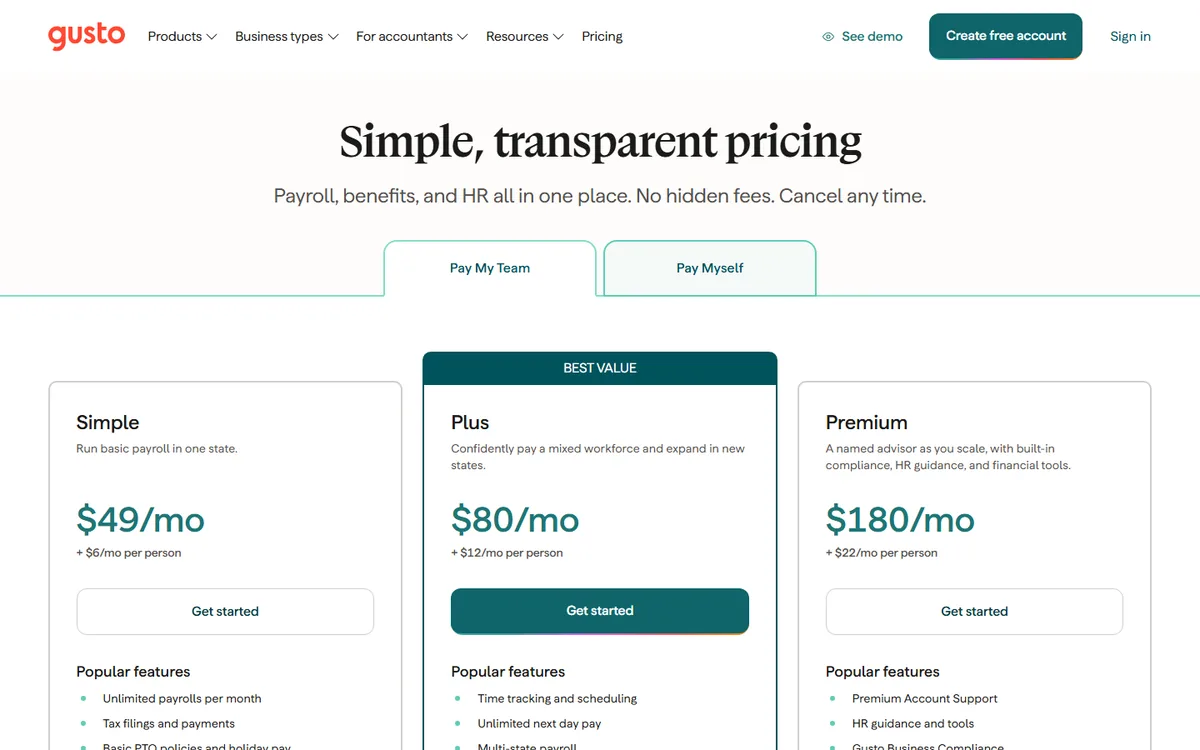
I could not read Gusto's pricing page when I checked, so I cannot list plans or prices. Check the current plans on Gusto's site before you decide.
Gusto Reviews
- G2: 4.6 out of 5 star rating (from 14,034 user reviews)
BambooHR
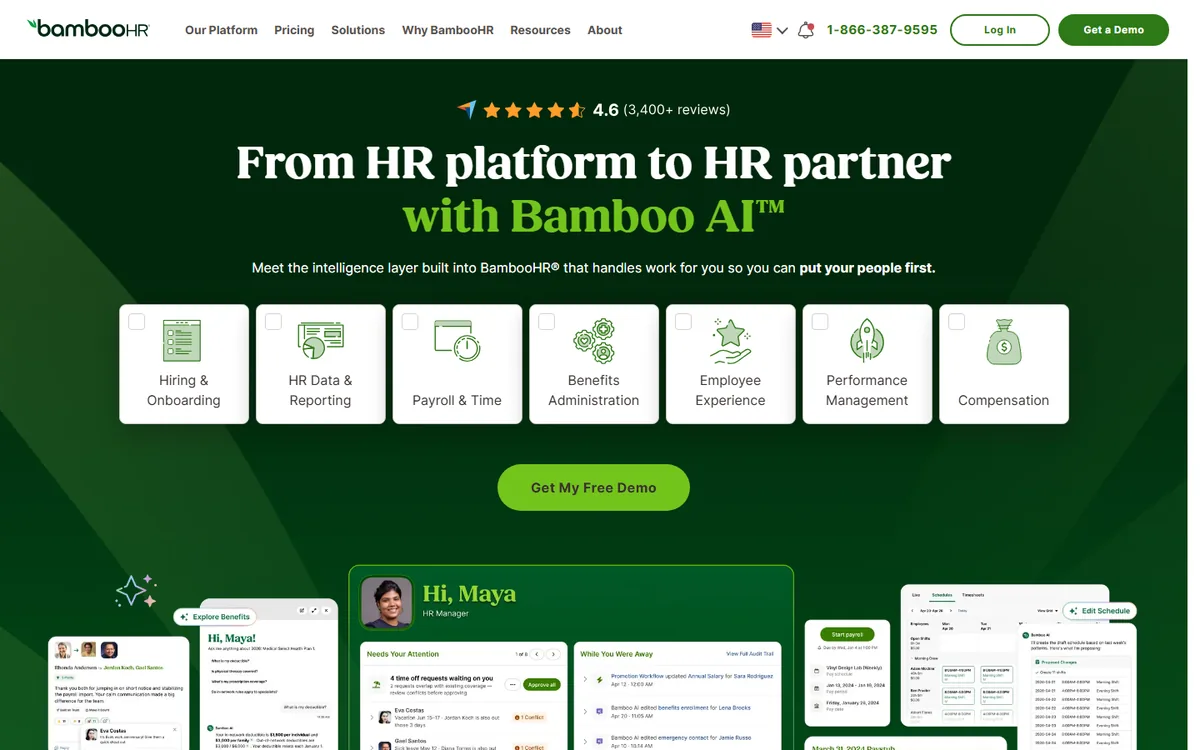
A Clean, Easy HR Records System With Published Pricing for Small Teams
BambooHR stores employee records, handles onboarding and time off and offers performance and reporting tools on its higher plans.
BambooHR is an HR information system, which means its main job is to hold accurate employee data and move people through hiring and onboarding. It is easy to learn, and HR staff tend to like how fast new hires get set up.
From a compliance view, the value is organized records: signed documents, time-off balances, training acknowledgments and reports that answer an audit request. It does not interpret rules for you, so you still need your own policies. Payroll, benefits administration and time tracking are add-ons that are quoted separately.
What I Like About BambooHR
- Easy to learn, with a clean employee record
- Published per-employee prices on three plans
- Onboarding and document signing are built in
What I Don’t Like About BambooHR
- Payroll, benefits and time tracking cost extra
- Not designed to track state-by-state rule changes
BambooHR Pricing
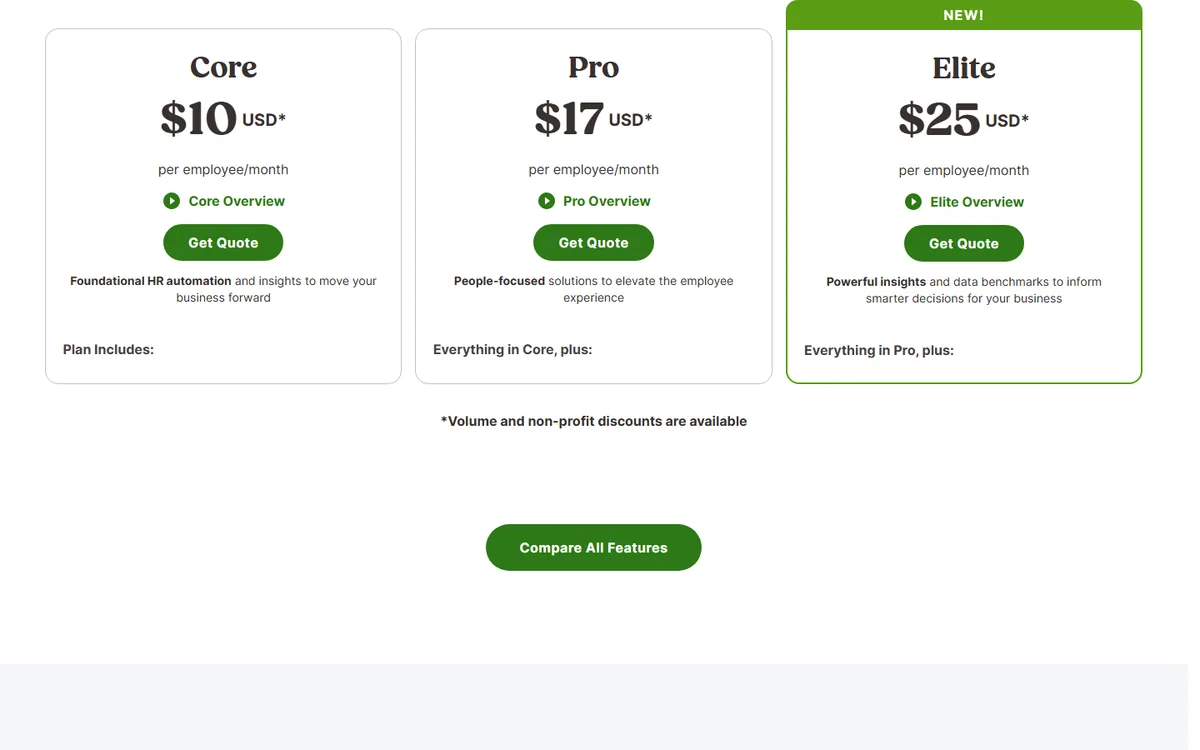
BambooHR lists three plans: Core at $10, Pro at $17 and Elite at $25 per employee per month on the pricing page (its FAQ shows slightly different figures, so confirm before you buy). Companies with 25 or fewer employees can see flat monthly rates of $250, $425 and $650. Add-on prices are by quote.
BambooHR Reviews
- G2: 4.4 out of 5 star rating (from 8,356 user reviews)
Mineral
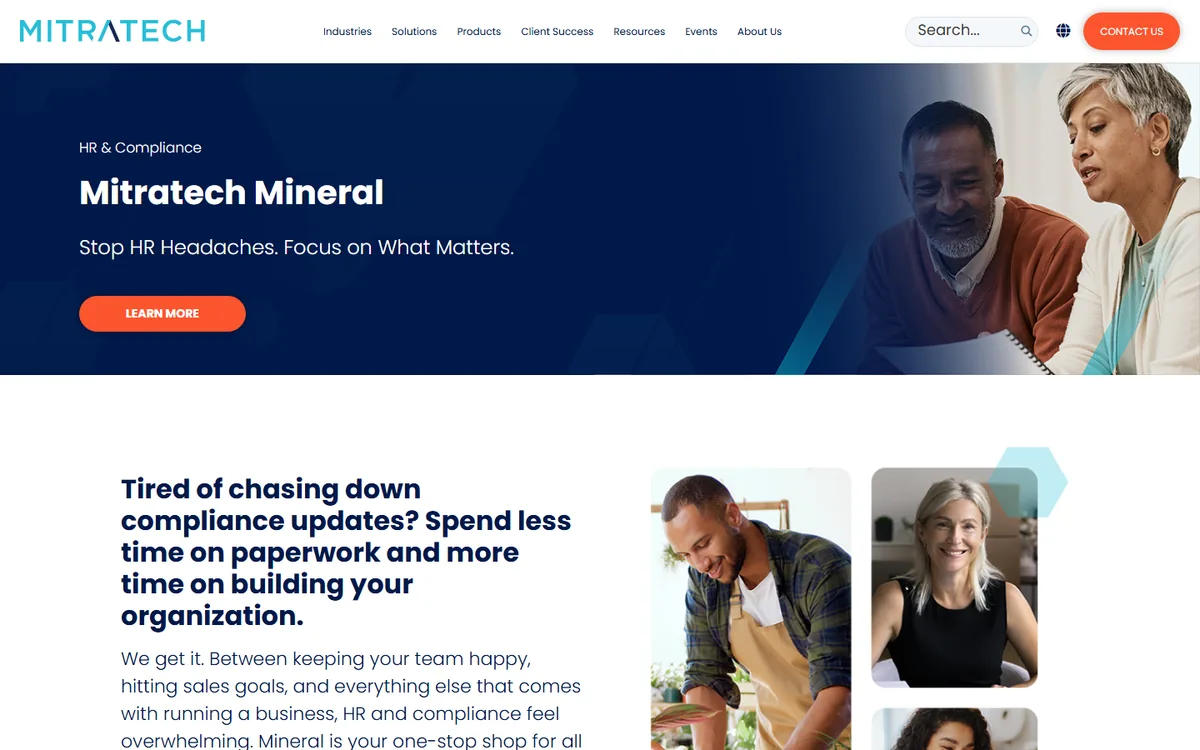
The Most Compliance-Focused Tool on the List, Built Around Rule Monitoring and HR Experts
Mineral, now part of Mitratech, offers an HR compliance platform with law monitoring, handbook management and access to certified HR professionals.
Mineral is the one product here designed mainly for HR compliance, not payroll. Its Mineral Elite offering is listed as an HR compliance platform with compliance tracking, employee law monitoring and alerts, handbook management and expert-assisted services. The vendor says it monitors over 3,000 federal and state regulations.
That is useful if you hire across states and want alerts and a to-do list when rules change, with a team of HR professionals to ask. It is not an HR system, so you still need a place for employee records and payroll. G2 shows a 4.8 rating from a smaller group of reviewers, so read a few recent ones for your company size.
What I Like About Mineral
- Built around HR compliance, with law monitoring and alerts
- Handbook management and expert help sit in one product
- High rating from G2 reviewers
What I Don’t Like About Mineral
- Not a payroll or HR records system
- Price available on request, so you need a sales conversation
Mineral Pricing
Mineral does not publish pricing. The product page offers Learn More and Contact Sales links only, so request a quote that lists the modules and any expert-support hours.
Mineral Reviews
- G2: 4.8 out of 5 star rating (from 282 user reviews)
Justworks
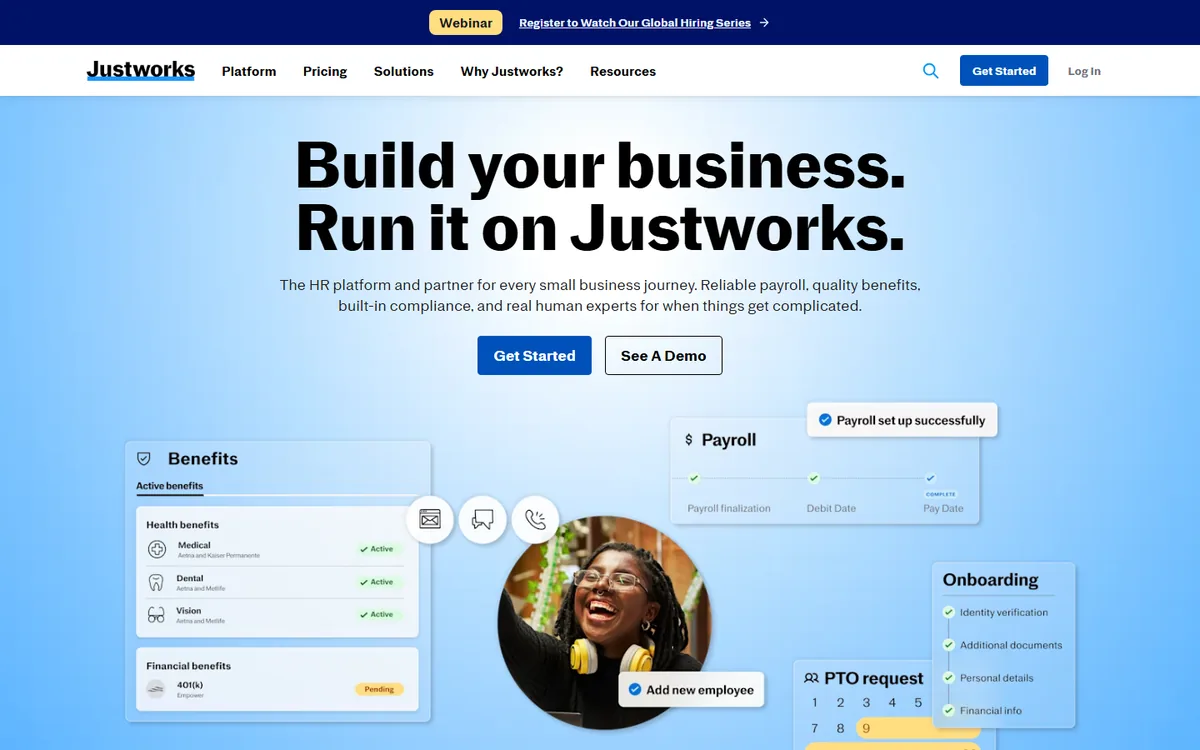
A Good Pick for Small Teams That Want a Provider to Carry Part of the Employer Admin
Justworks is a professional employer organization that combines payroll, benefits and HR support for small businesses.
A PEO works differently from standard software: you share some employer responsibilities with the provider, which handles payroll taxes, benefits administration and parts of compliance support. For a small company without an HR person, that can remove a lot of work.
The trade-off is that you give up some independence, because your employees are co-employed under the PEO arrangement, and you should read the service agreement carefully. For HR compliance, a PEO helps with filings, benefits rules and support, but you still own your handbook and your day-to-day practices.
What I Like About Justworks
- Shares payroll tax and benefits admin with the provider
- HR support is available for small teams
- Add-ons include time tracking and international contractor payments
What I Don’t Like About Justworks
- The PEO model means shared responsibility, which not every company wants
- Plan names and prices are not shown on the pricing page I read
Justworks Pricing
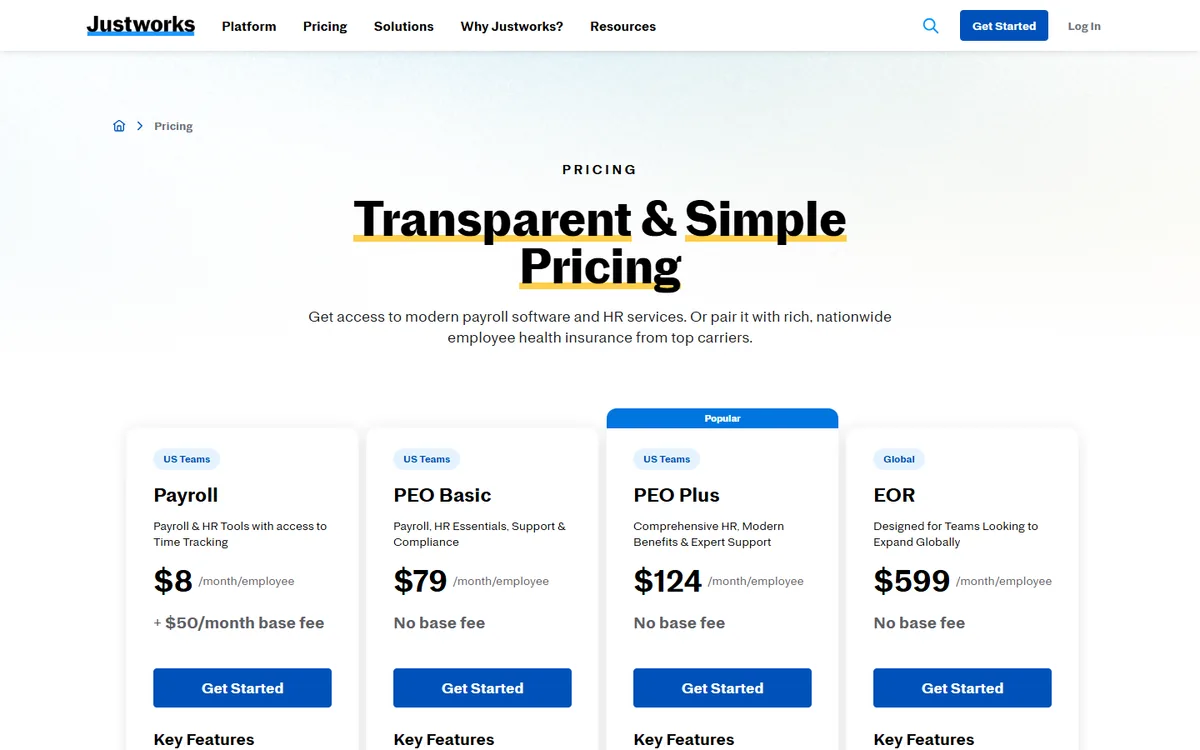
The Justworks pricing page I read does not list plan names or prices. It shows feature comparison tables and mentions add-ons such as time tracking, and it directs you to a sales representative for details.
Justworks Reviews
- G2: 4.6 out of 5 star rating (from 1,131 user reviews)
Paycor
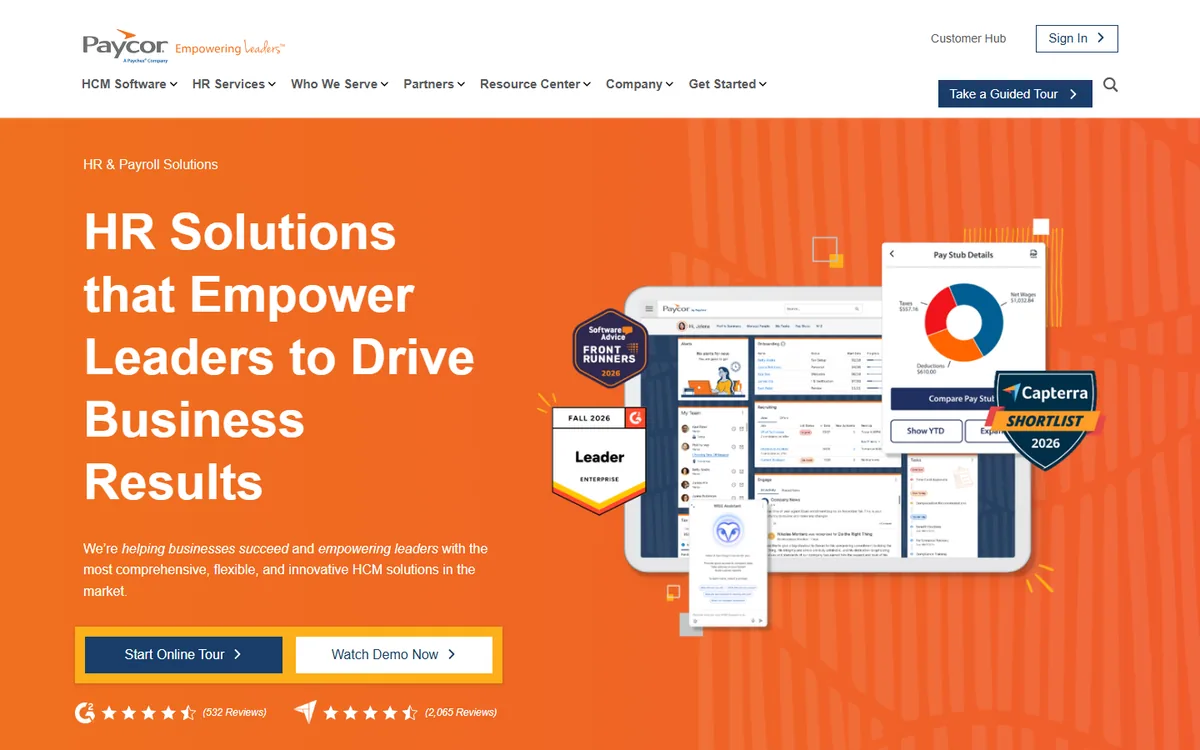
A Solid Workforce Platform for Employers With Hourly Staff and Many Managers
Paycor offers payroll, time tracking, talent and benefits tools, with product bundles for leaders and frontline managers.
Paycor is built around the manager and the hourly workforce. Its bundles include HCM for leaders and frontline managers, workforce management, talent tools and benefits administration, so it suits employers with shift work and multiple sites.
For compliance, time tracking and scheduling data matter for wage and hour records, and a single system for time and payroll reduces mismatches. Like the other platforms, it does not rewrite your policies. I could not find published prices on the pages I read, so request a written quote.
What I Like About Paycor
- Time tracking and payroll sit in one system for hourly teams
- Tools built for frontline managers
- Several product bundles let you add modules as you grow
What I Don’t Like About Paycor
- G2 rating is the lowest in this list
- No public price list on the page I read
Paycor Pricing
Paycor does not list prices on the page I read. It names bundles such as HCM for Leaders and Frontline Managers, Talent Acquisition, Talent Management, Workforce Management and Benefits Administration, and it points to a separate plans and pricing page.
Paycor Reviews
- G2: 4.0 out of 5 star rating (from 2,075 user reviews)
Paylocity
A Wide HCM Platform for Mid-Sized Employers That Want Everything in One Suite
Paylocity offers payroll, HR, time and labor, benefits and employee engagement tools in one suite.
Paylocity targets mid-sized employers who want a single system for payroll, HR and workforce tools. It covers the usual HR record-keeping and adds engagement features such as communication tools that go beyond compliance.
For compliance, the benefit is the same as with other suites: one source of truth for employee data and the ability to report on it. I could not read Paylocity's pricing page when I checked because it needs JavaScript, so I cannot list prices. Ask for a quote based on headcount and the modules you want.
What I Like About Paylocity
- Payroll, HR and time tools in one suite
- Suits mid-sized employers with growing headcount
- G2 rating is solid on a large review base
What I Don’t Like About Paylocity
- I could not read the pricing page, so costs need a quote
- Broad suites can include modules you will not use
Paylocity Pricing
I could not read Paylocity's pricing details when I checked, so I cannot list plans or prices. Ask the vendor for a quote based on headcount and modules.
Paylocity Reviews
- G2: 4.4 out of 5 star rating (from 6,392 user reviews)
ADP Workforce Now
A Long-Established Platform for Employers With Complex Payroll and Multi-Location Teams
ADP Workforce Now covers payroll, HR, benefits, talent and time tools for mid-sized and larger employers.
ADP is one of the oldest names in payroll, and Workforce Now is its platform for mid-sized employers. It handles complex payroll, multi-state filings and benefits administration, and it connects to ADP compliance and tax services.
That depth comes with complexity. G2 reviewers give it a lower rating than most of the list, so read recent reviews on support and ease of use before you commit. If you run many locations and need a vendor that can carry large payroll volumes, it is worth a demo. If you are small, the extra weight may not pay off.
What I Like About ADP Workforce Now
- Handles complex, multi-state payroll
- Large vendor with long track record
- Wide set of HR, benefits and time tools
What I Don’t Like About ADP Workforce Now
- G2 rating is below most platforms in this list
- Price available on request on the page I read
ADP Workforce Now Pricing
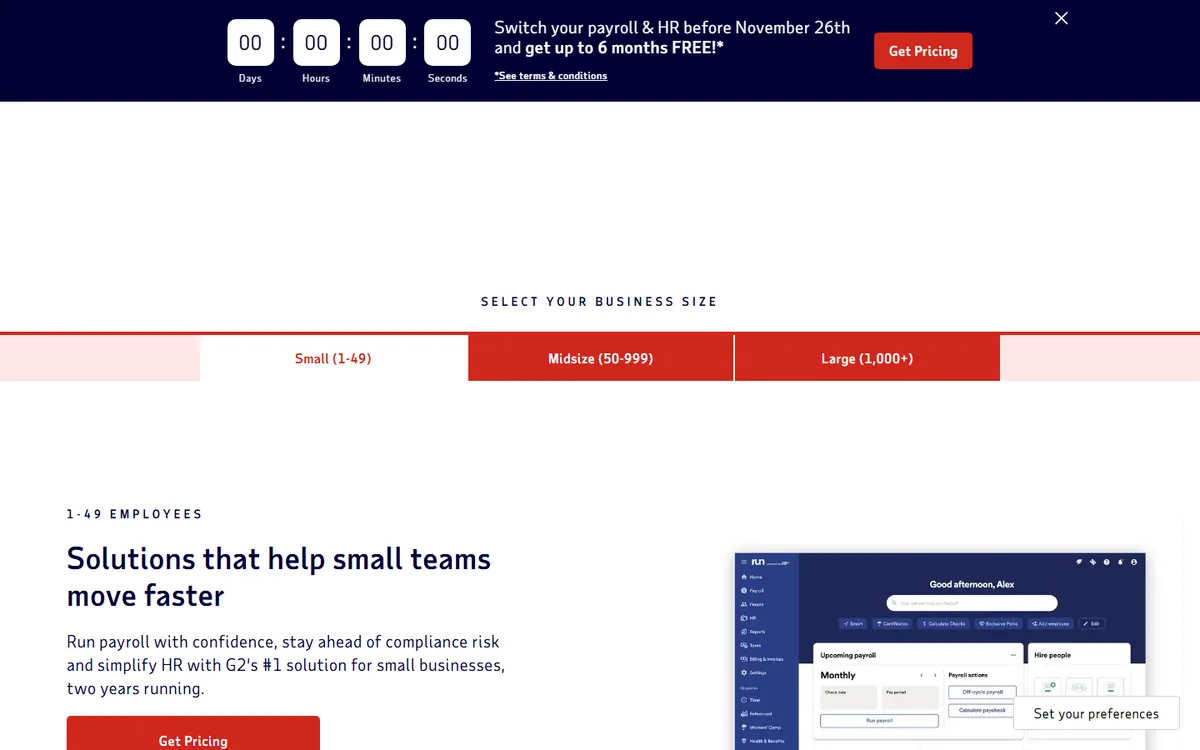
The ADP page I read lists three packages named Select, Plus and Premium, with Premium marked as the most popular. Select covers core payroll and HR tools, Plus adds benefits administration and HR workflow automation, and Premium adds integrated time tracking. No prices are shown; each package has a Get Pricing button.
ADP Workforce Now Reviews
- G2: 4.2 out of 5 star rating (from 4,513 user reviews)
TriNet
A PEO Option for Growing Companies That Want Industry-Specific HR Support
TriNet provides PEO services that bundle payroll, benefits, risk and compliance support for growing companies.
TriNet is another PEO, and the comparison with Justworks comes down to size and industry. TriNet serves a range of company sizes and offers industry-focused packages, which helps if your sector has its own rules.
As with any PEO, you share employer responsibilities, so read the service agreement before you sign and ask what is included in compliance support. I could not read TriNet's pricing page when I checked, so I cannot give figures. The G2 rating is moderate, so look at reviews from companies your size.
What I Like About TriNet
- PEO model takes on payroll tax, benefits and risk administration
- Support for several company sizes
- Industry-focused service options
What I Don’t Like About TriNet
- Shared-employer model is not right for everyone
- Pricing was not readable when I checked
TriNet Pricing
I could not read TriNet's pricing page when I checked, so I cannot list plans or prices. Request a written quote and ask exactly which compliance services it covers.
TriNet Reviews
- G2: 4.2 out of 5 star rating (from 1,988 user reviews)
Estimate the Return on HR Compliance Software
Before you pick a plan, check whether the numbers work for you. Enter the manual hours your team spends on records, filings and audit requests, plus the monthly price of the software you are considering, and you will see what it could return in a year. To see where those hours go today, a short HR compliance audit shows which records and routines cost you the most time.
Is the Tool Worth It for You?
Set the sliders to the work the tool would handle and the plan you have in mind.
How to Choose the Right HR Compliance Software
In my experience, software organizes your records and filings, and it does not decide what your policies say. Before you compare vendors, I suggest you answer four questions:
- How many employees do you have, and in how many states?
- Do you need payroll in the same system, or only records and policies?
- Do you want rule monitoring and expert help, or only storage and workflows?
- Who will own the system and keep it current?
If you are small and want payroll and records together, Gusto, BambooHR or Justworks are common starting points, and my notes on HR compliance for small business show what to fix first. If rule changes across states worry you, Mineral is the most compliance-focused option here. If you run hourly teams on several sites, Paycor, Paylocity or ADP deserve a demo, and Rippling suits companies that want HR and IT in one system.
Software only helps when your habits are right. Start with a simple HR compliance checklist to see what you must store, and then follow HR compliance best practices so the tool holds good records. Also keep an eye on HR compliance trends, because tools change fast and rules change too.
Questions About Choosing HR Compliance Software
What Is the Best HR Compliance Software for a Small Business?
For most small businesses, I suggest you start with Gusto, BambooHR or Justworks. They combine employee records, onboarding and payroll or PEO support, and they do not need an HR specialist to run. Compare current plans, because small-team pricing differs a lot between vendors.
Does HR Software Make My Company Compliant?
No. The software keeps records, filings and workflows organized, but your policies, manager habits and training decide whether you follow the rules. Use it as the system that holds good practice, after you have fixed the practice itself.
What Is the Difference Between a PEO and HR Software?
With HR software, you stay the sole employer and run the tool yourself. With a PEO such as Justworks or TriNet, you share some employer duties with the provider, which can cover payroll taxes, benefits and support. Read the service agreement carefully, because responsibilities are split.
Which Tool Tracks Rule Changes Across States?
Mineral is listed as an HR compliance platform with law monitoring and alerts, and the vendor says it monitors over 3,000 federal and state regulations. Other platforms offer limited alerts or none, so ask each vendor exactly what is covered for your states.
How Much Does HR Compliance Software Cost?
It depends on headcount and modules. Among the vendors I checked, Rippling states a starting price of $8 per employee per month plus a base fee, and BambooHR lists plans from $10 to $25 per employee per month. Most other vendors ask you to request a quote.
What Records Should My HR System Store?
Typical records include signed policy acknowledgments, I-9 forms, onboarding paperwork, time and pay records, leave and accommodation files and training logs. Your retention periods depend on the rules that apply to you, so confirm them with your counsel or a compliance adviser.
When Should I Add a Consultant to a Software Purchase?
Add one when you do not know which rules apply to you, when your handbook is old or when you have employees in several states. A consultant sets the policies and priorities, and the software then holds the records and keeps routines on schedule.
Please note: pricing, plans and ratings change often. They were accurate at our last review; please verify them on the vendor sites before you buy. None of this is legal or financial advice.
Was this guide helpful?
Thanks for your feedback.
Odessa Whitfield
Odessa leads the Tidy editorial team and works with the compliance consultants to turn real client projects into practical guides on regulations, frameworks, policies and audit preparation. Before joining Tidy, she worked in compliance and risk roles, writing and maintaining policy sets for regulated organizations. Every article goes through a consultant who has done the work in practice, and she updates guides when a rule, framework or tool changes. She works remotely from the United States.